

After you have finished your customization of a chart, you can easily copy the formatting to another chart. Updated to add mac data and screenshot.
1. Select the chart area of the formatted chart and press CTRL-C
2. Select the chart you wish to apply the new format to.
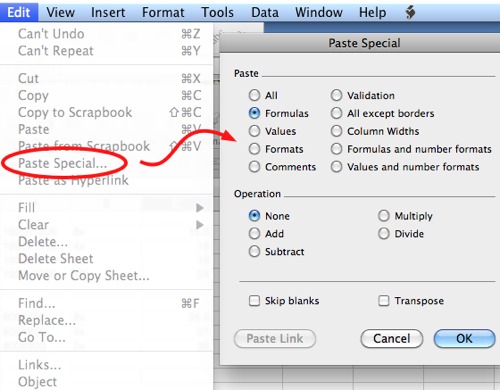
3. Select Edit – Paste Special from the toolbar
4. In the Paste Special dialogue box, select the Formats option
5. Click OK to apply the format to the chart
Editor’s note:
This similar process works in Excel 2008 for Mac:
In Excel 2007/2010:
1. Select the chart area of the formatted chart and press CTRL+C
2. Select the chart you wish to apply the new format to.
3. Go to the Home tab on the Ribbon.
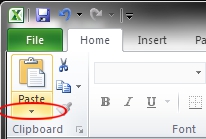
4. Go to the Clipboard section, click the downward pointing arrow, beneath the Paste icon.
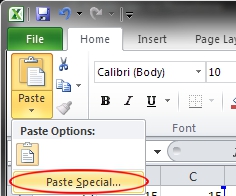
5. Select Paste Special.
6. Select the Formats radio button.
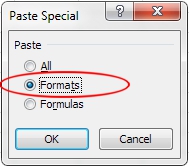
7. Click the OK button.




