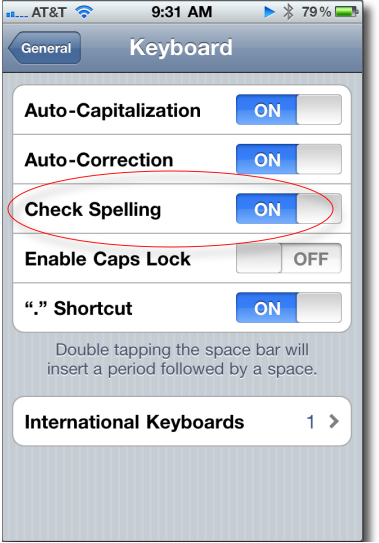
Some of our apple contacts have said that several people have contacted them on how to turn off the red squiggles under misspelled words. As awful as my spelling is, I could not do without this feature; however, if you want to turn off the spelling checks, this tutorial is for you.
Some of our oldest requests were asking how to disable the red squiggle spellchecking underlines in Word. I am always surprised how much it bothers some people.
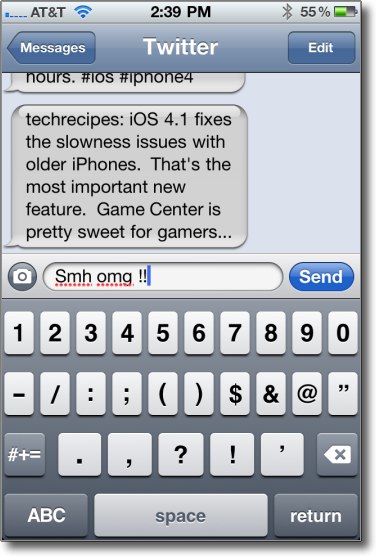
This is how to turn off the spelling checking feature in the iPhone:
1. Click Settings
2. Select General
3. Select Keyboard
4. Slide Check Spelling to OFF