

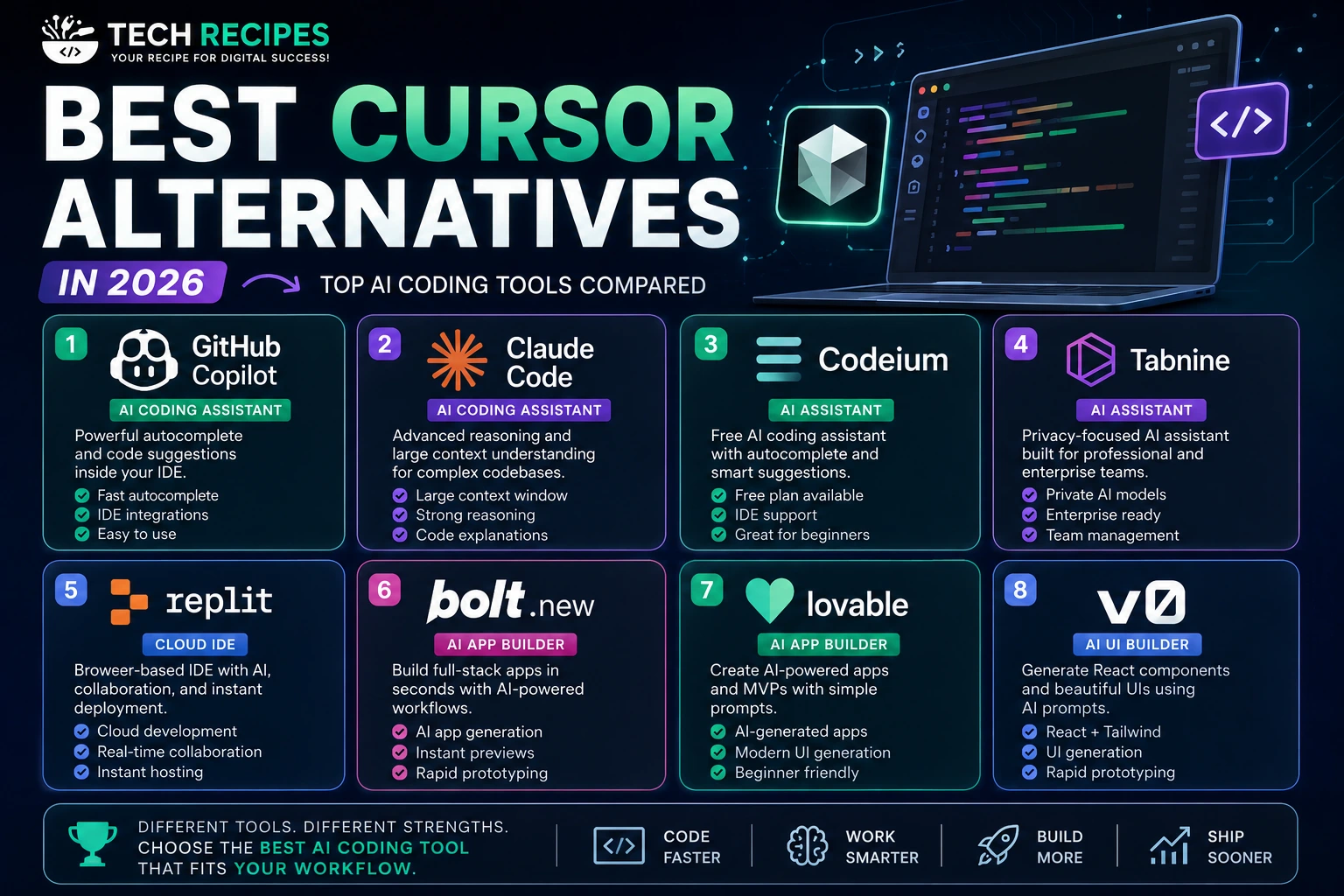
Best Cursor Alternatives in 2026
Cursor has become one of the most popular AI coding tools for developers in 2026, thanks to its AI-native IDE experience and advanced coding workflows.
However, Cursor is not the perfect solution for every developer.
Some users prefer lightweight AI assistants, browser-based development environments, or specialized tools for frontend generation and rapid prototyping.
In this guide, we compare the best Cursor alternatives based on:
- Code generation quality
- Autocomplete performance
- AI workflows
- Developer experience
- Pricing
- Best use cases
Quick List: Best Cursor Alternatives
| Tool | Best For | Type |
|---|---|---|
| GitHub Copilot | Autocomplete assistance | AI Coding Assistant |
| Claude Code | Large codebase reasoning | AI Coding Assistant |
| Codeium | Free AI coding workflows | AI Assistant |
| Tabnine | Privacy-focused coding | AI Assistant |
| Replit | Browser-based development | Cloud IDE |
| Bolt.new | Rapid app generation | AI App Builder |
| Lovable | AI-powered MVP creation | AI App Builder |
| v0 | Frontend UI generation | AI UI Builder |
1. GitHub Copilot
GitHub Copilot is one of the strongest Cursor alternatives for developers who want lightweight AI assistance directly inside their existing IDE.
Best Features
- Fast autocomplete
- Strong IDE integrations
- Easy setup
- Inline AI suggestions
Best For
Developers looking for AI autocomplete without changing their editor workflow.
Pros
- Easy to use
- Stable ecosystem
- Excellent autocomplete
Cons
- Less powerful than Cursor for advanced workflows
- Limited multi-file reasoning
2. Claude Code
Claude Code is becoming increasingly popular for developers working with large codebases and architecture-heavy projects.
Its strong reasoning capabilities make it valuable for debugging, reviewing code, and understanding complex systems.
Best Features
- Strong reasoning
- Large context windows
- Architecture analysis
- Code explanations
Best For
Developers working on complex applications and large-scale projects.
3. Codeium
Codeium is one of the best free Cursor alternatives available today.
It provides autocomplete, AI suggestions, and IDE integrations without requiring expensive subscriptions.
Best Features
- Free plan
- Autocomplete assistance
- IDE support
- Fast setup
Best For
Students, beginners, and developers looking for affordable AI coding tools.
4. Tabnine
Tabnine focuses heavily on privacy-focused AI coding workflows and enterprise-friendly development environments.
Best Features
- Private AI models
- Enterprise workflows
- Strong autocomplete
- Team environments
Best For
Enterprise teams and developers prioritizing privacy.
5. Replit
Replit combines cloud development, collaboration, deployment, and AI coding assistance inside a browser-based environment.
Best Features
- Cloud IDE
- Instant hosting
- Team collaboration
- AI integration
Best For
Collaborative development and beginner-friendly coding workflows.
6. Bolt.new
Bolt.new focuses on rapid full-stack application generation using AI-powered workflows directly in the browser.
Best Features
- AI app generation
- Instant previews
- Rapid prototyping
- Browser workflows
Best For
Startup founders, MVP builders, and rapid prototyping.
7. Lovable
Lovable helps users generate applications, workflows, and interfaces using simple prompts and AI-powered development flows.
Best Features
- AI-generated applications
- Modern UI generation
- Fast MVP creation
- Beginner-friendly workflows
Best For
Non-technical founders and rapid startup development.
8. v0
v0 specializes in frontend UI generation and React component creation using AI prompts.
Best Features
- React generation
- Tailwind support
- Frontend acceleration
- Rapid UI prototyping
Best For
Frontend developers and UI-focused projects.
How to Choose the Best Cursor Alternative
The best Cursor alternative depends on your workflow and development style.
- Choose GitHub Copilot for lightweight autocomplete
- Choose Claude Code for advanced reasoning
- Choose Replit for cloud development
- Choose Bolt.new or Lovable for app generation
- Choose v0 for frontend UI workflows
- Choose Codeium for affordable AI coding assistance
Are Cursor Alternatives Worth Using?
Yes. Many AI coding tools now offer specialized workflows that may better fit certain developers compared to Cursor.
Some tools focus on autocomplete, while others prioritize app generation, debugging, cloud collaboration, or frontend acceleration.
Final Verdict
Cursor remains one of the strongest AI coding platforms in 2026, but several alternatives now compete closely depending on your needs.
For professional AI-native workflows, Cursor is still excellent.
However, tools like GitHub Copilot, Claude Code, Replit, Bolt.new, and Lovable provide compelling alternatives for different development styles.





