

If you do not like the default theme in Yahoo Mail, you can follow this tutorial to change it.
Customizing Yahoo Mail is fun and helps to prevent email boredom.
Yahoo Mail default theme:
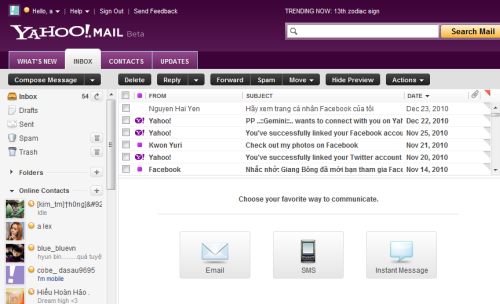
To change theme:
1. Log in to your Yahoo Mail.
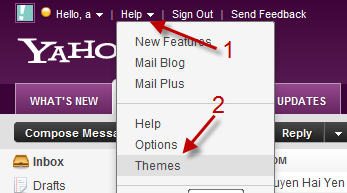
2. Left click on Help->Themes.
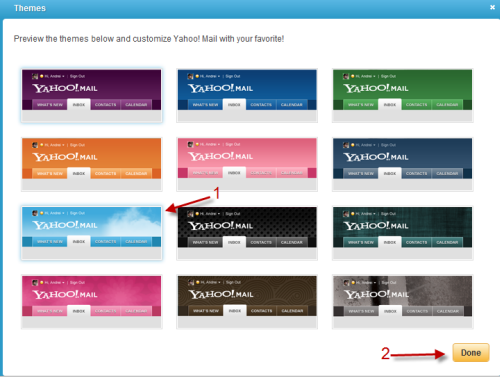
3. In the pop up window, you can click on the theme to preview. Hit Done to save the theme.
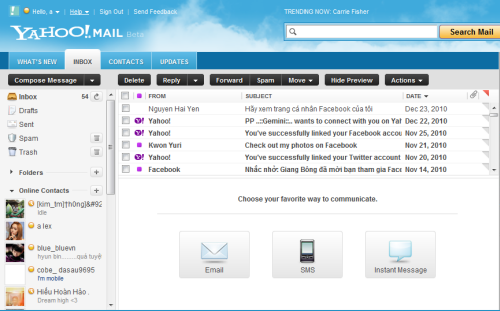
Note: Apply to Yahoo Mail Beta.




