

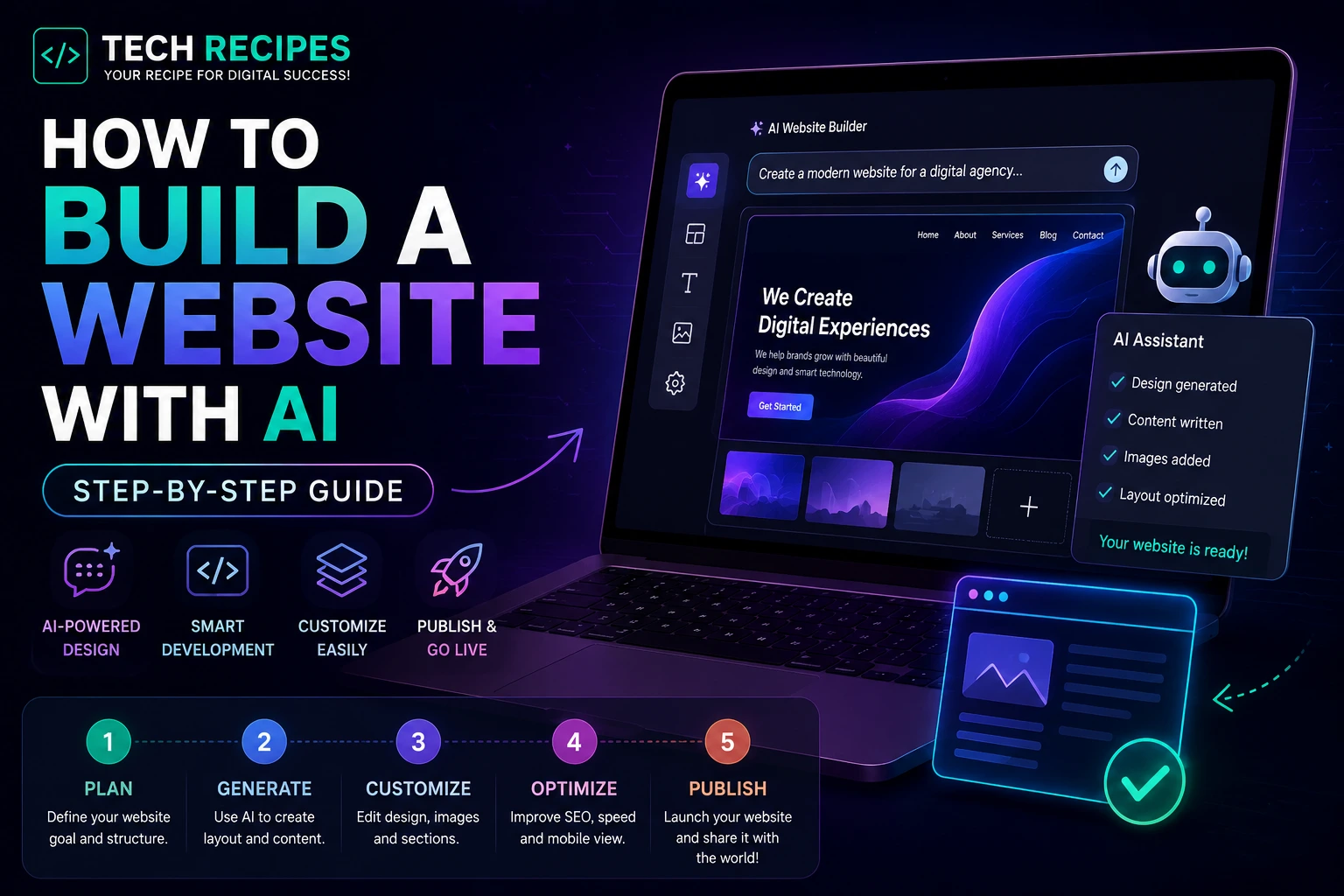
How to Build a Website with AI
AI website builders and coding assistants are making web development dramatically faster in 2026.
Today, beginners and developers can generate layouts, write code, create content, design interfaces, and even deploy websites using AI-powered tools.
Whether you want to build:
- A business website
- A portfolio
- A SaaS landing page
- An eCommerce store
- A blog
- A startup MVP
AI tools can significantly reduce development time and simplify the process.
In this guide, we will show you exactly how to build a website with AI step by step.
What You Need Before Starting
Before building your AI-powered website, you should prepare:
- A website idea
- Your target audience
- A domain name
- Hosting (optional for some AI builders)
- Basic content ideas
Step 1: Choose the Right AI Website Tool
Different AI tools are designed for different types of websites.
| Tool | Best For |
|---|---|
| Lovable | Beginner-friendly websites & MVPs |
| Bolt.new | Full-stack AI development |
| v0 | Frontend UI generation |
| Replit | Browser-based coding workflows |
| Cursor | Professional AI-assisted coding |
| WordPress + AI | Content websites & SEO |
For most beginners:
- Use Lovable for simple AI-generated websites
- Use WordPress for SEO-focused content sites
- Use Bolt.new for startup MVPs
Step 2: Generate Your Website Layout with AI
Modern AI website builders can generate layouts using simple prompts.
Example prompt:
Build a modern SaaS landing page for an AI coding platform with a hero section, pricing table, testimonials, and dark mode design.
AI tools can instantly generate:
- Homepage layouts
- Navigation menus
- Pricing sections
- Feature grids
- Call-to-action sections
- Contact pages
Step 3: Customize the Design
AI-generated websites are a starting point, not a finished product.
You should customize:
- Colors
- Typography
- Branding
- Images
- Content
- Spacing and layout
The biggest mistake beginners make is publishing generic AI-generated designs without customization.
Unique branding still matters significantly for trust and conversions.
Step 4: Generate Website Content with AI
AI writing tools can help generate:
- Homepage copy
- Product descriptions
- Blog posts
- FAQs
- SEO meta descriptions
- Call-to-action text
However, you should always edit and improve AI-generated content manually.
Generic AI content without expertise or originality performs poorly long-term.
Step 5: Add AI Coding Assistance
If you want more customization, AI coding tools can help modify your website.
Popular AI coding tools include:
- Cursor
- GitHub Copilot
- Claude Code
- Codeium
These tools can help:
- Edit HTML/CSS
- Generate JavaScript
- Create animations
- Build APIs
- Fix bugs
- Improve responsiveness
Step 6: Optimize for Mobile Devices
Most modern traffic comes from mobile users.
Always test your AI-generated website on:
- Phones
- Tablets
- Desktop screens
Check:
- Text readability
- Navigation menus
- Button spacing
- Loading speed
- Responsive layouts
Step 7: Improve SEO
SEO is still critical in 2026.
Even the best AI-generated website will struggle without search optimization.
Important SEO steps:
- Use proper page titles
- Write meta descriptions
- Optimize images
- Use internal links
- Create helpful content
- Improve page speed
For SEO-focused sites, WordPress remains one of the strongest long-term platforms.
Step 8: Add Analytics & Tracking
Before launching, install:
- Google Analytics
- Search Console
- Heatmaps
- Conversion tracking
Many beginners launch websites without tracking user behavior, which makes optimization difficult later.
Step 9: Launch Your Website
Once everything is ready:
- Connect your domain
- Set up hosting
- Enable SSL
- Test all pages
- Check forms and buttons
- Verify mobile responsiveness
Then publish your website publicly.
Best AI Website Building Workflows in 2026
| Goal | Recommended Workflow |
|---|---|
| SEO blog | WordPress + AI coding tools |
| SaaS MVP | Bolt.new + Cursor |
| Simple startup site | Lovable |
| Frontend UI | v0 + Cursor |
| Rapid prototyping | Replit + AI assistants |
Can AI Build an Entire Website Automatically?
AI can generate large parts of a website automatically, but human input is still important.
The highest-performing websites usually combine:
- AI speed
- Human creativity
- Branding
- SEO strategy
- UX optimization
Purely generic AI-generated websites often struggle with differentiation and long-term SEO performance.
Common Mistakes to Avoid
- Publishing generic AI designs
- Ignoring SEO
- Skipping mobile optimization
- Over-relying on AI content
- Not customizing branding
- Using too many AI tools at once
Final Thoughts
AI website builders and coding tools are dramatically lowering the barrier to building websites in 2026.
Whether you are a beginner, startup founder, or developer, AI can help you launch websites faster and reduce repetitive development work significantly.
However, the best results still come from combining AI efficiency with strong branding, customization, and real human expertise.





