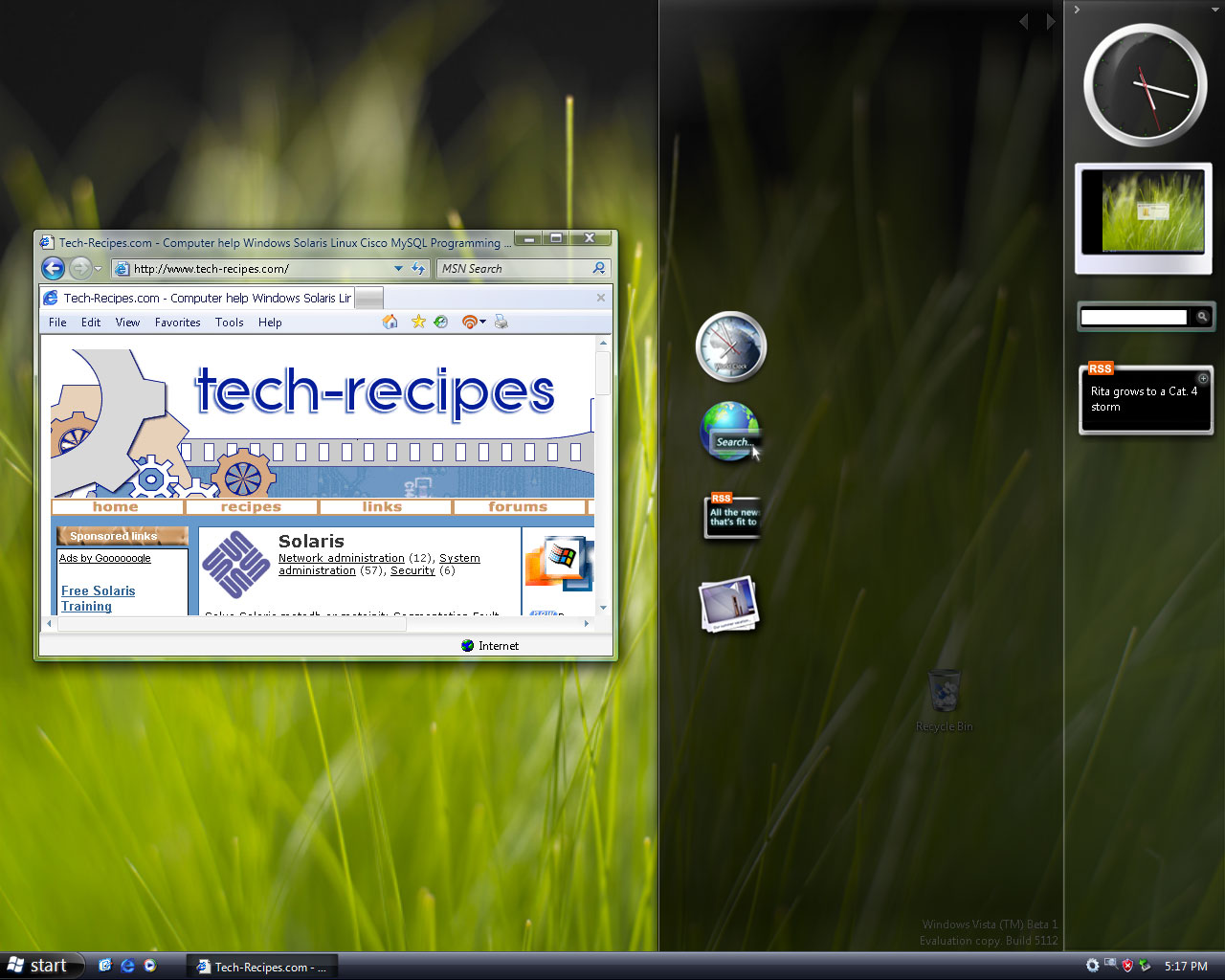
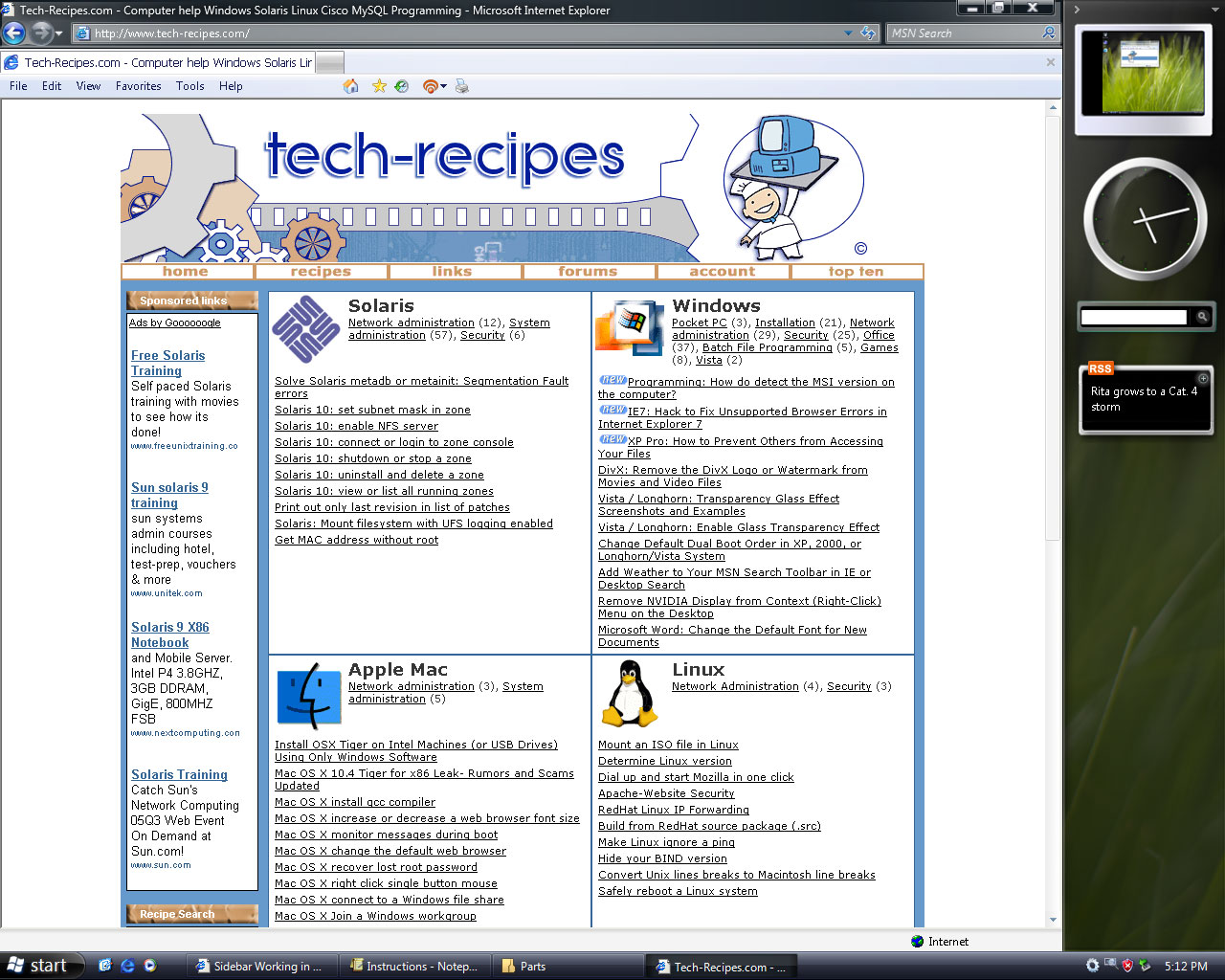
The sidebar has been leaked and it works in build 5219. Here are the instructions how to download and install it.
JCXP.net has leaked the sidebar. Here’s how to download and install it:
Update:
Here is AlexTheBeast’s guide to installing the vista sidebar in XP.
1. Find the Vista Sidebar on rapidshare
2. Unrar the compressed files
3. Copy the Windows Sidebar folder into your Program Files folder. If C is your default Vista drive, the folder should end up here: C:\Program Files\Windows Sidebar
4. Create a Parts folder in your current profile directory. If you are logged in as administrator, for example, your new folder should end up here: D:\Users\Administrator\Parts
5. Copy all the file from \Program Files\Windows Sidebar\Default Parts to this new Parts folder you just created
6. Run \Program Files\Windows Sidebar\sidebar.exe
7. When the sidebar opens, click the plus (+) to load the gadgets.
In this version, the included gadgets are the following: slideshow viewer, analog clock, Desktop Search, and RSS reader.
Here are a few of my screenies for you: