


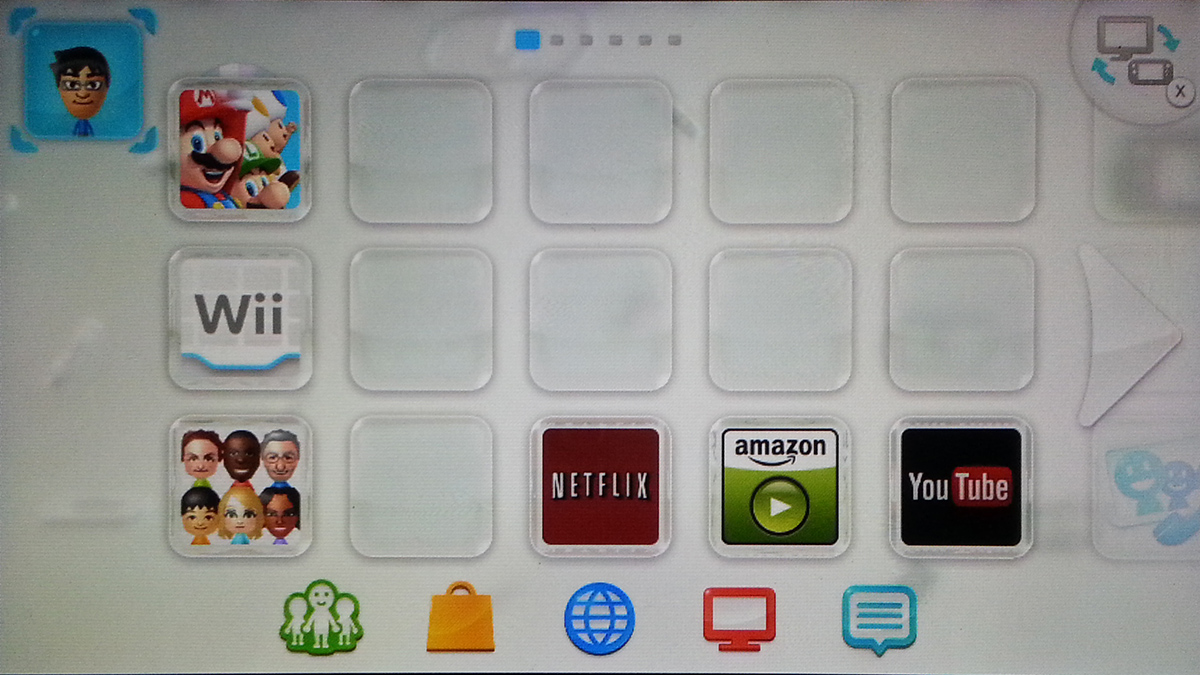
A single Wii U can have multiple users on a single console. If one person predominately plays the device, it makes sense to have the Wii automatically login with that specific user account. Additionally, you can adjust if the password is needed each time a user is selected.
With the Wii U, Nintendo has finally gone away from the Friend Codes. Instead, the device now uses a Nintendo Network ID. Each user account on your Wii U console can be tied to your new Nintendo Network ID or can be just a local user.
Most Wii U devices will have a dominant player. Therefore, it makes sense to have Wii U automatically load that player when the system powers up.
This guide assumes you have already added the user to your Wii U and that you are currently using that account.
[SlideDeck2 id=33686 iframe=1]
1.On your Wii U menu, tap on your user account Mii in the upper left.
2.On the User Select screen, tap on the User Settings button. Your Mii should be showing above the User Settings button. If it is not, tap on your Mii to switch to your account.
3.Tap on the View/Modify User Information.
4.Enter in your Nintendo Network ID password.
5.Select Change User-Selection Settings.
6.Click on the Password-Entry/Automatic-User-Selection Settings option.
7.You can now choose if you want to require a password to be entered each time you select your user. By changing this to No allows the device to power up directly to the Wii U menu for your player. Otherwise, you will be forced to enter your user’s password.
8.We can can finally turn on the automatic user selection. Tap on the Do selection.
9. You will now get a confirmations screen, hit OK and your current user should automatically login and bring you to the Wii U menu.





