

Many Windows users believe that the few gadgets that appear by default on the Windows 7 desktop are the only ones available. Actually, there are a ton of gadgets that are available. This tech-recipes tutorial will show you where to find new gadgets and how to install them quickly.
Sandwiched between Vista and the metro uniqueness of Windows 8, Windows 7 is going to be the most popular Windows OS for a long time. Gadgets are one of the more popular aspects of Windows 7.
Users can really customize the desktop with wide range of gadgets available from the official Windows website.
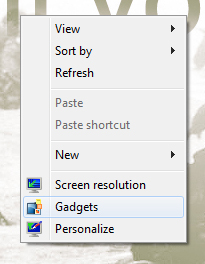
1 Right click your desktop and then select Gadgets.
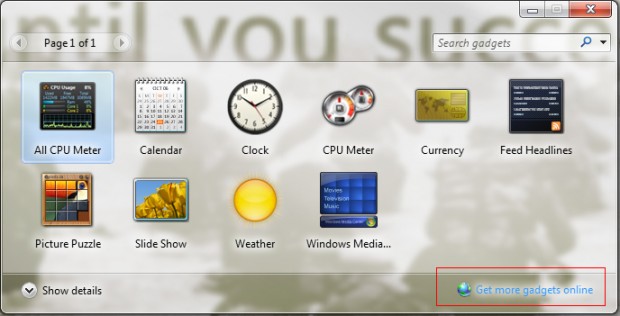
2 Select Get more gadgets online from the Gadgets Pop-Up Window.
3 You will be taken to the official Windows Gadget website where you can download official Gadgets by clicking the Download button.
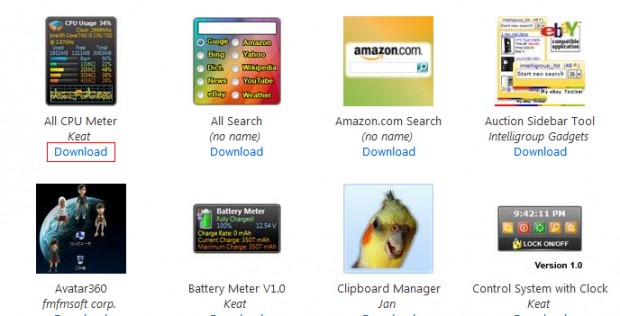
4 The download will be a .gadget file.
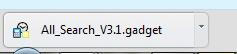
5 Double-click the .gadget file you downloaded and select Install.
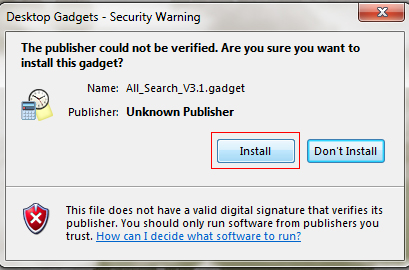
6 Instantly your gadget will be available. – Repeat Step 1 and simply drag and drop your new gadget to the desktop
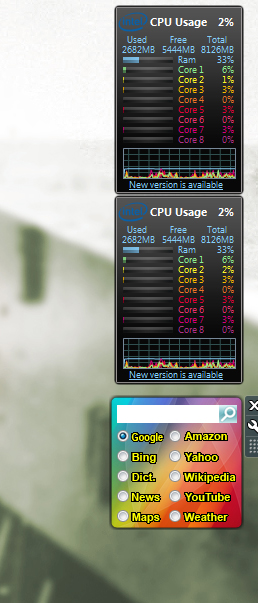
7 Of course, you are not limited to Gadgets only on the Windows 7 web site. A simple Google search for “Windows 7 Gadgets” will give you many more 3rd party gadgets. Obviously, just be careful and only download from websites that you trust.





