

This tech-recipes tutorial will demonstrate how to make a mobile-friendly version of your Blogger blog for free.
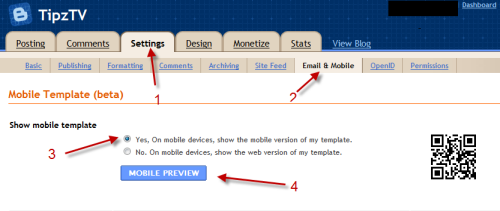
1. Sign in to your Blogger account.
2. Make sure your account is in Draft mode.

3. Choose your blog->Settings.

4. Choose Email & Mobile-> check Yes, On mobile devices, show the mobile version of my template-> Scroll down the bottom and hit Save settings. If you want to preview your mobile template, click Mobile Preview.
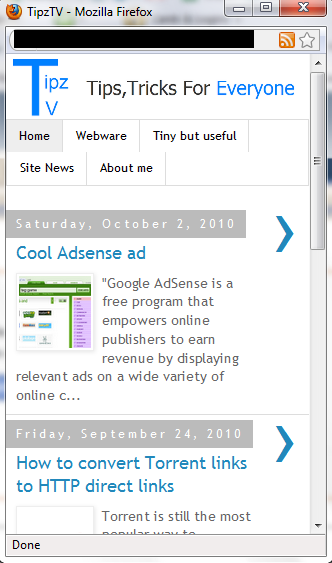
5. Mobile Preview window.
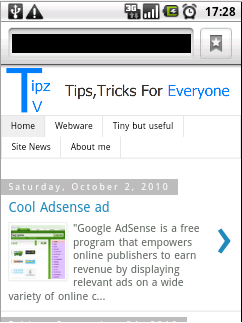
6. My blog on Android browser.
Note: Works with blogger’s templates.




