

Have you ever wished your YouTube videos were in 3D so you could make use of your 3D phone? This tutorial will show you how to do it in just a few steps.
1. Log in to your YouTube account.
2. Go to the video’s link that you want to turn into a 3D video.

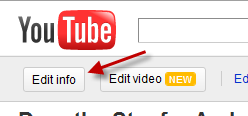
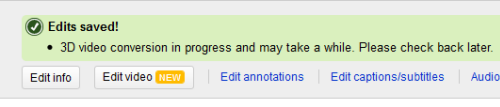
3. Click on the Edit info button.
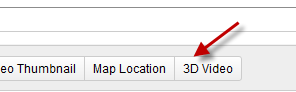
4. Go to 3D Video.
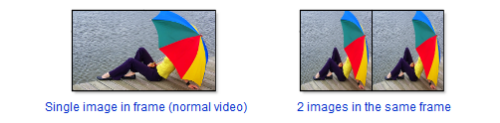
5. Choose a figure that best fits your video. For normal video, we should choose Single image in frame.
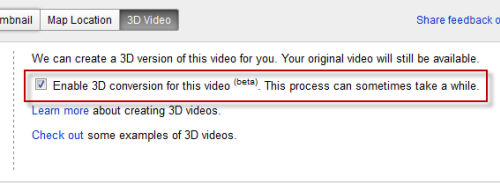
6. Check Enable 3D conversion for this video. This process can sometimes take a while.
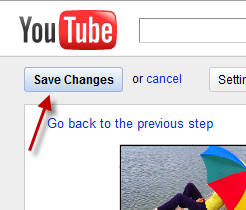
7. Hit Save Changes. The conversion process is slow so be patient.
Note: This is currently in beta. Only NVIDIA 3D Vision users or 3D mobile phone users can see 3D videos.




