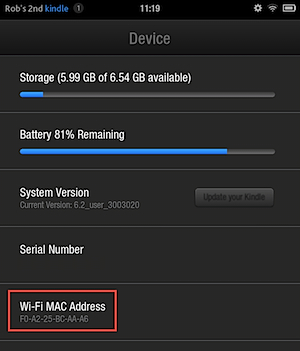
If your wireless router uses MAC filtering, you will need to know the Wi-Fi MAC address of your Kindle Fire so that it may connect to the internet.
1. Go to the Kindle Fire’s home screen.
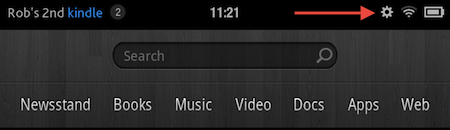
2. Go to the upper-right corner and select the Settings icon.
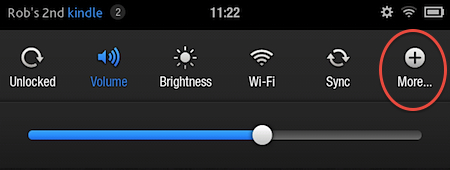
3. Select More.
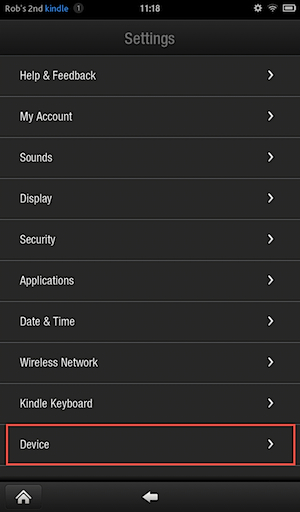
4. Towards the bottom of the screen, select Device.
5. Go to the Wi-Fi MAC Address section and you will see the device’s wireless MAC Address.