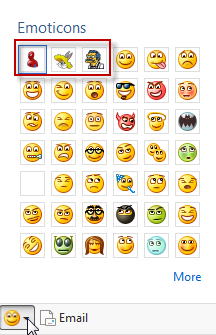
Are you tired of Windows Live Messenger’s default emoticons? This tutorial will show you how to create and use your own emoticons in WLM 2011.
1. Launch WLM and log in your account.
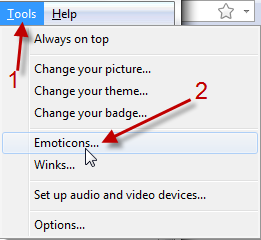
2. Go to Tools->Emotions…
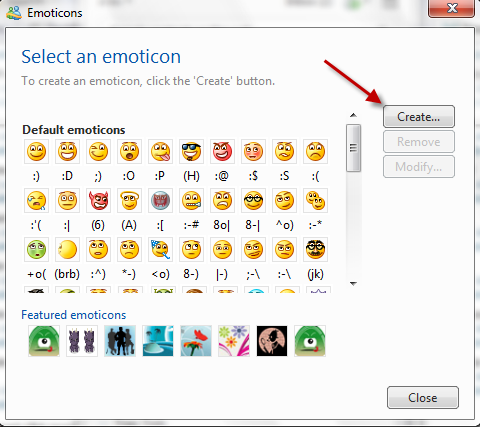
3. Choose Create… in Emotions window.
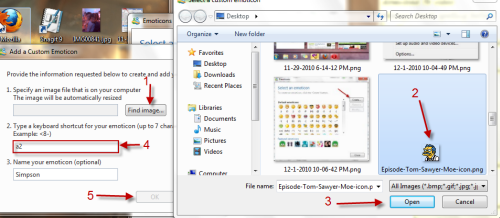
4. Click Find Image…, choose your image, hit Open, assign keyboard shortcut for that emoticon and hit OK.
5. Back to Emoticons window, choose Close.
6. Now, you can choose your new emoticons from the list or use keyboard shorcut while chatting with friends.