By default, Amazon.com tracks your Browsing History of items you’ve recently viewed, searches that you have made, and product categories visited on their site. In addition, Amazon also collects information about you, not only from their site, but also from affiliated sites. This information is used for ad personalization. If this makes you nervous, you can change the default actions.
1. Go to Amazon.com.
2. Go to the upper-right corner and click on Your Account.
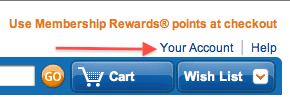
3. Log in to your account.
4. On the Your Account page, scroll all the way down to the Personalization section.
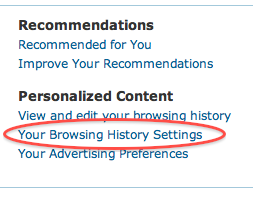
5. Under Personalized Content, click Your Browsing History Settings.
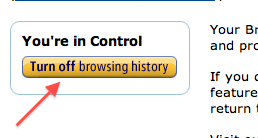
6. Click the Turn off browsing history button.
7. Go back to the Your Account page.
8. Go back to the Personalization section.
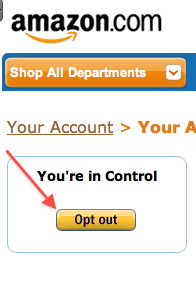
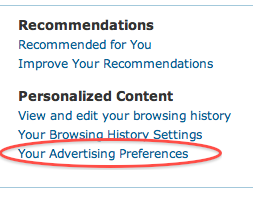
9. Under Personalized Content, click Your Advertising Preferences.
10. Click the Opt out button.