Use Google to find out who is linking to pages within your website. Directions for using direct Google searches and Google’s Webmaster Tools are both included.
Using a Google Search
To find out who is linking to a specific web page, type the following into Google:
link: www.yourwebaddress.com
For example, this will show you all the pages that link to the front page of tech-recipes:
link: www.tech-recipes.com
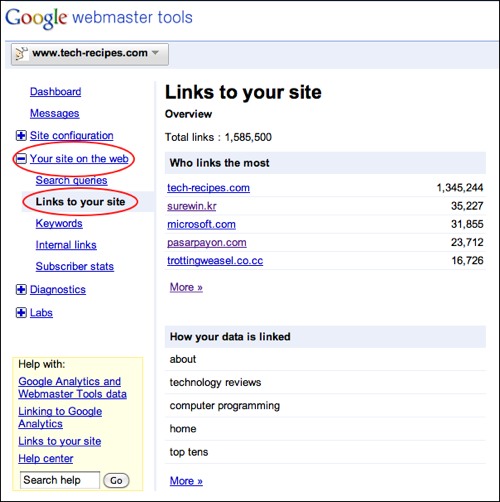
Using Google Webmaster Tools
1. Log into your Google Webmaster account
2. Select your specific website
3. Expand the Your site on the web section
4. Select the Links to your site link