

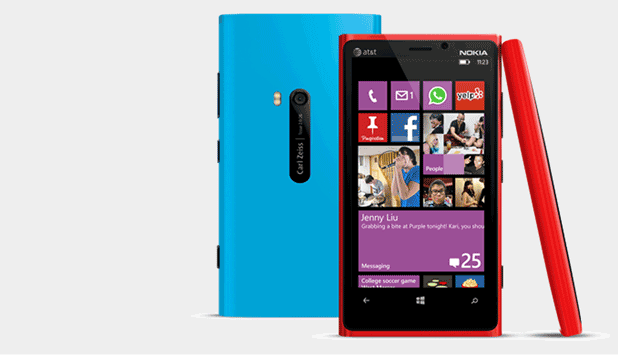
Moving an SD card from one device to another can corrupt the card. This seems to happen frequently with Windows Phone 8 devices. In fact devices which run on this OS can be very picky about the SD card types that it accepts. If your phone is reporting that the current SD card has errors, you can use the built-in feature to format the card to the correct state.
Please note that the format process will erase all the content stored on the SD card. Please back up the data up before continuing.
1. Access the Settings section of the phone by choosing it from the app list or the pinned tile.
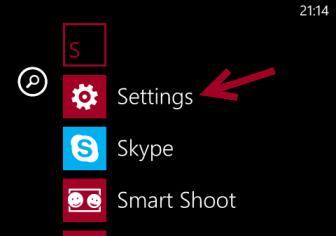
2. In the Settings screen, scroll down to the phone storage option, and tap on it to continue.
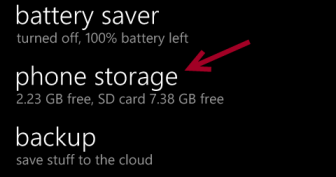
3. At this stage, you should see a graph like the one below, showing how much space is left on both internal and external storage. To format the problematic SD card, tap on the SD card option.
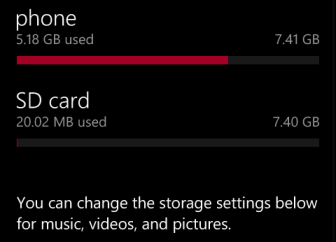
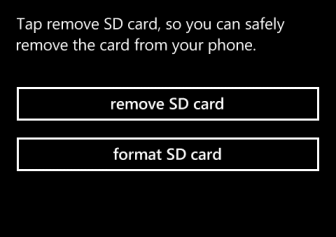
4. Tap on the format SD card option to begin the process.
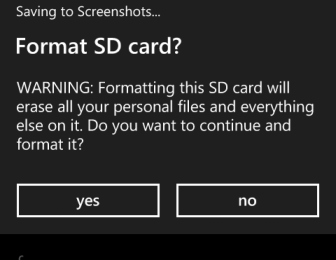
5. Before the phone starts the formatting process, it will ask for your confirmation. Just tap Yes to begin.
6. Wait for the formatting process to complete. Once completed, the phone will recognize the SD card automatically and ask you to reconfigure it.





