

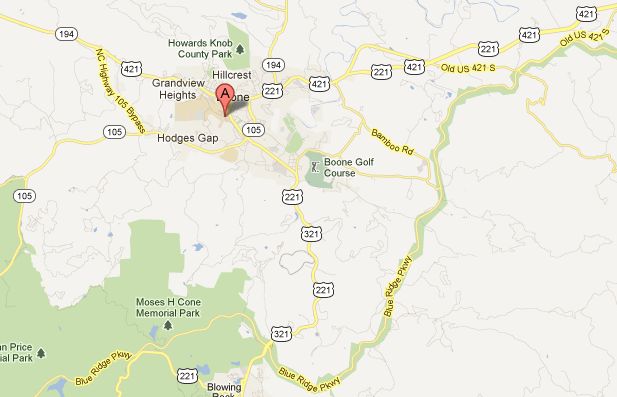
Google has finally made embedding a google map as easy as embedding a YouTube video. By following these steps you are just a copy and paste away from placing a google map into your web site or blog. This article has been updated for the latest directions.
One of the keys to YouTube’s popularity has been the ease of embedding Youtube videos to blogs. Now, placing a Google map into your blog is just as easy. I’ll be using a map of Appalachian State University’s campus in this example.
Embedding A Google Map Instead Of Linking To It
1. Go to the map that you want to embed (my example).
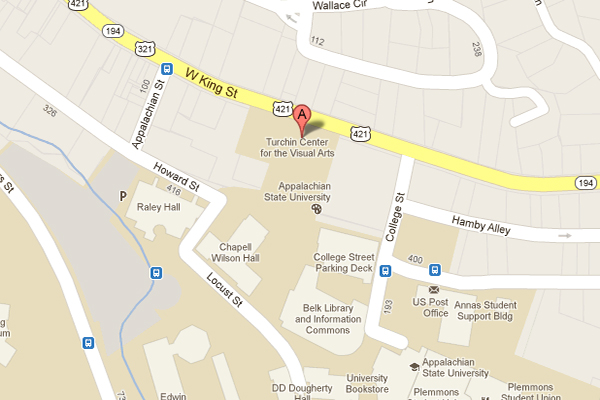
2. If the right-hand panel isn’t visible, click the small arrow in the upper left of the map to expand the panel.
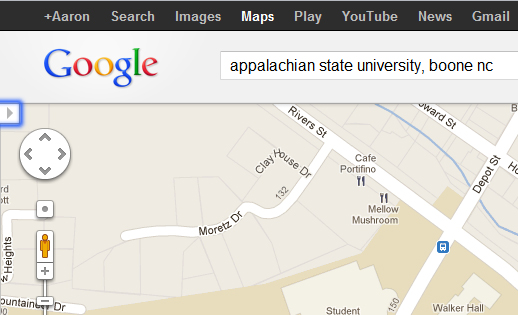
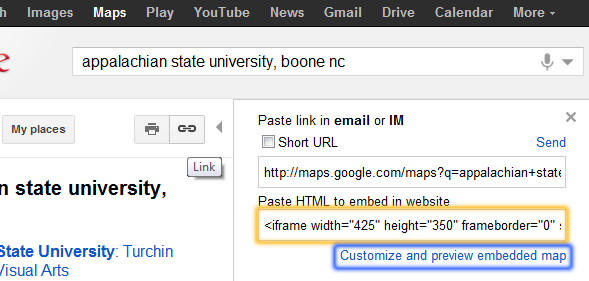
3. Click the Link icon in the panel. This will reveal the map embed code.
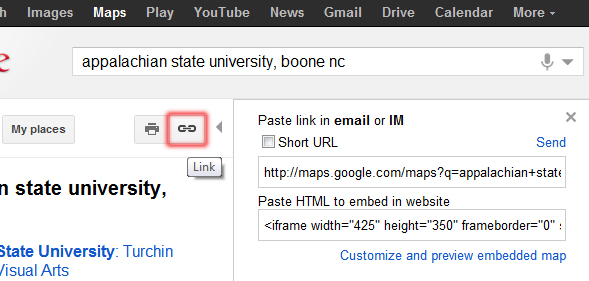
4. You can copy and paste the code inside the Paste HTML to embed in website textbox, or if you’re inclined, click the Customize and preview embedded map to make customizations to the embedded map code.
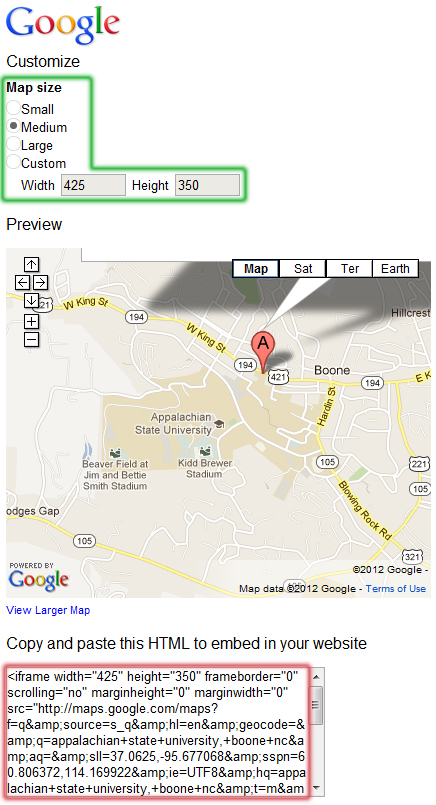
5. On the Customize page, you can modify the size of the map and even make it a custom size. There’s also a live preview of the changes on the map. Once you’ve customized the map to your liking, copy and paste the code from the Copy and paste this HTML to embed in your website textarea.
Below is an embedded example using the steps above. Feel free to click and roam around the map. You will be able to drag and zoom just as if you were on the actual Google Maps site.
Editor note: This article was originally posted several years ago. This update adds better directions and more detailed pictures.





