By default, YouTube allows everyone to send you messages. This is an advantage for spammers to spread their annoying messages. This tutorial will show you how to let only your friends message you on YouTube.
1. Log in to your YouTube account.
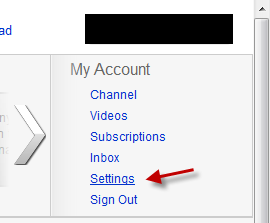
2. Click on your account name -> Settings.
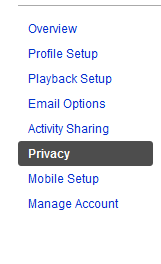
3. Go to the Privacy section.
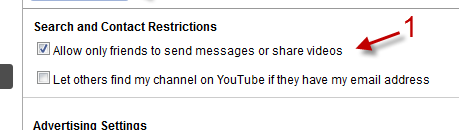
4. Check the box next to Allow only friends to send messages or share videos.
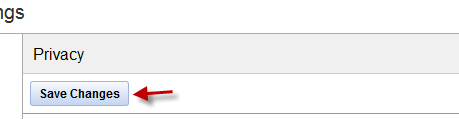
5. Hit Save Changes.