

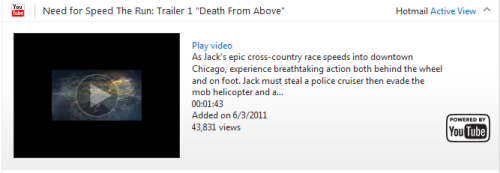
The Active View feature in Hotmail lets you preview videos or photos from the links your friends send to you without leaving your inbox. Although this feature may be useful, many users may want to turn it off because not all of their photos or videos are safe to show in public places.
The Active View feature in Hotmail:
1. Log in to your Hotmail account.
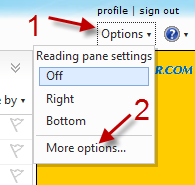
2. Go to Options -> More options…
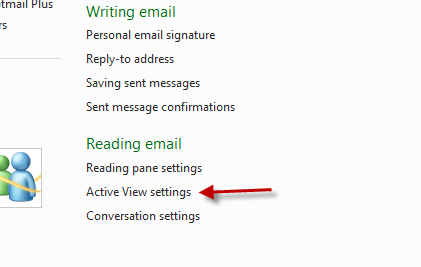
3. Click Active View settings under Reading email.
4. Check Hide previews under Do you want to see previews?
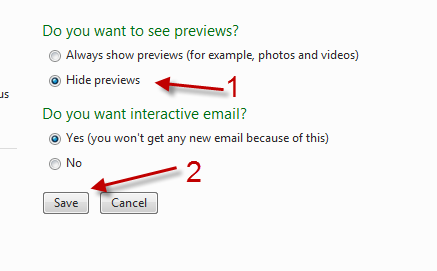
5. Hit the Save button.




