
Flipboard for iPad: Navigation with Gestures

Flipboard is an amazing e-magazine app for the iPad.  It will take your RSS feeds or Google Reader subscriptions and reformat them into a magazine appearing layout.  This tech-recipe will explain how to close an article or change articles with a simple gestures.
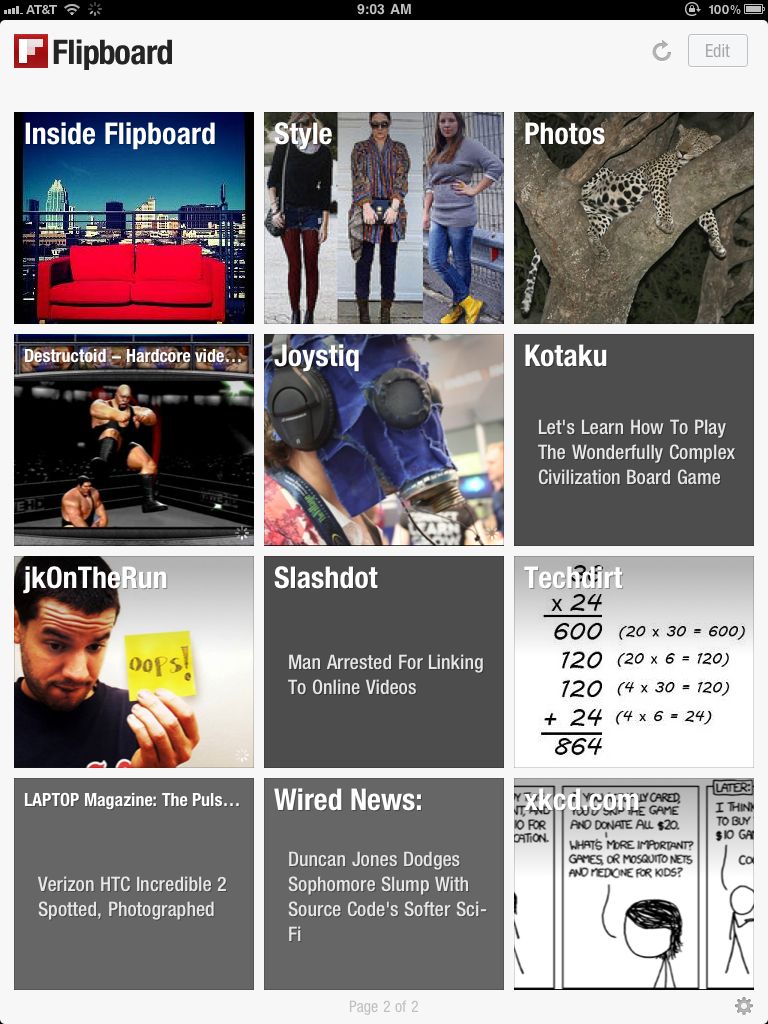
Flipboard (free, iPad)  is great iPad App for viewing your Google Reader subscriptions or other RSS feeds through.  It reformats your feeds or news stories into a magazine type layout that looks great on the iPad.  However, when viewing an article it seems you have to always hit the Close button to go back to the index / layout.

To Close or minimize an article after viewing just Tap with two fingers on the article to minimize/close it.
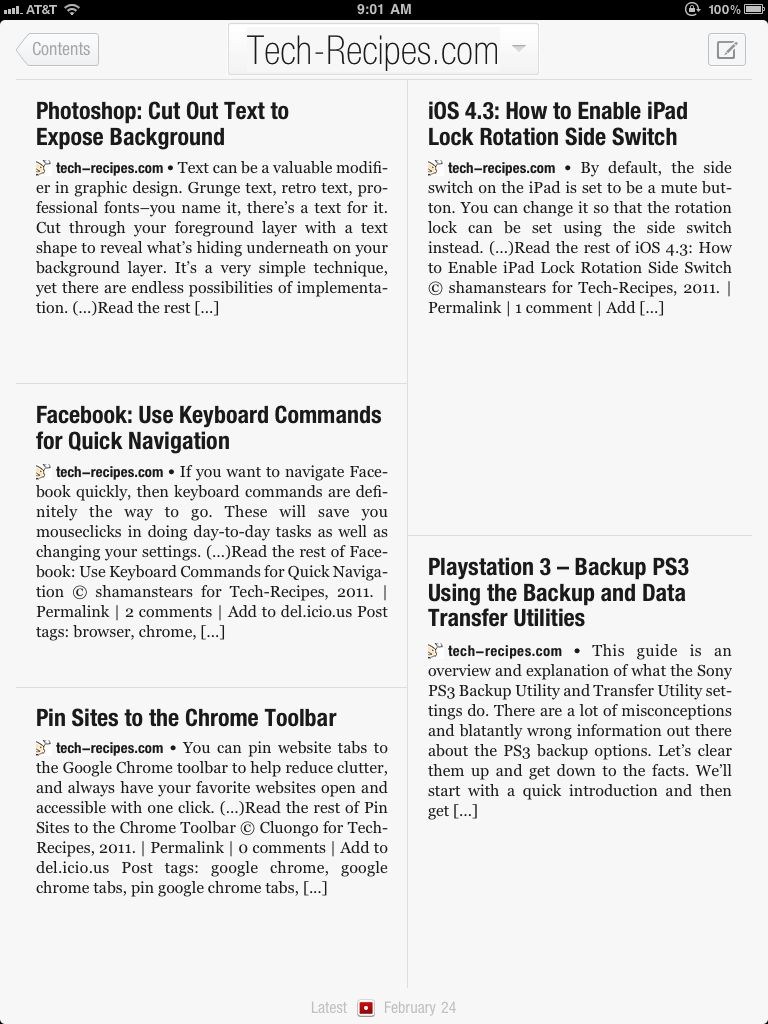
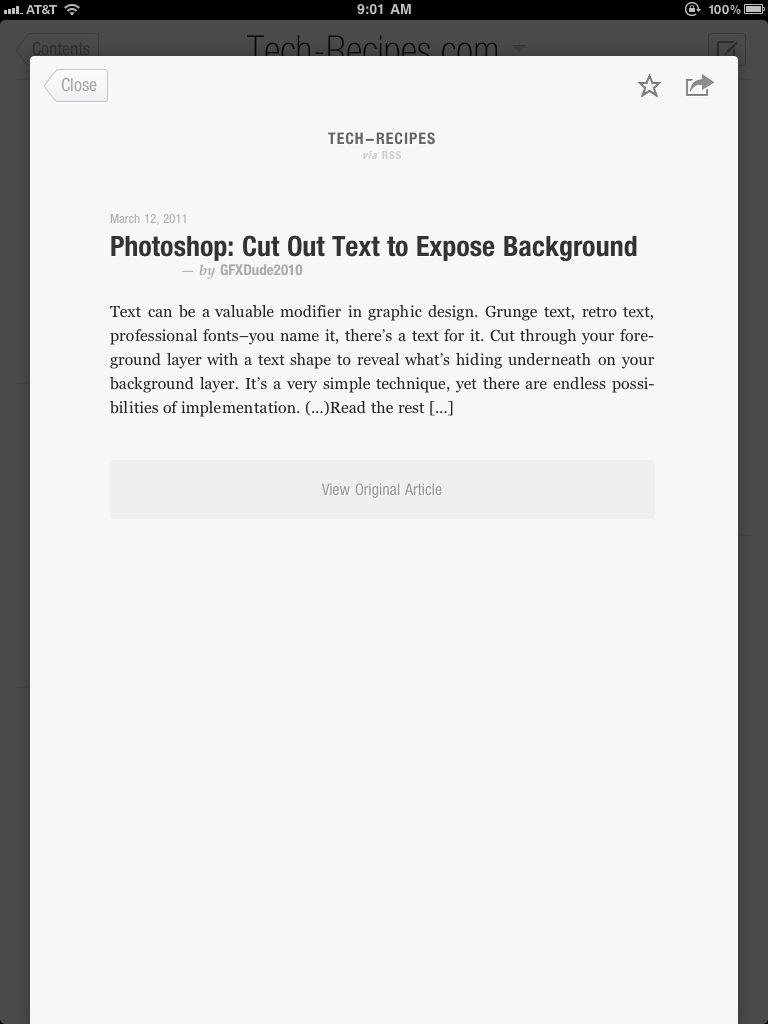
Swiping left or right when in the article will navigate you between articles.

Hopefully, these two little tips will make your Flipboard experience even better!


About Jimmy Selix

Jimmy Selix is an early adopter that loves to be one of the first on the block to have the latest and greatest in technology and gadgets. Another love of his is being able to share his knowledge to others seeking it. Feel free to drop any comments or questions that you may have.
View more articles by Jimmy Selix

The Conversation

Follow the reactions below and share your own thoughts.

2 Responses to “Flipboard for iPad: Navigation with Gestures”

  1. March 14, 2011 at 4:34 pm, Rob Rogers said:

    I love this app, been using it since it first came out. Great way to read sites, especially Twitter and Facebook.

    Reply

    • March 14, 2011 at 4:48 pm, jimmyselix said:

      yea, this app is amazing! :) can’t believe i just found out about it last week. must be getting behind the iOS curve

      Reply

Leave a Reply

You may also like-

Apple iPad : Change links in Google Reader to point to full HTML webpageThis recipe is a quickie for those new iPad owners who use Google Reader to view their RSS Feeds. Since the iPad's Agent String ...



