Everybody is switching from OneNote to Evernote, right? Follow these steps to export from OneNote and to import into Evernote.
1. Launch Evernote and log in to your account.
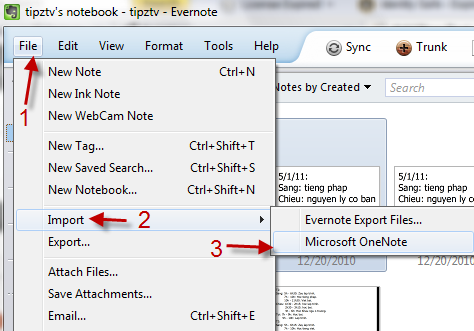
2. Go to File->Import->Microsoft OneNote.
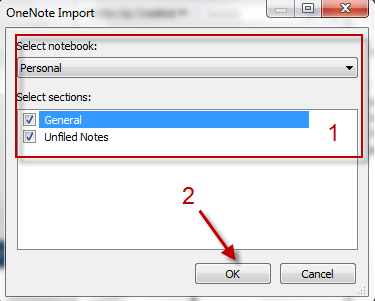
3. In the pop up window, select the notebook and sections you want to import, hit OK to process.

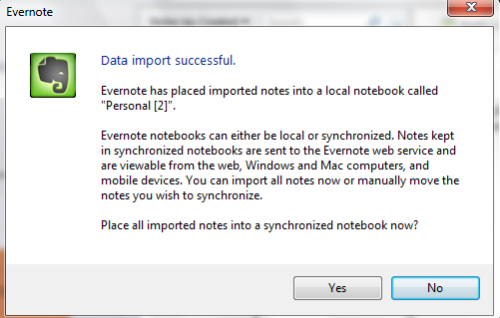
4. By default, all your notes will be placed in a notebook called “Personal“. If you want to put them in a synchronized notebook, click Yes. If you only want to store them in a local notebook, just hit No.