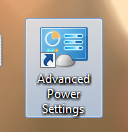
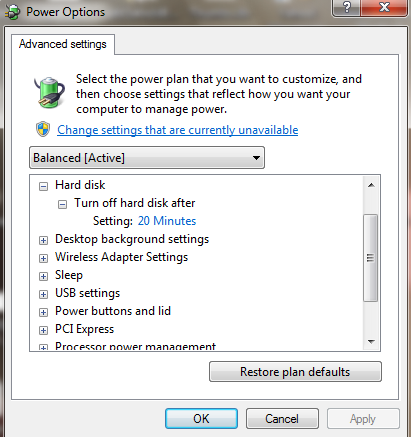
Many people frequently tweak their power plan to conserve energy or to maximize a computer’s performance. Unfortunately, to access these options, one has to find these settings in the Control Panel. This guide show how to create a shortcut to these features so you can access them right from your desktop.
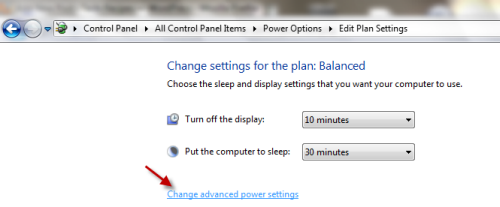
Usually, you have to go through Start->Control Panel->All Control Panel Items->Power Options->Edit Plan Settings to access Advanced power settings:
Here is how to create the shortcut:
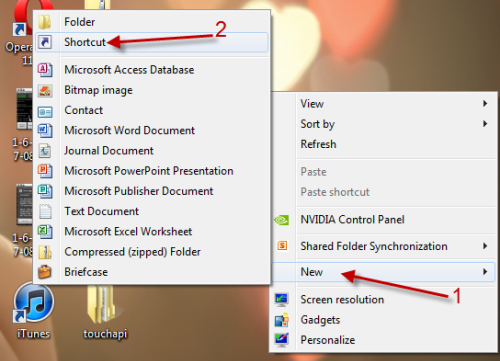
1. Right click on your desktop and choose New->Shortcut.
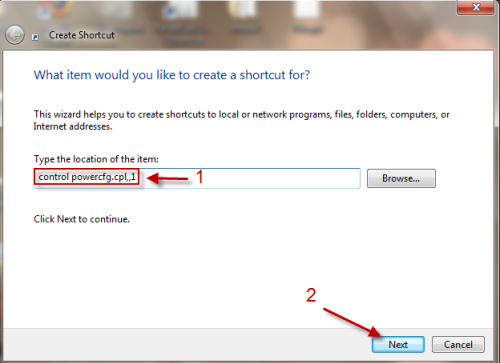
2. In Create Shortcut window, type in control powercfg.cpl,,1 in Type the location of the item and hit Next.
3. Rename your shortcut and hit Finish.
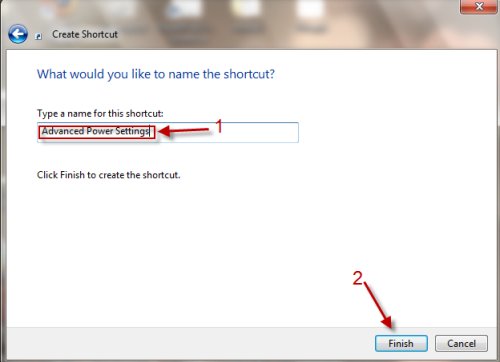
4. Now, you will have a shorcut to Advanced Power Settings on your desktop, just double click on it to access the features.