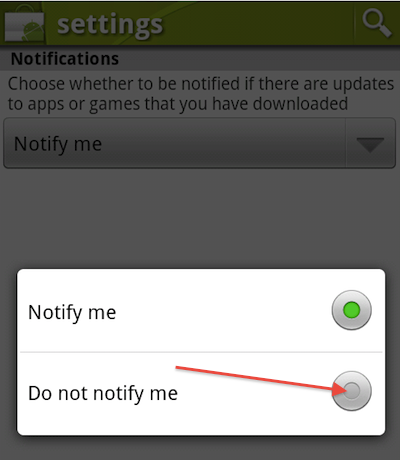
Android will notify you (repeatedly) if there are new updates for any apps or games that you have installed on your device. If you don’t want to be notified, the new Android Market gives you the ability to disable this functionality.
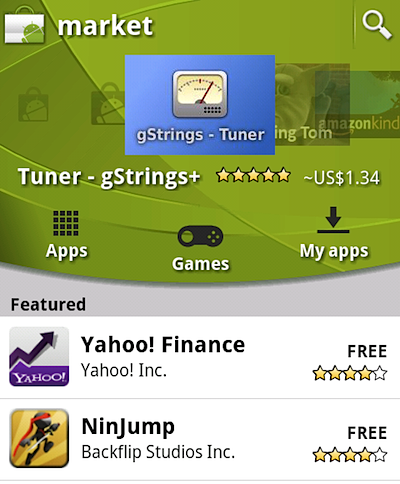
1. Open Android Market.
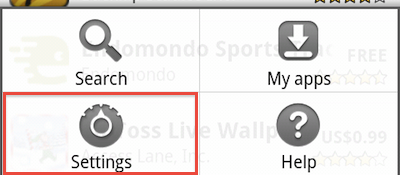
2. Tap the device’s Menu button.
3. Select Settings.
4. Tap the dropdown and select Do not notify me.