Privacy has always been a hot topic when it comes to social networking, especially on Facebook. Hiding your Friends List is one the most important privacy settings in your Facebook account. Because Facebook keeps updating its privacy settings to keep its one billion (and counting) users happy, you might have had difficulty figuring out how to do this. This tutorial explains how.
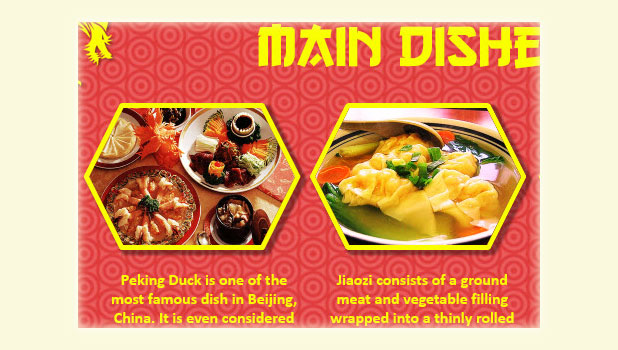
When you edit a document, there may be times that you want to show only a small portion of an image or fit an image into a shape to suit the overall theme of the document. These tasks can be done inside your Office programs, without using any third-party software. Continue reading to find out how.
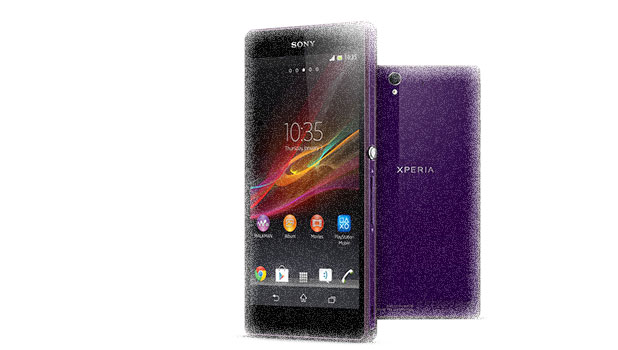
Being able to capture a screenshot of your phone’s current screen can be very handy for creating tutorials, saving data, or recording funny moments. Many Android devices that have hardware keys grab screenshots by holding the Home and Power buttons together for 3 seconds. However, the Sony Xperia Z1 lacks a proper Home button so you will need to follow these steps to get a screenshot with this device.
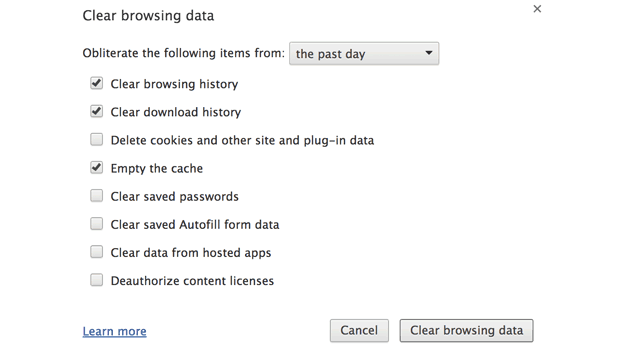
If the computer you are using is accessed by people other than you, you probably do not want to disclose your browsing habits. By emptying your cache, deleting cookies, and clearing history, you can cover your tracks. Chrome makes this easy.
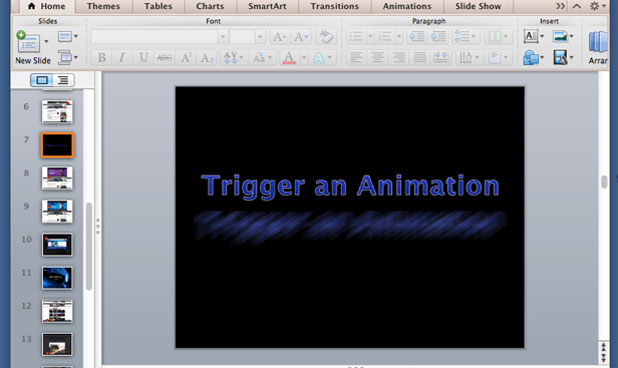
By default in PowerPoint, you can activate the animation of objects using a click sequence. You can, however, edit this setup and let your custom animation trigger when you click on a specific object on a slide.
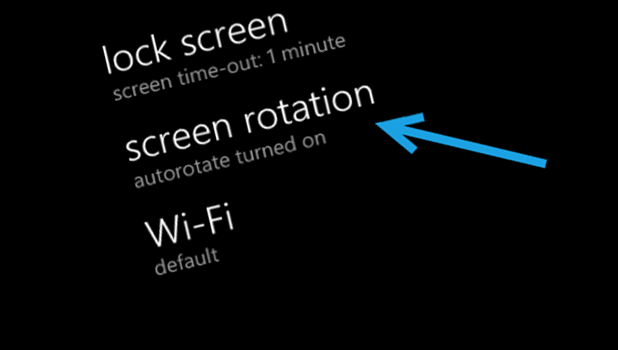
By default in Windows Phone, the screen orientation will be switched automatically depending on the way you hold your phone. While this feature is convenient, it can also cause much frustration when you want to use a particular orientation only, especially when you use your phone in bed. Luckily, it is possible to lock the orientation of the phone to your preferred mode without any third-party app.
If you are an adventurous user who always wants to test out the new features in leaked Windows Phone firmware updates, you are in luck. With the Preview for Developers program, you can now receive pre-release firmware updates straight from Microsoft.
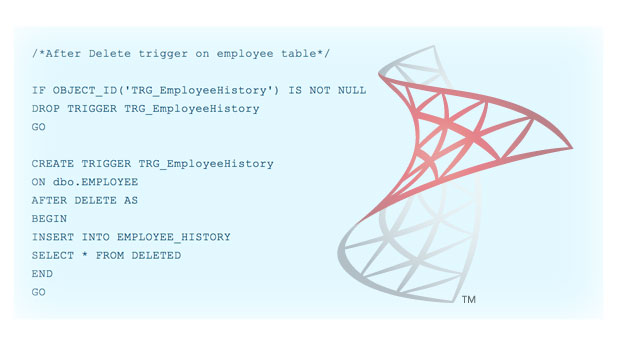
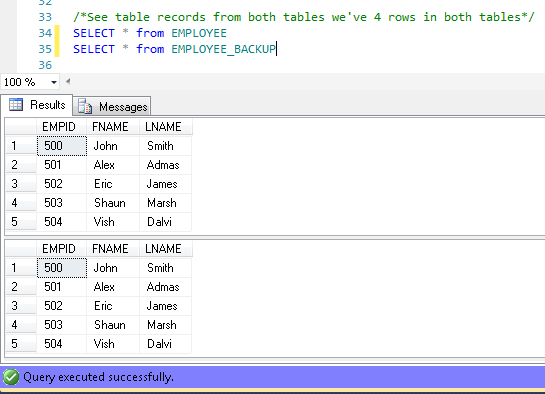
A trigger is special type of stored procedure that is executed when an INSERT, DELETE or UPDATE statement modifies data in a table.
Many of us are finding that upgrading to Windows 8.1 has decreased our mouse performance. I have seen issues in Call of Duty, but we are also seeing complaints in Deus Ex: Human Revolution, Counter-Strike: Global Offensive, S.T.A.L.K.E.R.: Call of Pripyat, and Metro 2033. With these adjustments you can get your games playable again.
A trigger is a special type of stored procedure that is executed when an INSERT, DELETE or UPDATE statement modifies data in a table.
By default, whenever you copy and paste content from a website to your OneNote’s notebook, a link to the original site will be included at the end. While this feature is useful for keeping track of the places where you got the content, many users may find that having the link is unnecessary. Some may even feel it makes their notebook look unorganized. Even though it is possible to remove the link manually, it may be a better idea to disable this feature so that the program can take care of the links for you.
From sharing movies and songs at home to folders and files with colleagues at work, the File Sharing Wizard is the easiest way to get started using the networking service within Windows.
1...249250251...528Page 250 of 528
error: Content is protected !!