For your convenience, Facebook for Android lists your recent searches whenever you search for something on your phone. While this feature is helpful when you need quick access to a previous search, it also exposes all of your private search terms so that anyone who has access to your phone can see them. To avoid an embarrassing situation, you should remove those search terms from the Recently Searched section. This tutorial provides a step-by-step guide for removing them right on your phone without any extra software. Continue reading to find out how.
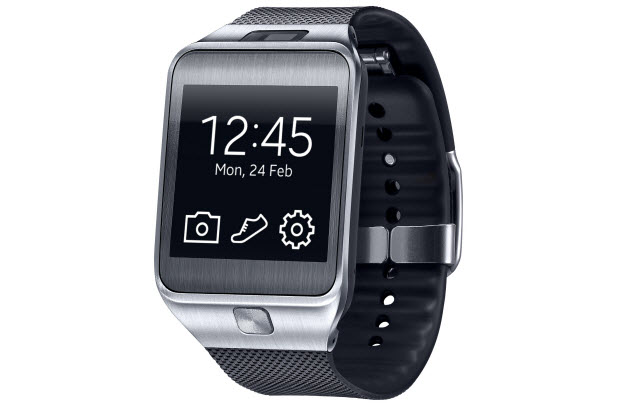
The home button on the Gear 2 is useful for exiting an app and quickly going back to the main watch face. By double-pressing the button, you can also use it to launch apps or actions. By default, this action simply launches the recent app list, but you can configure it to launch your favorite app if you want.
When you travel, working on documents stored on Google Drive may not be possible since you might not always have access to an Internet connection. Fortunately, Google Drive can be configured to run even without the Internet so that you can view and edit your documents no matter where you are. Here is how you can turn this feature on.
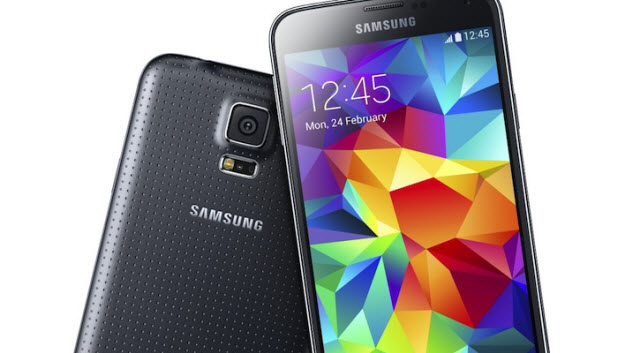
Even though the stock battery that comes with the Galaxy S5 can last a day with normal usage, there may be times you want the battery to last longer than a day so that communication is not interrupted. This could be especially useful in emergency situations or when you find yourself with no way to charge your phone. By using the power saving features that come with the stock software, your Galaxy S5 can easily last two or three days with light to normal use.
If you have accidently blocked someone from your Facebook group or if you want to reverse a ban that you have made in the past, the steps in this tutorial will help you. Continue reading to find out how.
If you text frequently, the number of threads inside your Messages app will rapidly increase. This makes finding the message threads of favorite or important contacts difficult. Luckily, on the Galaxy S5, you can choose specific threads to move to the top of the list so that you can see and access the ones you need as soon as you open the app. Continue reading to find out how.
If you usually listen to music to fall asleep faster, chances are you may leave your phone playing music all night and wake up with an empty phone battery. To avoid this problem, you can estimate the time you need to fall asleep, and then set up a timer that can stop the music when the countdown is over. This tutorial provides the steps necessary to set up a timer such as this on iOS, using nothing other than the stock software that comes with the system.
In the past, Google Play allowed developers from only a few countries to sell paid apps on the Play store. For developers in countries that were excluded, distributing paid apps under the account of a friend or company in supported countries was a common solution. However, as the Play store has expanded, more and more countries have been added to the list. For those whose country has been added, distributing apps or games under an account in another country is no longer necessary. This tutorial will show you how to move your existing apps from a foreign account to the new one that you actually own.
By default, Facebook sorts uploaded photos by name. As a result, whenever you share multiple photos on Facebook, your friends will just be able to see some of the first ones that you uploaded, while the rest can only be viewed when someone scrolls through the full list of pictures. In many cases, the first few photos are not the best of the whole set, and some of your favorites may be left unseen. Luckily, with Facebook’s drag-and-drop feature, you can rearrange the order of the photos so that the best are front and center.
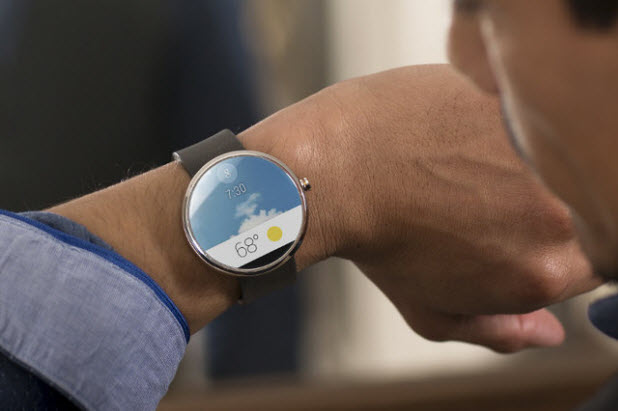
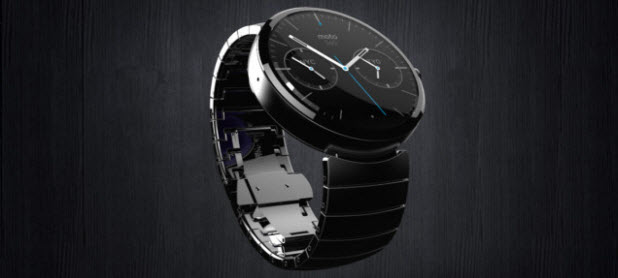
By default, all notifications on your Android phone will be sent to your watch. While seeing and interacting with your apps’ notifications from your wrist can be convenient, many types of notifications are completely unnecessary and could be a disruption. Luckily, you can manually create a custom list of apps that you want to display notifications only on the phone but not on the watch. This tutorial shows you how to do that on any Android Wear watch, including the LG G, Samsung Gear Live, and Motorola 360.
When you browse through the Facebook News Feed, you may find many helpful and informative posts, but you may not have the time to read them all at once. In such situations, you can save or bookmark the posts that interest you using the Save feature in Facebook and view them later. Since all of your favorite posts can be accessed in a single click, the feature will save you a lot of time.
During the app development process, debugging helps developers quickly track and eliminate problems or bugs in their apps. Without app debugging, production apps may contain bugs that make them malfunction. While the emulators of most platforms have the Debugging option enabled by default, Android Wear’s does not. Fortunately, enabling debugging on this emulator is easy. Continue reading to find out how.
1...235236237...528Page 236 of 528
error: Content is protected !!