If you usually use Google Translate when you travel or study, you may not like the idea of having to be connected to the Internet all the time to use the service. In addition, getting the results of a translated text could take much longer when a network is unstable, and you may not get any results at all when you are in a rural area. To avoid these situations, you can download the data of the languages that you typically use to the phone so that you can use them anytime and anywhere you want, even without an Internet connection. This guide shows you how to download the languages on your Android phone.
Similar to the Facebook timeline, Line’s timeline lets you share updates, thoughts, and photos with your friends. Since it is such a personal space, there may be posts that you do not want everyone to see. This tutorial helps you hide posts from your Line friends or even hide the timeline completely.
Because of busy schedules and daily distractions, forgetting to send important text messages is a common problem for many people. While you can create notes to remind you, scheduling a message is a better option. Using scheduled text messages, you no longer have to rely solely on your memory to send them, and you can be sure that your messages reach your contacts at the right time. This tutorial shows you how to set scheduled messages on Samsung Android phones.
Even though we keep our phone close to us, we sometimes lose it. Fortunately, we can use services to track the device and get it back. The steps in this tutorial will help you find your Android phone in case you ever lose it in the future.
We cannot predict values for most future data points while working with database systems. For example, tables used for customer information often have a mobile number column. It is possible that a customer does not hold a mobile number, or for reasons of privacy, he does not want to share his mobile number. In such cases, we can use NULL values to signify uncertain future data points.
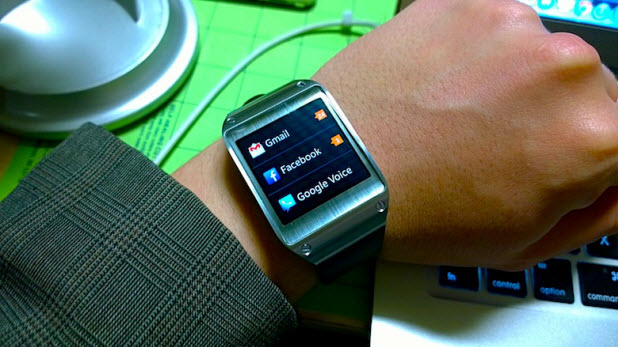
Since the amount of storage on the Samsung Gear 2 is limited, users can only install a limited number of apps on the device. To reserve the space for more important apps, removing those that are unnecessary is recommended.
There are various times when we need to find duplicate records in SQL Server. It is possible to find duplicates using DISTINCT, ROW NUMBER as well as the GROUP BY approach.
Customization has been an integral part of Android since its inception. Giving users the ability to personalize almost every aspect of the system is a key attribute that helps Android stand out from its competitors. The new Android Wear platform is no exception. While the level of customization falls short of the original Android platform, the ability to change watch faces still is a plus. This tutorial will show you how to change the watch face on your new Android Wear watch.
Most of the time, we need to search for objects using metadata (data about data) to get information about SQL Server. For example, we use a query to find which version of SQL server is running on a particular machine. Metadata helps us to find settings and configurations for various objects in our database.
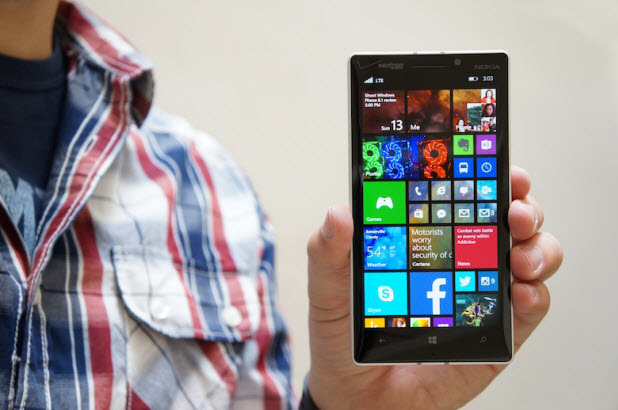
Since the Lumia phone’s Start screen is a collection of live tiles, keeping too many of them on the screen could clutter the interface and make it difficult to locate the apps you want quickly. In this case, grouping similar apps into a folder is an efficient way to organize your apps. Here is how you can create and use folders on your Lumia phone.
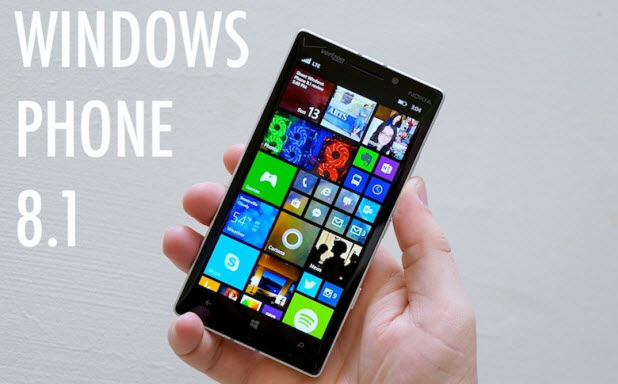
If you have kids, chances are they often use your phone to play games. When they do, you may want to hide working apps, files, or inappropriate content from them and let them only access the apps or games that you choose. This task can be achieved using the Apps Corner feature in your Windows Phone.
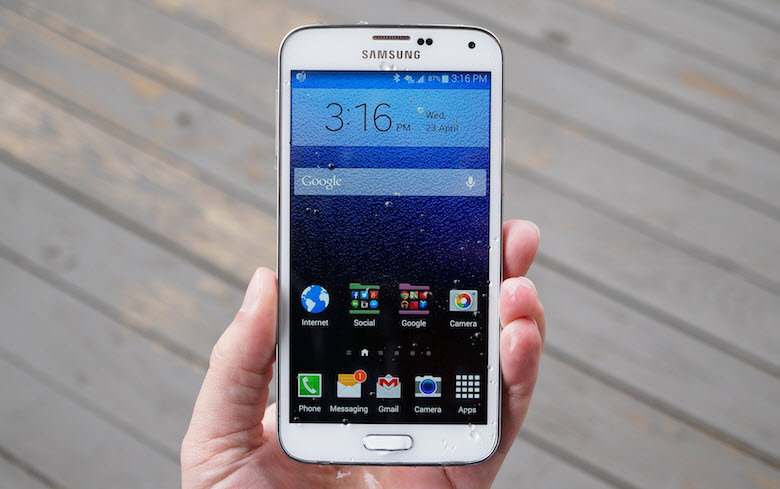
The battery life of smartphones usually does not last long, and most brands typically require recharging frequently. Fortunately, turning off connections that are unnecessary or not in use can greatly increase battery life. While this task can be done manually, it is easily and often forgotten. On your Galaxy S5, you can turn connections like WiFi on or off automatically at a specific time without using any third-party application. Continue reading to find out how.
1...234235236...528Page 235 of 528
error: Content is protected !!