If everyone used-two factor authentication, hackers would have to find honest work. They would not have been able to download Jennifer’s Lawrence’s nude photos from the Apple iCloud, because to login they would have needed to physically have Jennifer’s cell phone in their possession. All those emails and passwords stolen from JP Morgan, Target, Best Buy, LinkedIn, and eBay would be worthless, since without the token generated by the authenticator, the hackers cannot login.
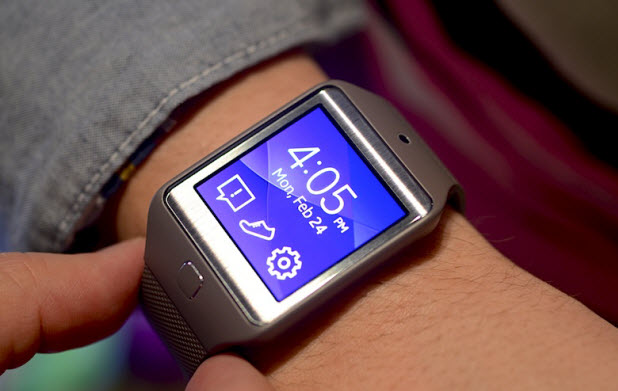
By default, the Gear 2 can only display call and message notifications from your phone. However, the notification feature can be extended to display notifications from third-party apps on your phone. As long as your favorite apps display notifications, they can be read on your watch. This feature can be enabled using the steps provided in this tutorial. Continue reading to find out how.
Google just recently upgraded its Google Maps interface for users who use the browser version. As with any new design changes, some features from the previous version of Google Maps did not make it into the new Maps interface. For those who use such features or just prefer the older layout, you can revert to the classic Google Maps interface.
If you usually share photos with friends using Facebook Chat and now you want to find all of them, you could go back to your chat history and find every single image from there. While it is possible to find all of the images using this method, it takes a lot of time. Fortunately, Facebook provides a convenient feature that allows you to view all of your shared images in one place. Here is how to access this feature.
If your C drive is getting full, follow the steps in this tutorial to erase unnecessary files, and free up drive space.
Receiving repetitive messages or calls from strangers on your phone can be frustrating. If this has become a frequent annoyance to you, consider blocking those spamming numbers. The steps provided in this tutorial will show you how to do it on an iPhone or iPad, without any third-party software.
If your children often use your iPhone or iPad to play games, limiting the amount of time that they can use the device is probably a primary concern. This tutorial will help you control how much time they spend playing games on the device without using any third-party applications. Once the time limit that you set is over, the game that the child is playing automatically ends, and it is no longer possible to play it until you start a new session for him or her.
The hotspot feature on your phone is a convenient way to let other devices such as your laptop or tablet share your 3G connection to access the Internet. When you use your phone as a hotspot, especially in public places, you probably only want the devices that you allow to be able to use the connection. While a password can be used to prevent unauthorized access, it can still be cracked. A better solution is to have a list of known devices which exclusively have permission to use the hotspot. Here is how to do it on a Samsung smartphone.
While quickly scrolling through daily email messages, I found that Outlook automatically marks them as read. This is probably the most annoying aspect of Outlook that selected emails are marked as read by default. Fortunately, you can stop this from occurring. Keep reading to find out how.
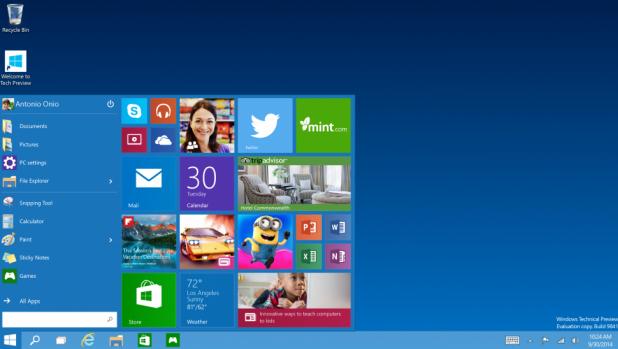
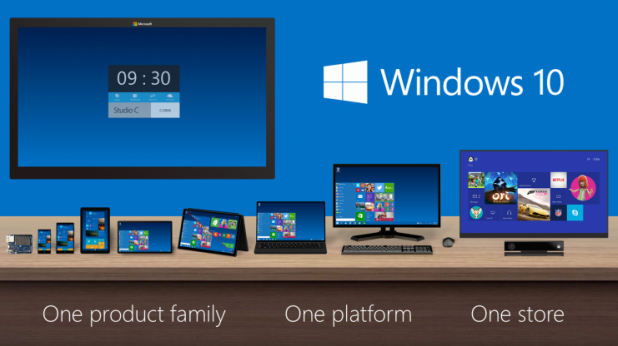
With the release of Windows 10, Microsoft decided to bring back the Start menu that many users complained about missing in Windows 8. However, the new Start menu also includes an area for live tiles which work similarly to the ones in the old release of Windows. Using the steps in this tutorial, you can customize the Start menu to suit your needs and workflow.
Since the release of iOS 8, Apple has added a way to allow up to six members of your family to share digital purchases such as music, apps, movies, books, and TV shows without sharing an Apple ID and password. This feature is especially cost-effective because you do not need to make the same purchases numerous times. Whatever you download from the App Store, iBooks, or iTunes is available instantly for other members of the family. Here is how to activate and use the feature.
When you are on your computer at work, it is normal to have several programs running at once, some for work and some for personal use. Unfortunately, as you know, having unrelated programs running on your desktop may easily cause a distraction and reduce your productivity. Ideally, you could group the programs together according to type and use only one group while the other remains hidden. That way, you can increase the chances of your finishing your work on time because the working desktop environment is distraction-free. This idea can be achieved using the Task Viewer feature in Windows 10, which allows you to create multiple desktop environments for different purposes.
1...232233234...528Page 233 of 528
error: Content is protected !!