One of the most notable new features in PowerPoint 2016 is the ability to create and add screen recordings directly to your slides. If your presentations often have screen recordings, this feature will be a lifesaver for you. Here is how to use it.
Google Forms is a useful tool for collecting information from a large group of people. You can use the forms you create to make contact lists, send out surveys, manage registrations, and more. Like all Google Docs, multiple people can edit your form at the same time before sending it out.
This tutorial assumes that you have already made a form, and now you want to see and analyze your results. If you need help making a form, check out my tutorial here. Watch for more tutorials on advanced Google Forms features & formatting coming soon.
Keeping track of time zones can be tricky. At 9 am, it is still normal working hours for you in the US, but has your client in Asia gone home for the day? You are traveling but still need to call into a 10:00 am meeting. What time is that for you in your current location? Arizona does not observe daylight savings time. Are they currently two or three hours earlier than the East Coast? It keeps switching.
Save yourself a headache and a lot of mental math by adding clocks for time zones you regularly deal with to your PC. The clocks are unobtrusive and only show when you hover or click on your normal clock.
Google Forms is a helpful tool for collecting information from a large group of people. You can use the forms you create to make contact lists, send out surveys, manage registrations, and more. Like all Google Docs, multiple people can edit your form at the same time before you send it out. Forms will organize the responses with real-time charts, or you can view it in Sheets for more thorough analysis. This tutorial will walk you through how to add a default or custom theme to your form.
If you have misplaced your iPhone somewhere in your house, you could use iCloud’s Find My iPhone feature to play a sound remotely to find it. However, this solution requires too many steps and may not even be possible if you have no internet service in the house. Luckily, if you own an Apple Watch, finding your iPhone could be much easier with the Ping iPhone feature that comes with the default Settings glance. Here is how to use it.
Google Forms is a great tool for collecting information from a large group of people. You can use them to create contact lists, send out surveys, manage registrations, and more. Like all Google Docs, multiple people can edit your form at the same time before sending it out. Forms will organize the responses with real time charts, or you can view it in Sheets for more thorough analysis. Here is a tutorial on how to make a basic form. Watch for more tutorials on advanced Google Forms features coming soon.
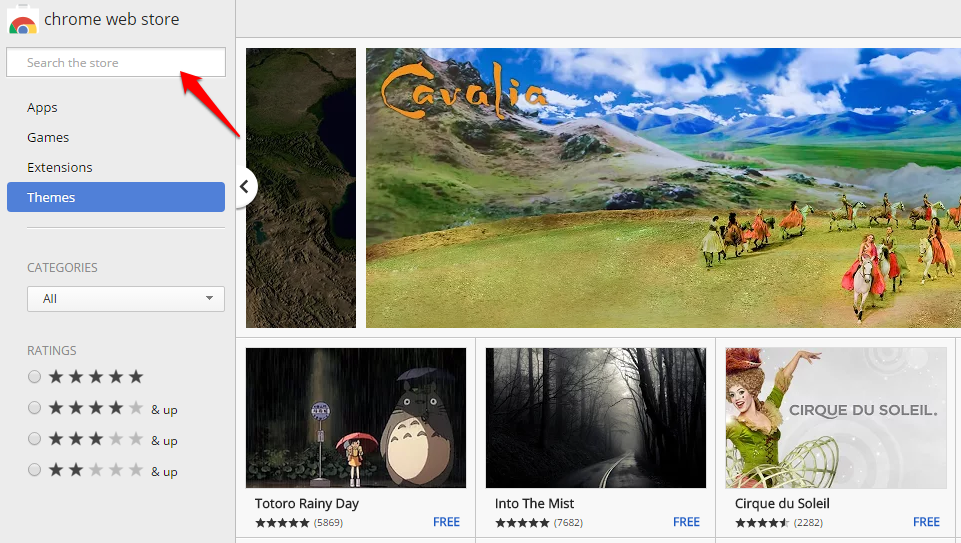
You spend hours every day staring at a Chrome window. Why not make it awesome? The Chrome Web Store has hundreds of themes you can use to paint your Chrome window. You can show your love of your favorite TV show or video game, or you can choose a breathtaking photograph. Do you want to keep things simple? You can also choose a basic color palette to personalize your Chrome without getting flashy.
Your theme image will be fully visible on the New Tab screen. Many themes also affect the color/pattern of your tabs and bars at the top of the Chrome window.
If you deleted important files or contacts in your iCloud drive by accident, you can still recover them because the default delete action in iCloud only moves the files to a special place that stores them for the next 30 days before truly deleting them. Continue reading for steps to recover your files.
Have you ever accidentally closed out of a tab you were using? Maybe you found a great recipe or article the other day, and now you cannot find it. Fortunately, Google Chrome keeps a history of your browsing data. You can look through your history to find that elusive page you viewed. If you want to be a real Chrome Guru, you can use the tricks and shortcuts detailed below to open recently closed tabs without using your mouse.
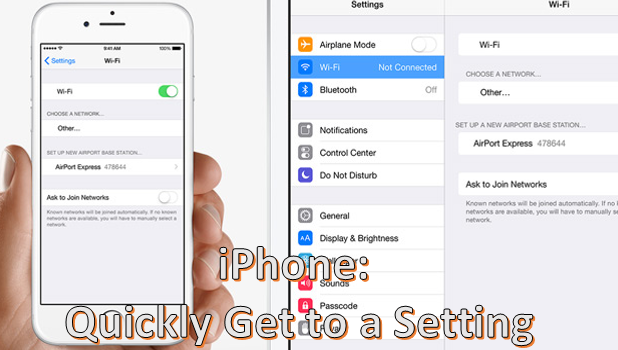
Your iPhone’s Settings option contains features and functionalities that you can set or adjust in order to control your device’s behavior. To make Settings easier to navigate, functions are grouped into options. Each option contains sub-options that are related to each other. Though the phone’s options and settings are optimally organized, one can easily get lost with the vast amount of preferences in Settings. Luckily, there is a way to get to a setting quickly on your iPhone or iPad without going through each option and sub-option. The steps outlined in this tutorial work for iPhone, iPad, and the iPod running on iOS 9.
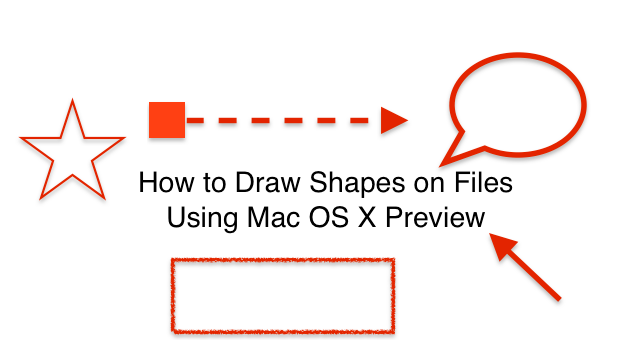
Preview is Mac’s default app for viewing files such as PDFs, JPEGs, PNGs, and most other image files. Preview has tools that allow you to draw shapes such as arrows, stars, and rectangles onto your image. You can even mask or magnify part of your file. This allows you to annotate your file visually.
Google Maps is a powerful tool that is used billions of times a day around the world. Many of us would be literally lost without it. You simply type in where you want to go, and Google Maps gives you multiple options on how to get there using a car, walking, or taking public transportation.
Google Maps has a lot of data and can do so much more than give you directions. You can turn on layers to view traffic conditions, public transit, designated biking lanes, satellite imaging, and topographical terrain data. These layers work on both the web and mobile app versions of Google Maps. This tutorial describes each layer and explains how to use them.
1...202203204...524Page 203 of 524 error: Content is protected !!