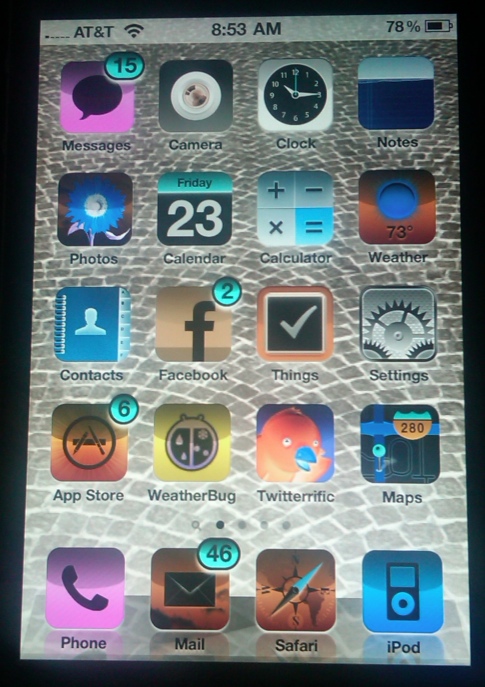
iPhones and similar digital devices are frequently difficult to see in certain situations. The 4th generation of the iPhone now comes with a shortcut to quickly inverse the colors to improve visibility. Here is how to enable “white text on black background” inverse colors mode on the iPhone.
When reading a long time or in certain lighting situations, I love this shortcut to be able to quick inverse my colors. Just getting white-text on a black background is a nice change of pace.
The secret is the use the iPhone’s accessibility’s settings to assign the inverse color mode to the triple-tap of the Home button.
1. Click General icon
2. Select Accessibility
3. Select Triple-click Home
4. Select Toggle White on Black
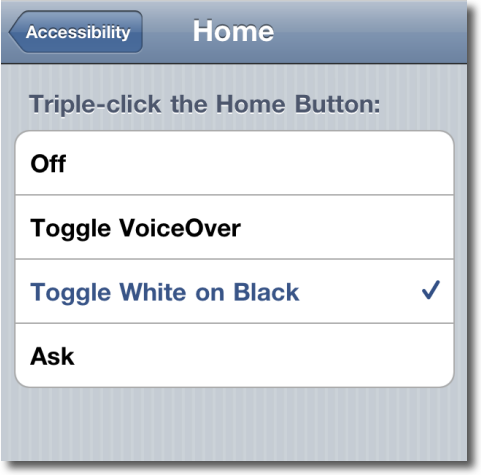
Then to inverse (or to return to normal again) just triple click your home button.
The iPhone will not take a screenshot showing this mode so here’s an external picture showing the invert mode.