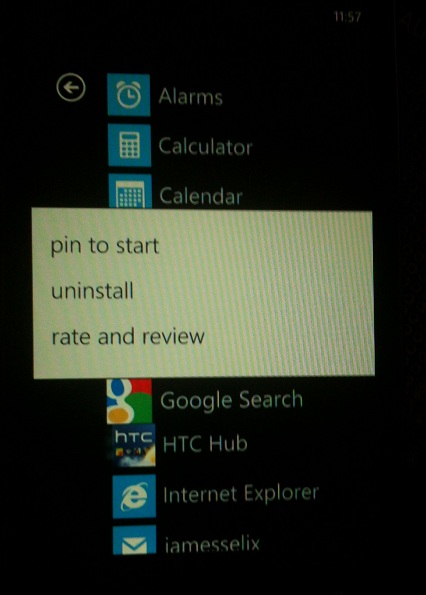
This tutorial will explain how to uninstall an application and not just remove it from the Live Tiles.
With WP7 removing an app from Live Tiles is pretty obvious. However, this is how you completely uninstall the app from your WP7 device.
1. Swipe Left to your main Applications Tile.
2. Tap and Hold on the application you wish to remove.
3. Choose “Uninstall”
This will uninstall the application and also remove any Live Tiles related to the application.