


If you have had your WiFi password set for a long time, you may not remember it. This can be a problem, especially when you try to connect a device to the network. The following tutorial will show you how to retrieve the password using an Android phone that has previously been connected to the network.
Before retrieving the WiFi password, make sure that your phone is rooted. Because each phone has different a rooting method, a Google search may help you.
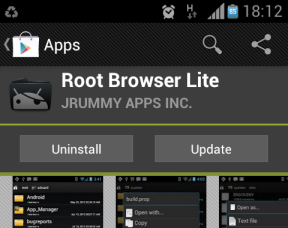
1. Open the Play Store. Then search for and install the Root Browser Lite (free) app if you do not have it on your phone yet.
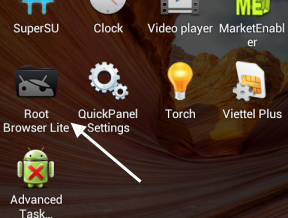
2. Once you have installed the app, return to the app drawer, and launch the app from there.
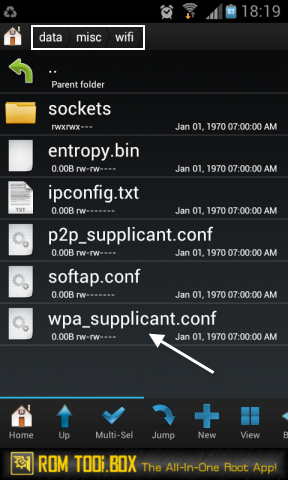
3. When the app is loaded, navigate to the Data/misc/wifi folder. Find the wpa_supplicant.conf file and tap on it.
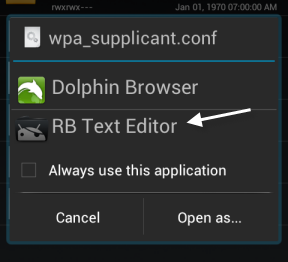
4. Use the RB Text Editor to open the conf file. It should be fine if you use other text editor apps to open the file, but the default one works just as well.
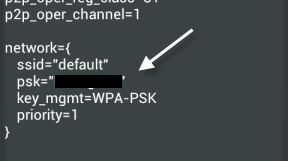
5. When the content of the conf file shows up, find the network from which you want to retrieve the password. The SSID row is the name of the WiFi network, and the PSK row will show you the password of that WiFi connection.
6. Try connecting a different device to the WiFi network using the retrieved password to provide you have the correct password.





