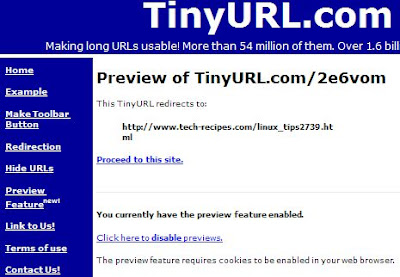
Tinyurl.com is a great tool/site to use when you need to send links to mobile devices or even just shortening those horribly long URLs. However, sometimes its nice to be able to preview the full URL prior to actually going to the link (spammers/phishing/etc reasons).
This is a very easy one.
1. Go to http://tinyurl.com
2. Click on the Preview Feature link.
3. Click on Enable the Preview Feature. It should now be on by default. Super Duper Easy! (just knowing that the feature is there was the hardest part).
However, if you clear your Cookies in your browser, the setting will be turned back off again.