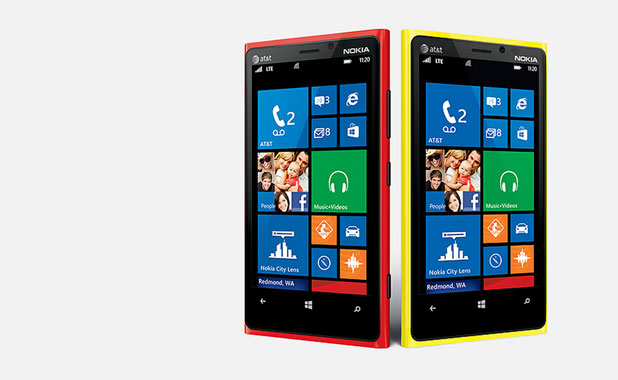
A factory reset will restore your Windows 8 Phone back to its original state and is frequently used as a last resort troubleshooting procedure.
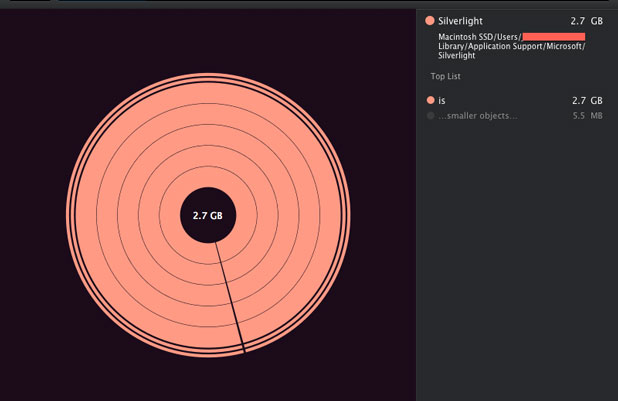
The way Microsoft SilverLight caches video can take up large amounts of hard drive space. Deleting these files can clear up precious storage space for other applications.
Well, I had some major problems with my PS3 recently locking up and not playing any games or movies. After calling Customer Support, they suggested that I do a hard reset. This did seem to solve my problems, so here is the procedure per Sony CS. I would consider this a last resort troubleshooting procedure.
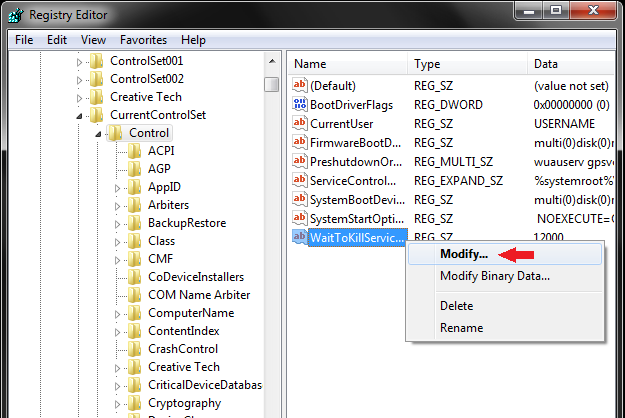
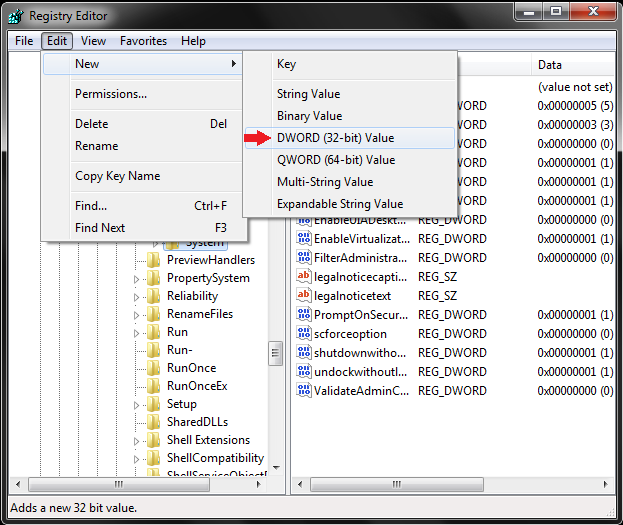
You may have an obvious delay between the press of the shutdown button and the actual shutdown of your Windows operating system. This registry tweak works in all versions of Windows including Windows 7 and Windows 8.
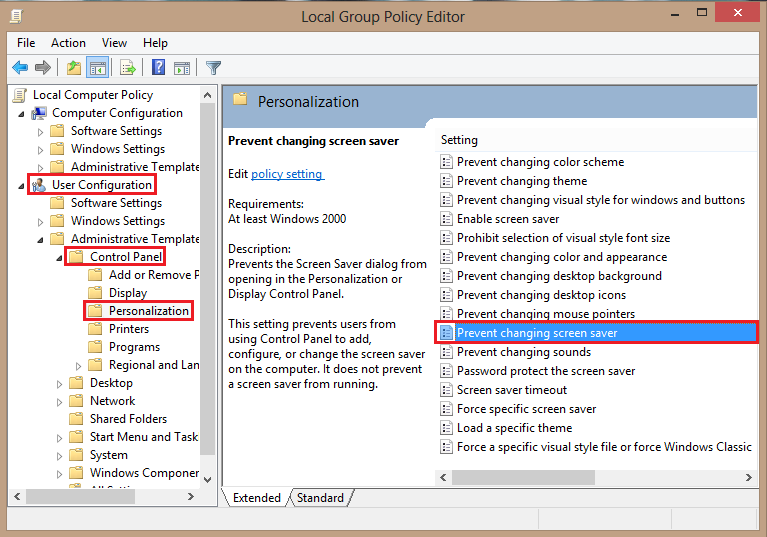
If you have a number of computers on your network, you may not want users to have the ability to change the screen savers on their systems.
Adding a watermark to your final document can help to make it secure. Word Office comes preloaded with many default watermarks from which to choose. However, you can also create a custom one that either uses text or an image. This is useful if you want to insert a company logo or other personal image as your watermark.
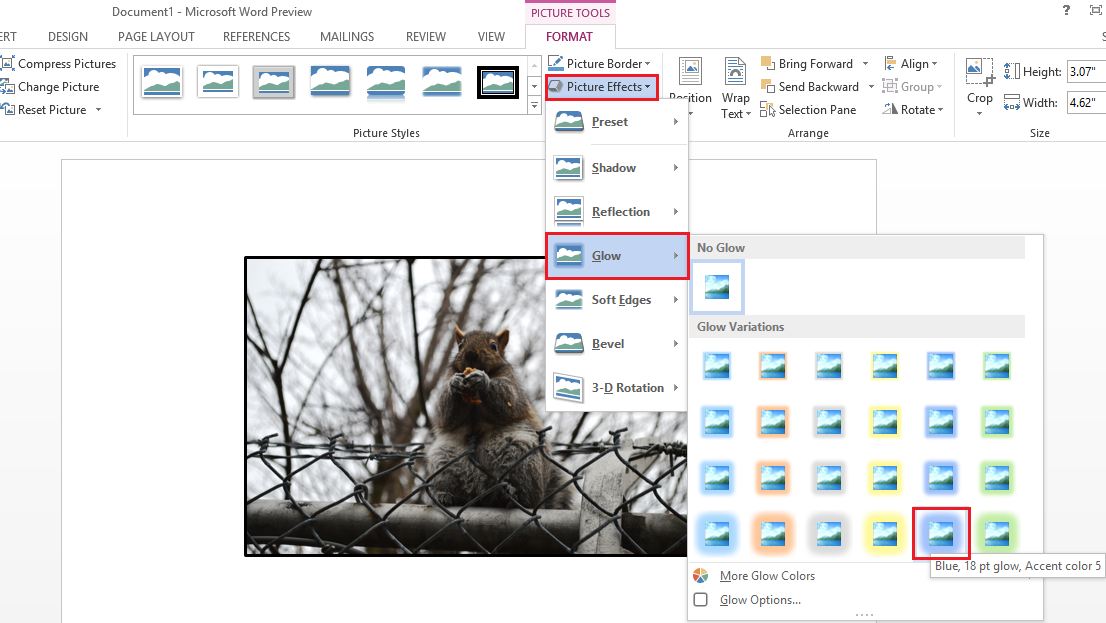
The reason many documents and presentations are not interesting is because of the use of boring images. Even if your images are extremely mundane, you can still attract attention to them by carefully adding effects.
Windows laptops have three battery settings: low, reserve, and critical. Once your PC reaches low battery power, you are notified that your computer is running out of charge. When you are notified that your PC is on reserve power, saving your documents and preparing for your PC to power down is a good idea. Once you get to critical charge, the computer will go into a state of hibernation.
When opening a new file without an extension, Windows asks if you want to go on the Internet and download an appropriate program to use to open the file. This dialog box pops up before you have the opportunity to manually select a program.
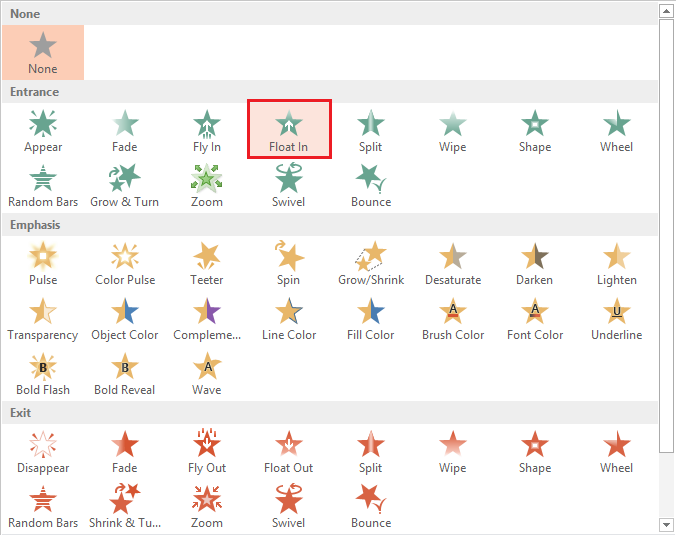
The only thing worse than having to sit through a PowerPoint presentation is having to sit through a boring PowerPoint presentation. If not abused and overused, animations will assist in keeping your audience engaged.
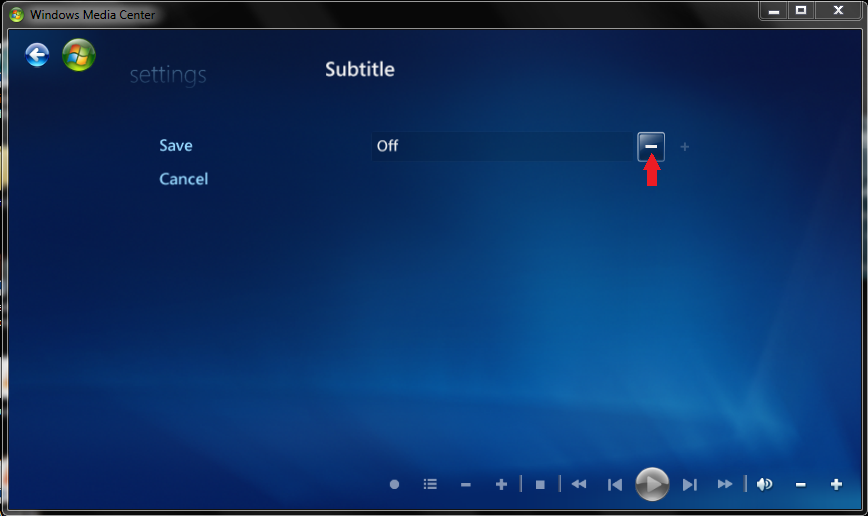
Subtitles can be useful for movie watchers in loud conditions or for those who want to keep the volume turned down. They are also vital for viewers who may be hearing impaired. Windows Media Center has accessibility options to directly address those needs.
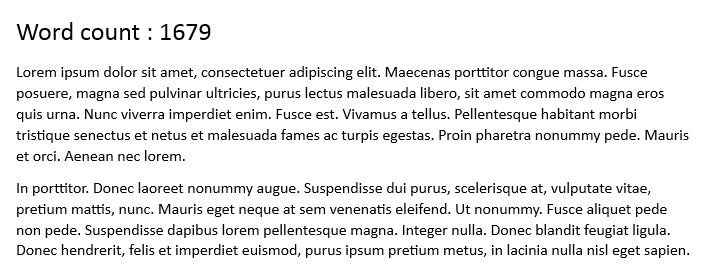
At some point, most Word 2013 users will need to utilize the word count tool. Whether you are a student handing in an essay to your professor or an employee sending out a report to your boss, a word count is frequently required.
1...302303304...528Page 303 of 528
error: Content is protected !!