Adobe Reader 7.0 contains a feature called CoolType that smoothes text and monochrome graphics, making documents easier to read. It is optimized for LCD screens and laptops. To enable CoolType, use the steps below.
You can increase the size of the text in your Winamp 5 playlist. This will make the text easier to read, but it will also show fewer items at one time in the playlist.
This tech-recipe contains a quick policy which will stop software theft by disabling CD burning options.
You can control which connections on your computer have Windows Firewall enabled. Keep reading to find out how to do this.
If a hard drive is formatted with NTFS, you can limit the amount of disk space a user can utilize using Disk Quotas. Disk Quotas are based on file ownership (which means that it counts against the one who owns it). To enable Disk Quotas, follow the steps provided in this tutorial.
You can save your frequently used Find and Replace searches so that you no longer have to recreate them each time you want to use them. To do this, use the steps below.
If the Show Desktop icon been deleted from your Quick Launch bar, it can be quickly restored by performing the steps provided in this tech-recipe.
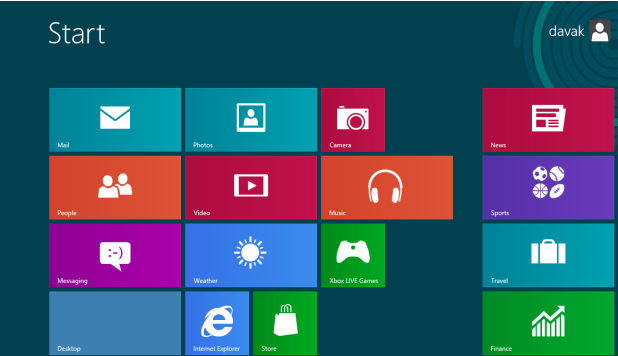
As an improvement from Windows 8, Windows 8.1 includes better Start screen customization settings, including animated backgrounds, tile grouping and more tile sizes. This tutorial is a comprehensive guide which you can use to give your Start screen a whole new look.
In Windows 8.1, customization has been greatly improved in many respects. One of them is that users are now able to set the lock screen to play a slide show from multiple folders, instead of just one picture. This tutorial will help you set up the slide show for the lock screen.
Sometimes, the new version of a device driver can make your system unstable. You can roll back to the previous driver using the steps provided in this tech-recipe.
If you have user profiles on your computer that you no longer need, you free up disk space by deleting these unused profiles. The steps in this tech-recipe allow you to do this.
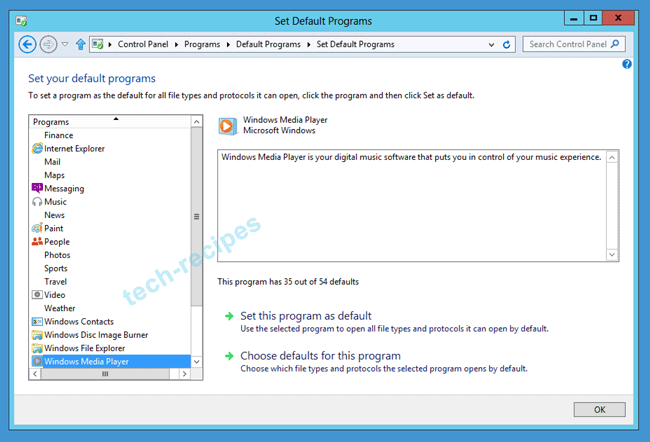
If Windows Media Player (WMP) no longer plays your music or video files, you have lost the correct file associations. The directions in this tech-recipe should fix the issue in Windows 7 and Windows 8 installations.
1...263264265...528Page 264 of 528
error: Content is protected !!