Have you ever made the mistake of deleting email messages from your Deleted Items folder and then suddenly realize that you need that message? Fortunately, Outlook 2003 allows you to recover deleted items. Keep reading to find out how.
The About section on Facebook, which shows your basic information and interests, is divided into several subsections such as music, books, movies, and games. While this is a good way for your friends to learn more about you, you might have sections you want to hide from the public, or you might have sections you want to display above others so that your friends will notice them more easily.
Even though the translation service in Google Chrome is helpful, you may want to prevent it from automatically translating the contents of your web pages. You can also disable the service completely if you think it gives inaccurate translations.
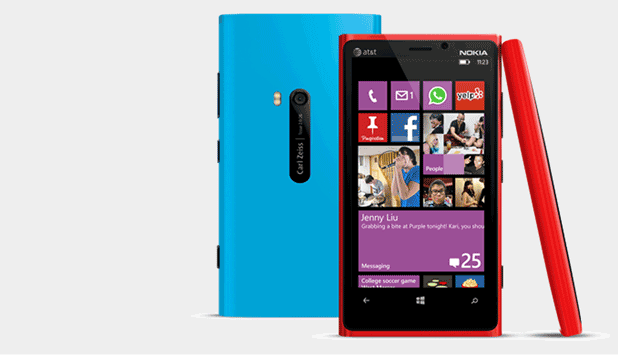
The minimalistic design of the email app inside Windows Phone 8 often causes navigating troubles for users, especially when they want to access labels or folders.
If you have a YouTube channel, placing links to your Facebook Page, Twitter Feed, or directly to your website is essential.
Outlook can automatically map the address of one of your contacts by looking it up on the Live Local maps website.
If you have a contact stored in Outlook that you would like to send to someone, there is a simple and easy way to do so.
Sometimes, you may need to insert an organizational chart, cycle diagram, radial diagram, pyramid diagram, target diagram, or Venn diagram into your Excel spreadsheet. Here is how.
You can change the color of individual worksheet tabs to make specific worksheets easier to find within a larger workbook. For example, you could make a “Sales” tab the color green, an “Expenses” tab the color red, an “Assets” tab the color black, etc. Here is how to accomplish this.
At times, you may find it useful to allow others, such as a secretary or an assistant, to view the details of your appointments in your Outlook calendar. You can allow another individual more access in viewing your appointments by giving that person permission to view your calendar. Use the steps in the Tech-Recipe to accomplish this.
Outlook allows you to request verification that a message has been received and also when it has been read. To activate this feature, use the steps provided in this tech-recipe.
If you utilize the Note feature in Outlook, you probably have had the need to send the contents of a note as an email message. You can create an email message from an Outlook note without having to retype it or even without having to copy and paste the contents. Use the steps below to accomplish this.
1...260261262...528Page 261 of 528
error: Content is protected !!