By default on Samsung Android devices, the status bar only shows a battery icon that reflects the current battery status on your phone. While it is a good way to keep track of how much juice is left until your phone shuts down, the indicator is only updated when the battery percentage reaches a specific threshold, so it is hard for users to know exactly how much charge is remaining. Luckily, there is a way to show the battery percentage on the status bar without using any third-party applications.
If you leave Outlook running in the background while doing other tasks, it will display an email notification whenever a new email message arrives. While they are great for keeping track of important incoming messages, the notifications may distract you from your current work and reduce your productivity. Luckily, it is possible to disable these notifications.
When using an Office program, a user may need to switch between many tabs to access their favorite commands. To be more productive and stop wasting time looking for the location of the commands, you can create your own custom tabs, and place all your desired commands there for quicker access.
If you frequently let your kids use your device to browse the web, make sure adult websites or other sites that are inappropriate for children are blocked. This tutorial will walk you through the steps to block websites on your devices running iOS 7.
If you sync contacts from multiple sources to your Android device, chances are your contacts list is filled with duplicate entries. Twitter and Facebook are two of the most common culprits. Joining and merging these contacts together will keep the list more organized and manageable. This tutorial will show you how to do it, without the need for third-party software.
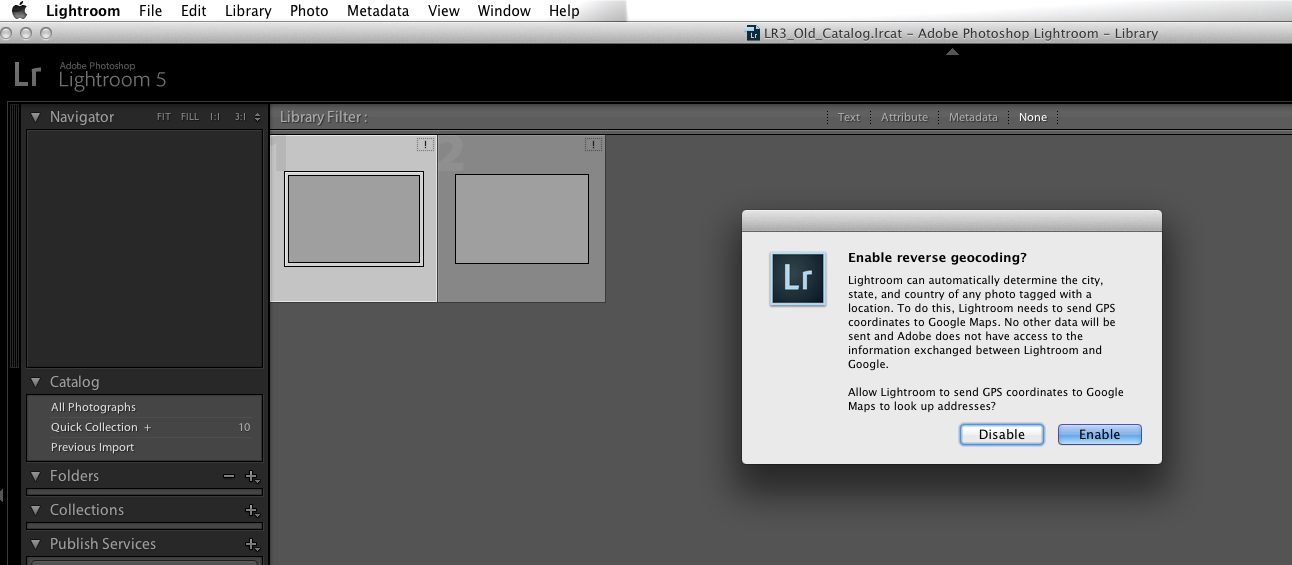
Many of us having been using Lightroom through multiple versions now. Merging version 2, 3, or 4 Lightroom catalogs into the latest version of Lightroom can be accomplished through the following steps. Instructions provided will work for both Windows and Mac systems.
If you allow it, iOS 7 will consistently monitor your location and record the places that you most frequently visit. Frequent locations, for example, can show up in the Notification Center to suggest estimated travel times. The information collected is quite detailed. If you have privacy concerns about this data being tracked, you can easily disable this new feature.
When composing an email message in Outlook, if you paste content from other programs or email messages to the edit field, Word will retain the original format of the pasted text. If what you want is just plain text without formatting, you may have to take extra steps to change the style of the text, including the font, size, color, etc. Consider setting the paste option to remove the formatting by default, if that is what you usually want. This tutorial will show you how.
The FBI MoneyPak virus has been around for a while now and has had one of the highest infection rates to date. When it originally hit computers around the world, removal of the virus was very simple through safe mode. Although the latest version of FBI MoneyPak forces reboot when in safe mode, following these steps will clear your system of the malware.
iOS only supports a limited number of video types. To be able to view unsupported formats like mkv or rmvb, you have to use third-party apps. This tutorial will show you how to copy and play almost any video on your Apple device without using iTunes using on VLC.