The channel page of your YouTube account is the hub for viewers and potential subscribers to check out your new uploads and recent activity. By choosing the most effective content to display and by arranging sections to grab your viewers’ attention, you can increase the views for your channel and make it even more popular.
Rovio’s Angry Birds Go! features a dual-currency system containing coins and gems. They can be used to upgrade your karts, buy new karts, and fill up the energy of tired birds after the races. If you want to earn more coins to upgrade your karts faster or are frustrated by the time-based wait system, the following tutorial will help you.
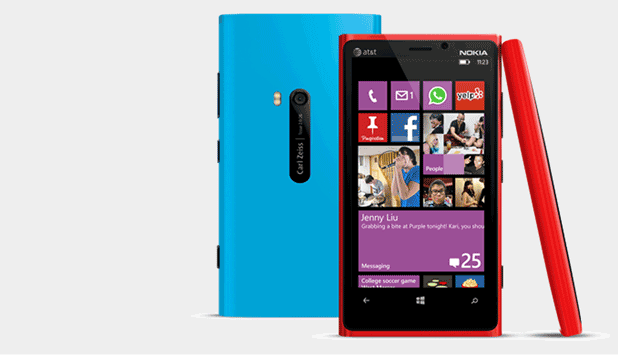
If you have just switched from Android or iOS to Windows Phone, it is important to transfer all the contacts from the old phone to the new one. Using the steps provided in this tutorial, you can copy over the contact data without any hassle using Bluetooth. Read on the find out how.
Editing PowerPoint slides to make them look uniform can take a lot of time, especially for a large presentation. If you want all of your slides to have the same background, the following tutorial will help you accomplish this in just a few clicks, saving you a lot of editing time.
GTA is filled with lawlessness and mischief. In a game like this, it only seems fair that you can cheat your way to victory. Why steal and kill when you hack your way to fortunes. These directions work for jailbroken and non-jailbroken devices.
By default in iOS, images will be loaded automatically when you open an email. If you have a mobile plan with limited data, loading all the images in incoming messages may not be a good idea. Fortunately, you can completely stop the Mail app from downloading images in your email.
In iOS, you can easily find a specific email in the Mail app using the Search function. However, by default it is not possible to find all unread or flagged messages or messages with attachments. Luckily, by categorizing all of those messages into folders, you can quickly access them from there.
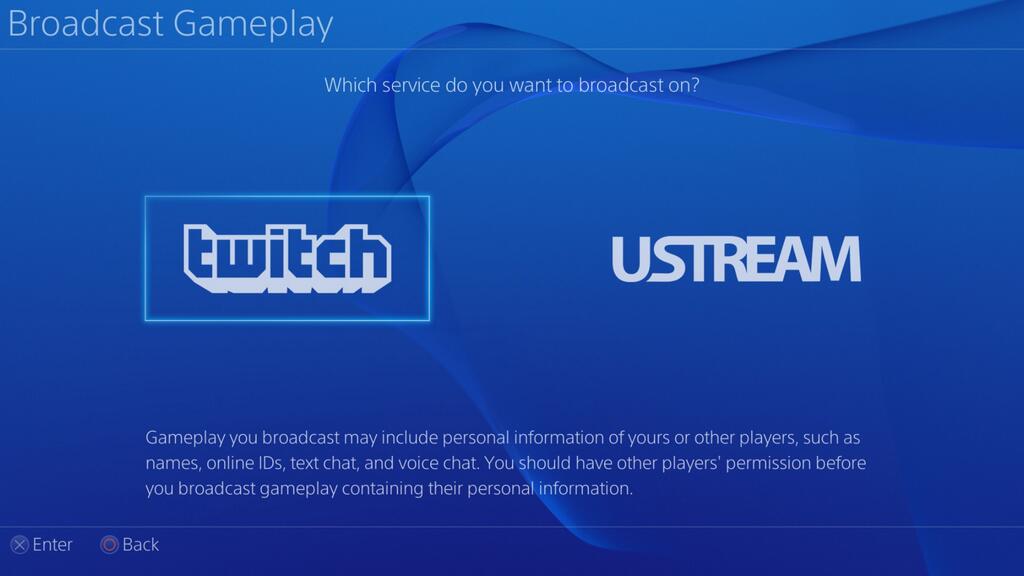
The Sony PS4 unofficially ushered in the latest, next-generation of gaming consoles. With it, Sony introduced a new button on the DualShock 4 controller: the Share button. This button allows gamers to livestream the game they are playing on the PS4 with Twitch and UStream, and it is constantly recording the last 15 minutes of gameplay. Let us see how to set this up and use it.
Previously on Facebook, users had to tab on the play button to run any uploaded videos. A recent change by Facebook, however, now allows videos to play automatically. In order to auto-play videos, the Facebook app downloads the data of that video without your consent, which means it can potentially increase your data usage if you are not using WiFi. This change may be a big problem for users with limited data plans. Luckily, you can turn off the video auto-play feature when you are using a cellular network.
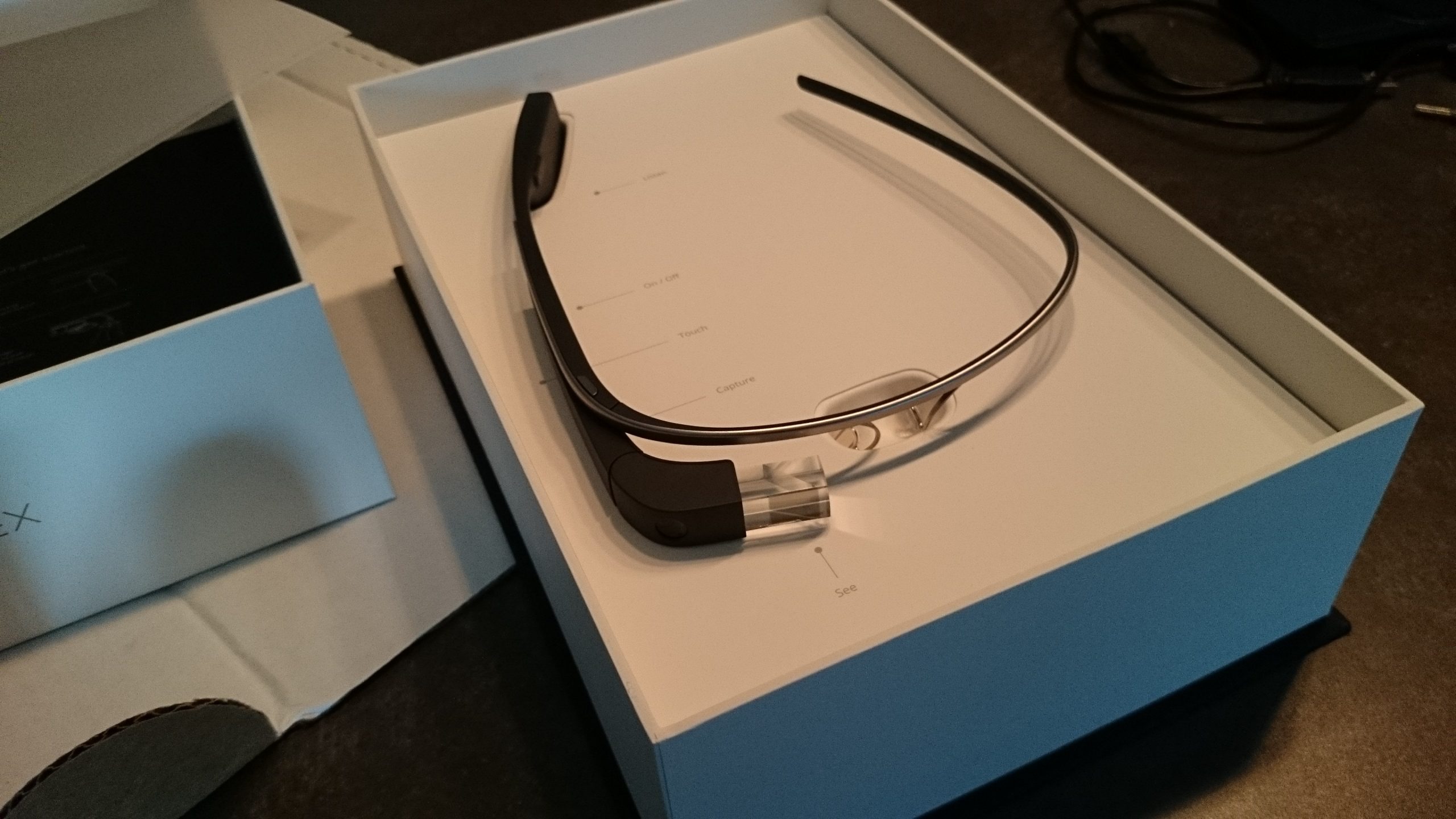
If you own a Google Glass device, you are probably already aware of its basic functions for photography and video. You might not know, however, that Google Glass also comes with a built-in Vignette feature that allows one not only to take a photo with Glass but also to overlay what is showing in the Glass display.
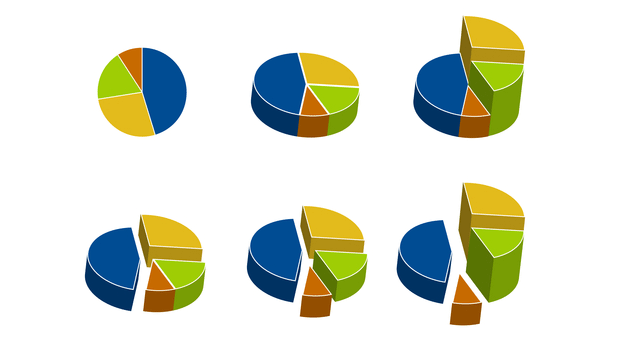
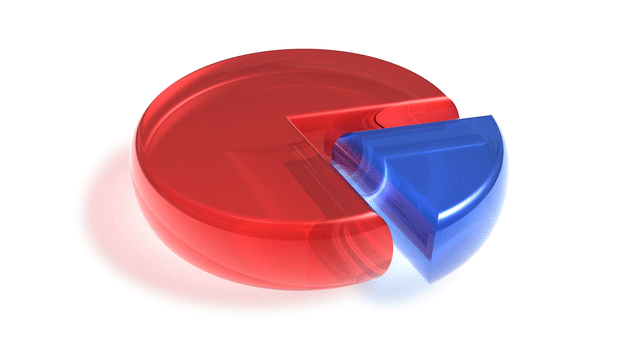
By default in PowerPoint, pie charts are rotated to a fixed degree. Fortunately, you can always rotate a pie chart so that it faces the direction you want. This also allows you to design your pie chart more easily.
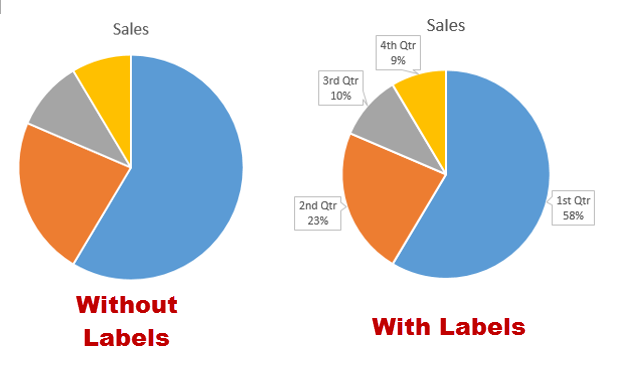
When you insert a pie chart in an Office program, you may notice that the data labels are missing from the chart. The missing data makes it tricky to identify which slice of the chart has the biggest proportion. Luckily, it is possible to show the data labels on the chart. This will work in PowerPoint, Excel, or any other Office application that supports charts.
1...244245246...528Page 245 of 528
error: Content is protected !!