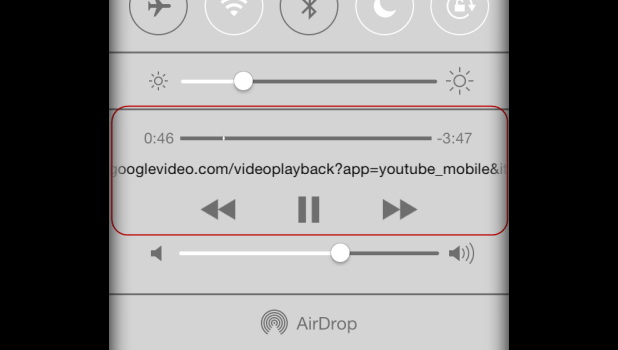
Protect Kids’ Hearing When Using iPhones, iPads, and iPod Touch Devices

By default in iOS, no maximum volume restriction exists. Therefore, children can turn the volume up to the highest point possible. A sustained loud volume can damage your hearing permanently. Therefore, it is recommended that you reduce the maximum volume to a safe range to avoid hearing loss.
iOS: Increase Video Caption and Subtitle Font Sizes

Many users may feel that the captions and subtitles displayed in videos on their phones are too small to read. Using this technique, you can tweak the text settings to increase the size of the captions and subtitles.
How Do I Add Text to My Video in iOS iMovie?

Even though the mobile version of iMovie has limited features when compared to the Mac version, it is still powerful enough to let you manipulate movies in numerous ways. One of the most commonly requested features it the ability to overlay text onto the movie clip.
Hacks for Cut the Rope 2 for iOS to Have Infinite Items and Powerups

With all the new tricky puzzles in Cut the Rope 2, the hard levels can be very frustrating. This tutorial provides hacks for you to unlock in-game power-ups and other items to get you through the tricky parts quickly.
How Do I Add Custom Music to a Trailer in iOS iMovie?
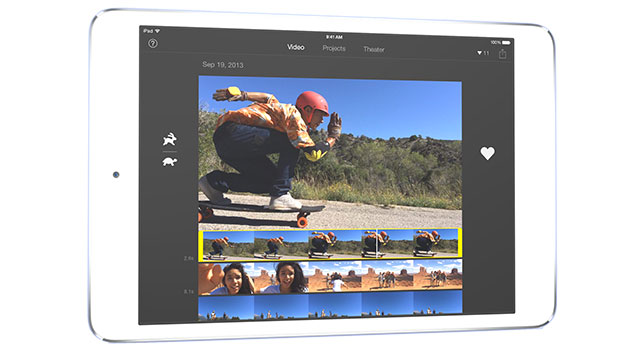
The iMovie app on iOS comes with a few trailer templates that let you create your own trailer easily in a matter of minutes. However, it does not seem possible to add your own music to the project. iMovie wants to force you to stick with whatever music goes with the chosen template. Luckily, there is a quick workaround to remove the default track and add your own music to the video without using a computer.
iOS: Lock Phone to a Certain App or Game

When you let someone else use your phone, especially kids, you certainly do not want your important apps and personal data to be accessed or deleted by accident. To prevent this from occurring, you can lock your phone to a single app or game so that nothing else can be used without your permission.
Gmail for Android: Attach Any File Type to Email

If you are on the road and need to quickly send a file to one of your contacts, you can do it right on your phone with Gmail without worrying about unsupported file types.
PS4: How to Link Your Twitter and Facebook Accounts to Your PS4

Sony’s PS4 is one of the most socially connected consoles available today. One way the PS4 does this is by tying your PS4’s XMB to your Twitter and Facebook profiles. By using the Twitter and PS4 connection, you can tweet livestreaming of games to your Twitter pals and more. By using Facebook, you can see which of your Facebook friends are on the PSN.
Mac OS X Maverick: Re-enable Tap and Drag on a Trackpad or Touchpad
Apple laptops have one of the best trackpads in the industry. However, after OS X Lion, Apple decided to hide tap and drag options deep within the Preferences. This technique is an alternative method for moving icons, windows, and other items by just tapping on an item and then moving your finger on the trackpad. This is very useful if you do not have a clickable trackpad or if you just miss this feature.
Google Glass: How to Enable Guest Mode
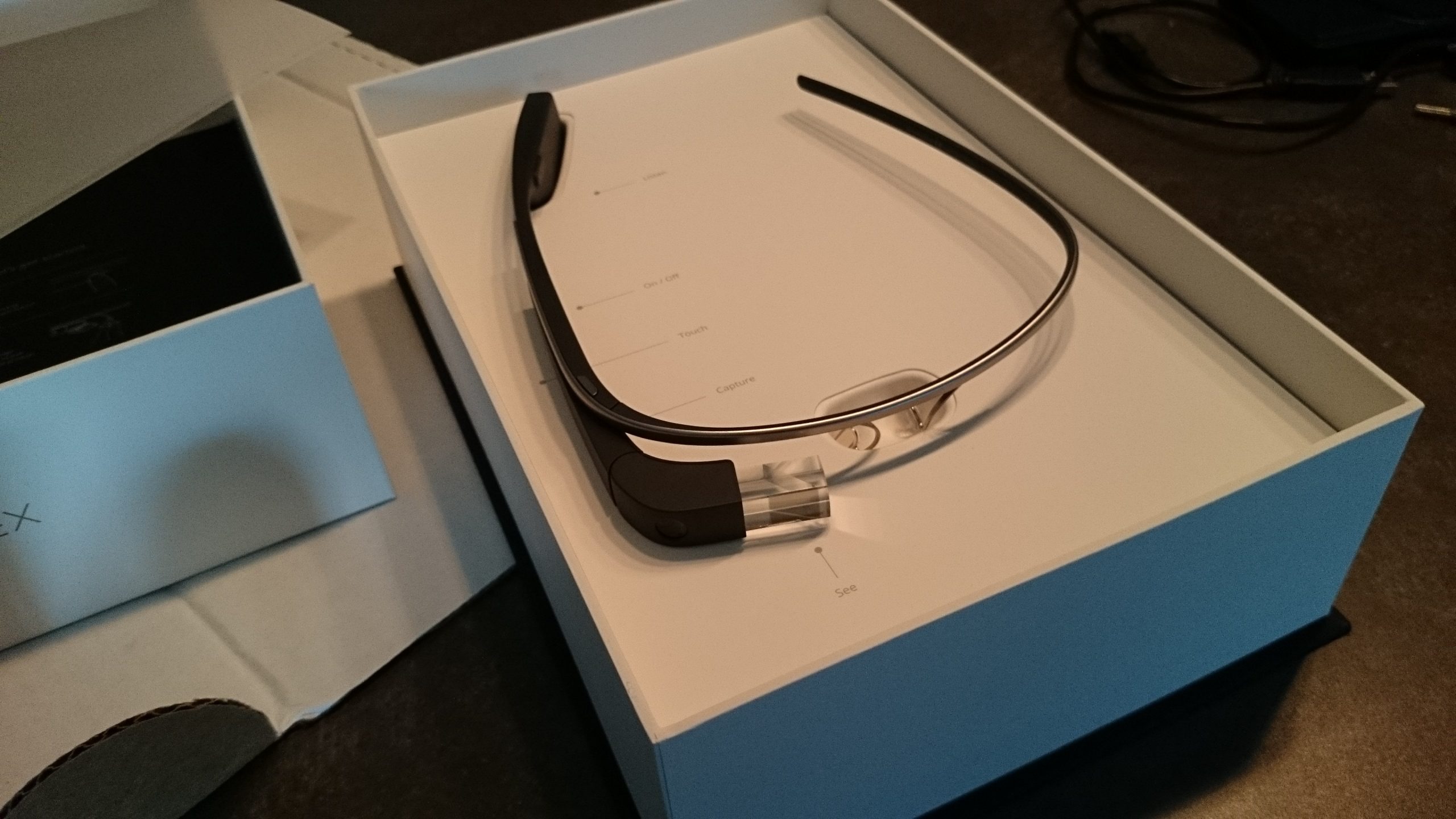
Google Glass is almost the unicorn technology of the moment. Once you get a pair, most people you meet will be very curious to try it out. Guest mode on Glass allows users get a taste of using Glass without having access to or affecting your personal data.
The Walking Dead Season 2 Walkthrough for Episode 1: All That Remains (Part 1)