How Do I Fix Issues on My Samsung Galaxy Phone by Booting into Safe Mode
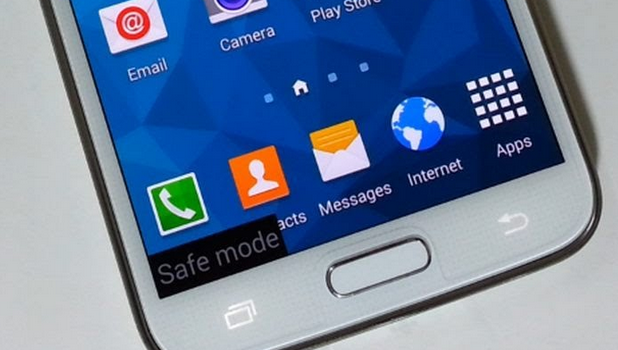
Have you encountered problems with your Samsung Galaxy phone? Issues on your phone may be due to faulty and buggy applications. Incomplete and errors in updates can cause inconsistencies on your device. The quick and easy way to fix these errors is by uninstalling the application causing the error or reverting the latest application updates. However, some errors and bugs will not allow you to uninstall applications and updates. Your first instinct might be to wipe your device. Before you do that, try to boot the phone into Safe Mode and see if uninstalling recently installed apps and updates solves the problem. Read through this article to learn how to boot your Samsung device into Safe Mode.
How to Back Up Google Docs
If you are like me, you worry that Google or Microsoft will lose the documents you store there in the cloud. They have never lost anything of mine, so far. However, if something goes wrong with your system, are you sure they will be able to recover it? Just to be safe, I make a backup.
How Do I Enable Two-Step Verification for My Dropbox Account?

Two-step verification adds extra security to your online accounts by requiring you to enter both your password and a special code sent to your number. Since you usually have your phone with you, it is really hard for someone to gain access to your accounts even if he knows the exact password. Like many big services, Dropbox offers the two-step verification option for its users, but the feature is not turned on by default. To protect your files from unauthorized access, it is recommended that you turn on two-step verification. Here is how to do it.
How to Set Up VPN on iPad

You usually use VPN for two purposes: to connect to your company’s network from home and when traveling or to connect to a public VPN service. You use a public VPN service for two reasons as well: to hide your real IP address and to spoof your geographical location so that you can watch geographically-restricted video or music.
Using VPN to cloak your identity is really not going to work to hide your identity. You need to use TOR for that. If you are doing something illegal, like violating copyright law, then attorneys or law enforcement will be able to find you anyway with or without VPN. VPN just adds one additional layer of obfuscation and means they need to serve a subpoena to one additional organization to find the name behind the IP address.
How Do I Recover the Clipboard History on My Samsung Phone?
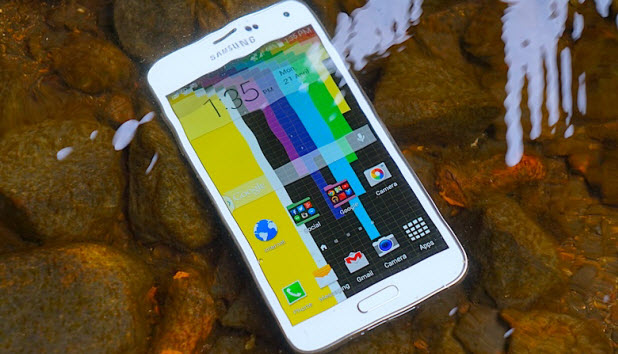
By default, Android phones only allow one active clipboard item at a time. As a new item is placed on the clipboard, the old one will be erased automatically. Without the help of third-party apps, you may not be able to recover the clipboard content that you copied previously. However, if you own a Samsung smartphone, there is a built-in clipboard manager that may help you recover the old content if it was recently copied. Continue reading to find out how.
How Do I Change Keyboard Shortcuts on My Mac?
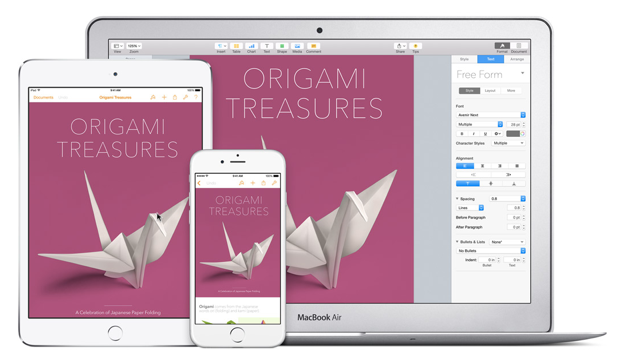
While default keyboard shortcuts on OS X are useful, many key combinations are hard to remember. By following this tutorial, you will be able to replace the shortcuts you most frequently use with your own key combinations, which makes using shortcuts easier.
How do I Automatically Switch Between Wi-Fi and Data Connection on My Samsung Galaxy Phone?
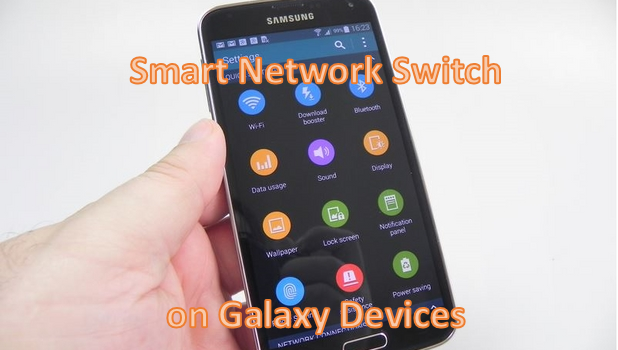
You have control over the network connections on your Samsung Galaxy device. You can set your phone to automatically switch between your Wi-Fi connection and your mobile data to maintain a stable internet connection. Switching to a better connection lets you have a better online experience using your Galaxy device. You do not need to manually switch between networks, Smart Network Switch does the job for you. To learn more about this feature, read on.
How to Lock Screen Rotation on the iPad iOS 8
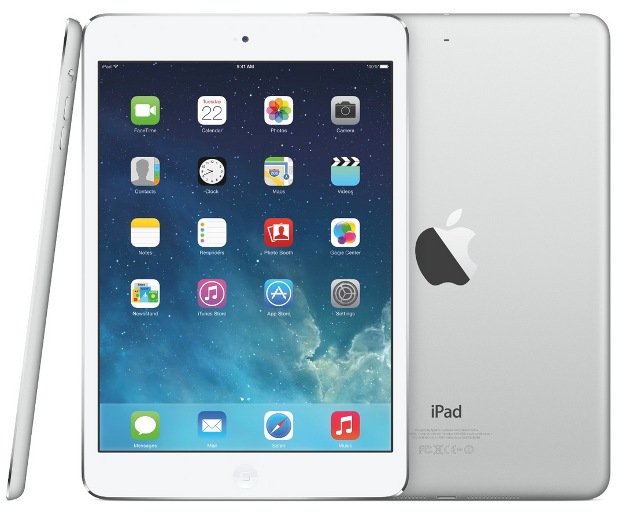
Some things just do not look right on their sides, like newspapers. Below we explain the issue with iPad’s automatic screen rotation and how to turn it off when you feel it is necessary. Before we get started, know that on the iPad with iOS 8, there are two ways you can stop the screen from rotating: (1) use the control center or (2) flip the switch on the top right-hand corner of the iPad. With that switch, you can either (1) control screen rotation or (2) mute the volume, depending on which configuration you have selected.
How Do I Create Custom Vibration Patterns on My iPhone?
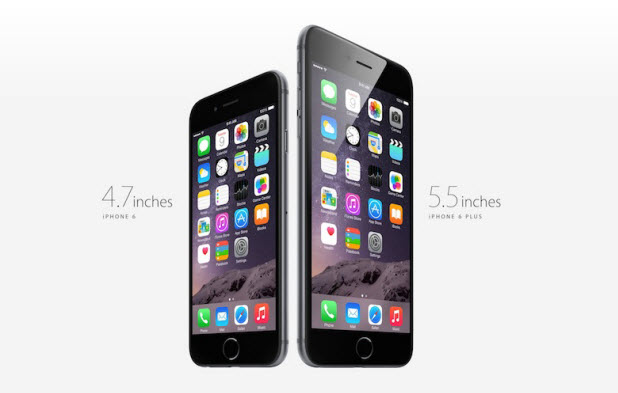
If the stock vibration patterns that come with iOS are often the cause of missed calls and messages on your phone, you can follow this tutorial to create your own distinct, aggressive vibration patterns so that you will detect the notifications as soon as they reach your phone.
How Do I Use Music Square on My Samsung Galaxy Device?
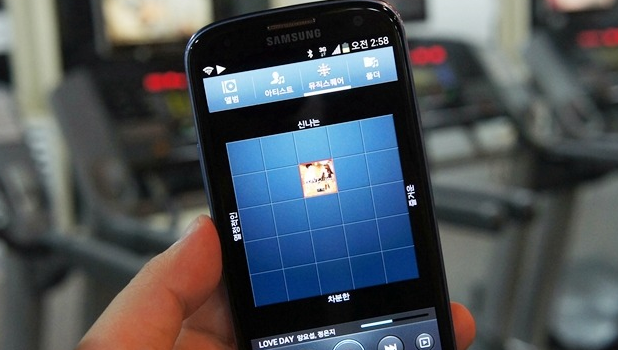
Somewhat buried on the tabs of Samsung Galaxy’s default music player app is a feature called Music Square. Music Square scans for the characteristics of the music files stored on your phone. The feature then automatically categorizes and groups each music file into four different “moods” based on a music’s tempo, beat, and other attributes. You can use Music Square as a fresh alternative for your mundane playlists.
Turn off Android Features That Pose a Security Risk