The flash on your Samsung phone’s camera can be used as a notification indicator. When you have a call or an incoming message, the phone’s camera light blinks a few times. This feature can be helpful, especially when your phone is in silent mode. However, it is turned off by default. Here is how to turn it on.
With Ubuntu, you can use (-print-screen-) to take a screen shot and then use Gimp to crop it. The problem is that Gimp is not always easy to use. Part of the reason for this is working with a graphics editor is difficult if you have no knowledge of graphic design. Most of us do not, so how do you take a screen shot on Ubuntu and then crop the section you want? Here’s how it is done.
You have probably had moments when you are on your phone and need to jot down important information for later use. While you can write it on a piece of paper (if you have one nearby), using the default memo app that comes with your Samsung phone’s software is a better option. By using the app, the note is attached to the contact, so you will see it on-screen every time you call him or her. Furthermore, you no longer need to carry notes on paper with you or worry about losing them. Learn how to use the note feature during phone calls in this tutorial.
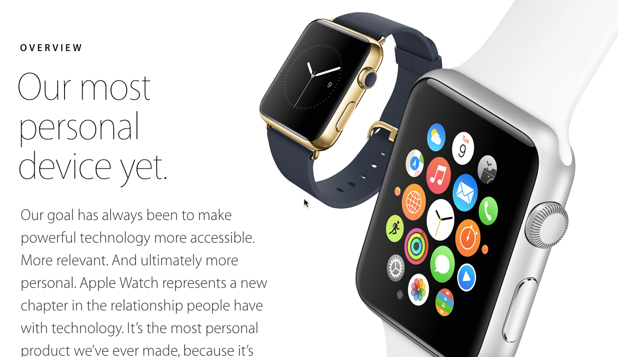
A page-based interface in an app is useful for displaying non-hierarchical content. If your iOS app includes a page-based interface, it makes sense to use the same interface in your Apple Watch app. Read on to find out how to do it in Xcode.
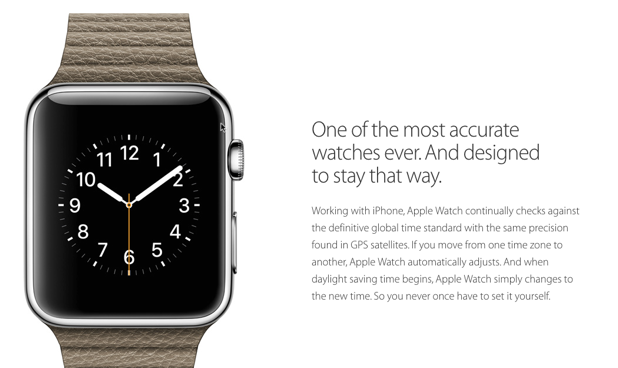
The Apple Watch comes in two different sizes: 42 mm and 38 mm. With very limited screen space, apps must be designed carefully so that users can use them easily even on such a small screen. Developers who make apps for the watch can make adjustments according to the size and provide users with the best app version. Here is how to do it.
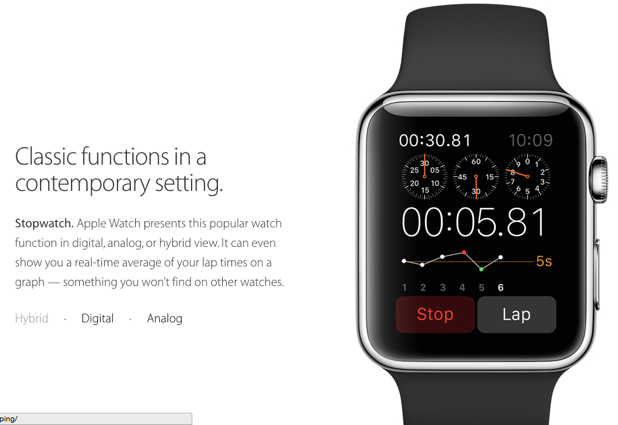
An Apple Watch app is different from its iPhone counterpart in the way that data is sent between screens. Find out how to do it in this tutorial.
Let’s face it. Many of the people who are your contacts on LinkedIn are people you do not even know, whom you added for reasons you cannot remember. Let’s see how to delete them.
If you send a tweet to someone in Twitter using @someone, that tweet will be sent to them and their followers. If you want to get their attention, it is better to send a message to them directly. This is called a direct message (commonly known as DM).
An Apple Watch is very similar to its iPhone counterpart regarding how you navigate between screens. You can do it from the storyboard or the code. Learn how to do both in this tutorial.
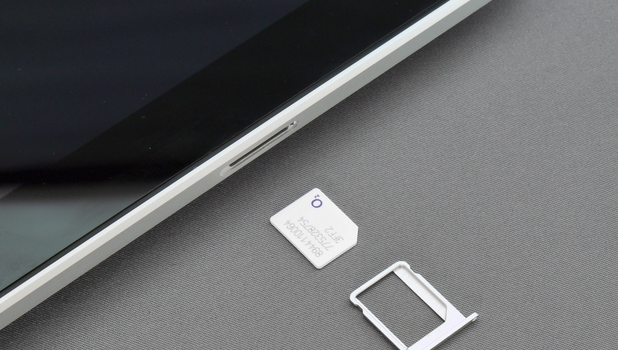
Are you using a Mini SIM (2FF)? More commonly termed as the regular SIM card, Mini SIM is still the most widely used SIM card in the world. You may notice, though, that once you switch to flagship devices, they are using smaller types of SIM cards. These are the Micro SIM card (3FF) and the Nano SIM Card (4FF). For a minimal fee, most network carriers allow you to buy a new Micro or Nano SIM Card and retain your old number should you feel the need to switch to a new type of SIM. However, you can also cut your own Micro and Nano SIM. A simple and accurate template can be used to help you cut your own Micro and Nano SIM card from a regular SIM. If you are curious about how to do that, this tutorial will show you how.
Google Chrome is currently the reigning champ of the web browser war, but it is not optimally pre-configured. Follow the steps in this tutorial to use Chrome’s expanded settings to power up the performance and increase the degree of security.
The Windows operating system is full of hidden features and tricks. Using these hidden features can save you a lot of time and increase your productivity. One of the most useful features which is not widely known in Windows 7 and Windows 8 is God Mode.
1...221222223...524Page 222 of 524 error: Content is protected !!