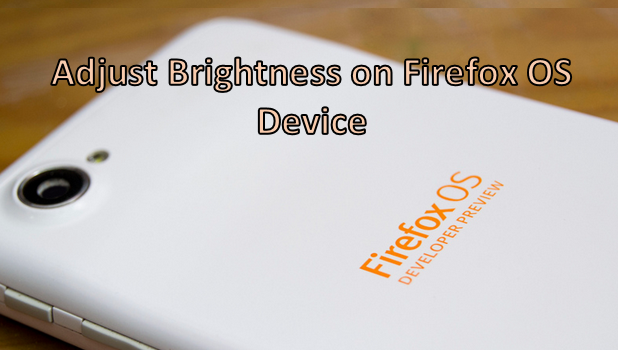
The screen of almost all devices (Android, iOS, Firefox OS, and other touch-screen gadgets) uses up a huge chunk of the battery’s power. Generally, the larger and brighter the screen is, the more battery life it consumes. A brighter screen allows you to use the phone easily, even under high ambient lighting conditions such as when you are outdoors during the day. However, in darker places or at night time, you can set your device’s screen brightness to a lower setting which conserves battery life and reduces eye strain. If you want to adjust the screen brightness on your Firefox OS device, keep reading.
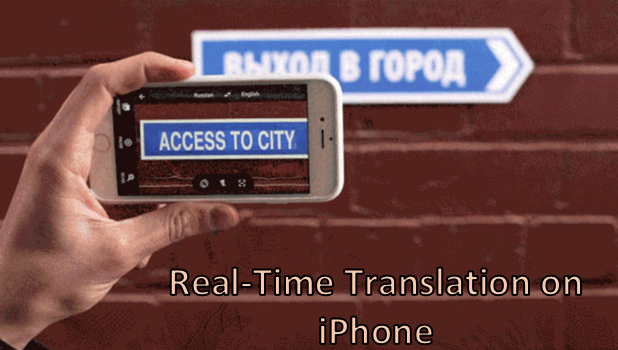
Have you ever tried going through the owner’s manual for a device only to find that it is in another language? Now, how are you supposed to understand it? Imagine dining at a restaurant abroad and the waiter, who does not speak English, hands you a menu written in the local language. If you ever find yourself in situations that require a translator, then this article will help you. Using your iPhone’s camera, you can instantly translate text, even when it is printed in an image. The translation is done in real-time. You just have to hover your phone over the foreign language and the screen will instantly show the translated version of it. If you are curious about how to do it, read on.
If you rely heavily on iCloud Drive, you will be glad to hear that there is an app dedicated to this service starting from iOS 9. However, this app is hidden by default. Here is how to display it on your iPhone’s home screen.
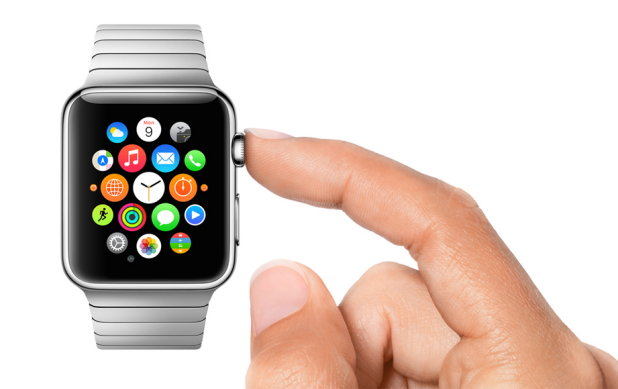
Since smartwatches are still rather new wearables, learning how to use them can take some time. During that process, you may find that your watch behaves erratically. If you have no clue why the device is malfunctioning, resetting it to its default state is recommended. Here is how to do it on an Apple Watch.
If the charge on your iPhone’s battery is running out too quickly, follow the steps in this tutorial to get a few extra hours for your phone without using any third-party apps.
Making and answering phone calls right from your wrist is one of the coolest uses of the Apple Watch. It is especially helpful when both of your hands are busy. Here is how to use this feature.
By default, digital watch faces on the Apple Watch will display time in 12-Hour mode. It may take a while to get used to this display mode if you are accustomed to a 24-Hour clock. Luckily, switching between the two modes is easy.
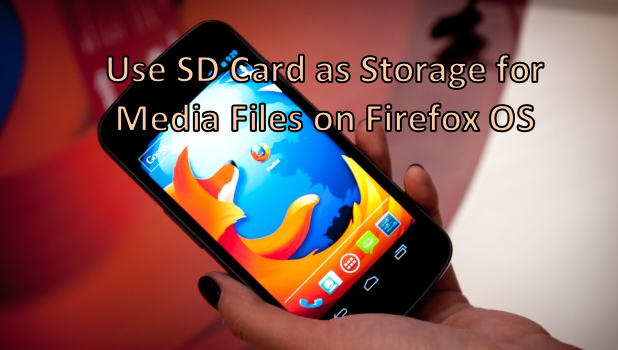
By default, the internal memory of your Firefox OS device is used for storing your multimedia files. All photos and videos taken on your cell phone will be automatically saved on your device’s internal ROM. This may not seem like a problem at first, but later on, you will find yourself running out of valuable phone storage space. You can insert an SD card and manually transfer these files to the newly inserted external memory card. However, the process can be tedious and time-consuming, depending on the number of multi-media files and the transfer speeds. If this is an issue for you, then we have a solution. You can actually configure your phone to use an external SD card as the default storage location for your media files. Keep reading to find out how.
The most interesting part of my job is performance tuning and optimization in T-SQL. The heart of performance tuning in an SQL server is proper and usable indexing on tables through the use of Sargable queries.
Most of the time in real life, we try to find the top three scores in a class, the top five runners in a marathon, or the top 10 goals of the month. SQL server has a feature to select the TOP n records from a table.
Since the Apple Watch is quite small, using a keyboard for replying to text messages would be awkward. To solve this problem, Apple provides two methods to send messages from your watch: predefined messages and voice-dictation. While voice-dictation is helpful for sending long messages, predefined messages can be handy when the message you want to send is short and general. Furthermore, it works in environments where voice-dictation is not possible (e.g., in a meeting). Here is how to create your own replies.
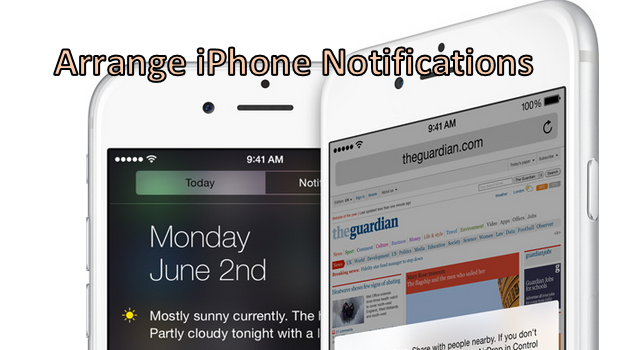
The Notification Center of the iPhone lets you know when you have messages and phone alerts. Reading an email notification informing you that a class or a meeting for the next day has been canceled is important. However, it can be frustrating when you have left your phone for hours and then see that you have a lot of pending notifications. Going through all the news, messages, and game requests can be frustrating. In fact, you may have so many notifications that you miss the ones you really need. If you have this problem, here is the solution for you. You can actually rearrange the order of your notifications so that alerts from preferred apps are on top. That way, you will never miss an important meeting because of those game challenges!
1...213214215...524Page 214 of 524 error: Content is protected !!