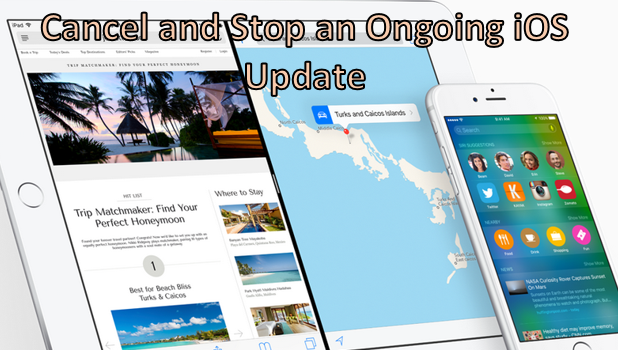
Updating your Apple device to the latest iOS version is benefical for several reasons. You may want to fix a bug on your iPhone, get the latest features and native applications for iPad, or simply get your phone up-to-date. Have you ever tried downloading an iOS update only to get feedback from other users that the latest version has more problems than the previous one? Maybe you tried and failed to stop or cancel a download. You then had to finish the update and hope for a better one in the next version. If you have found yourself in this situation, then this tutorial is for you. You can actually stop the update as long as it is not completely done.
If you have used Apple Music for a while and think the service is not worth $9.99/month, follow the steps in this tutorial to cancel your subscription.
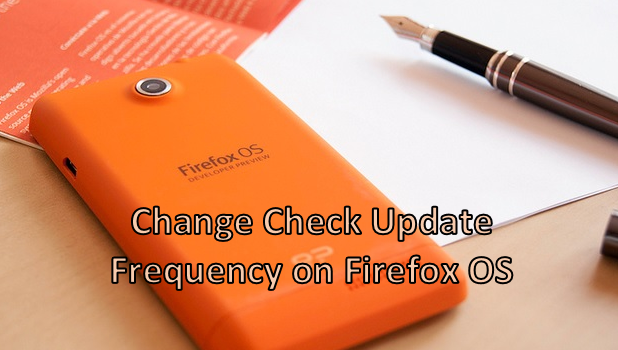
An updated Firefox OS phone helps you correct bugs and errors on previous versions. Also, updating your device to the latest version lets you enjoy the latest functions and features available for your phone. Depending on the need, phone developers and manufacturers release phone updates from time to time. While some phones do not automatically check for updates, Firefox OS by default checks for them on a monthly basis. If you want to change the frequency of these update checks on your Firefox OS device, then this article is for you.
Since iOS 9, the Notes app has been enhanced with lots of new features such as the ability to change text style and add checklists and multimedia files. Learn how to use them all in this tutorial.
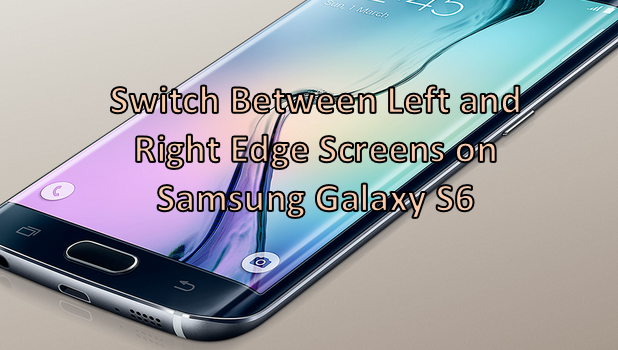
Samsung surprised the world when it introduced the Edge screen on the Note 4 last year. Now, Samsung has garnered respect for applying the same concept to its latest flagship device, the Samsung Galaxy S6 Edge. The Samsung Galaxy S6 Edge has not one, but two dual-edge screens. This means that both of the edge screens are able to display information (though not at the same time). By default, the edge screen on the right is activated. You can change this to show information on the left edge screen instead. If you want to find out how to do that, the article below explains how.
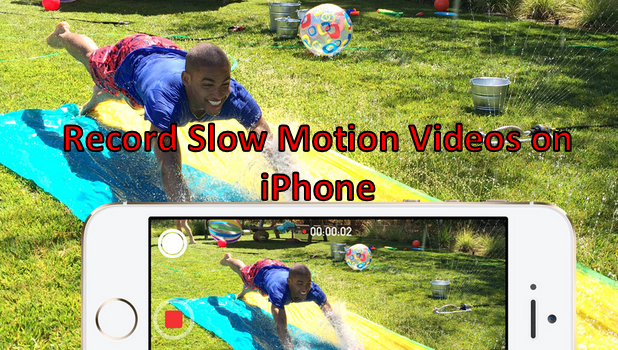
iPhone’s built-in Camera app has the ability to record slow motion videos. iPhone 5S users can record at 120 FPS (frames-per-second) while iPhone 6 and iPhone 6 Plus users have an extra 240 FPS mode. Aside from recording slow motion videos with amazingly smooth quality, the feature lets you choose a certain part of the video that you want to highlight using the slow motion effects. If you are interested in learning how to capture your own slow motion videos, read on.
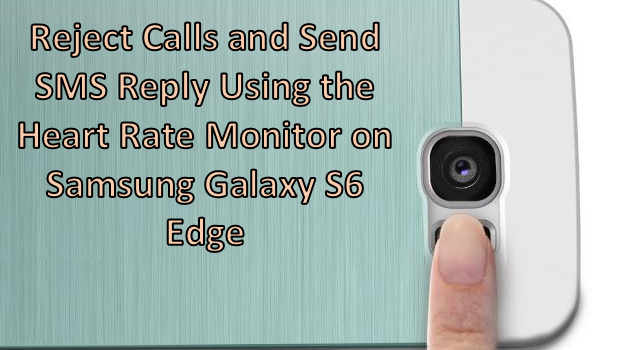
Here’s the scenario. You are in an important meeting. You do not want to pick up your phone so as not to distract anyone from the meeting. However, you are expecting a call from someone, and you do not want the person to feel ignored. What should you do? If you are using a Samsung Galaxy S6 Edge, you are saved! The Galaxy S6 Edge has a feature that lets you reject calls and send a predefined auto reply message by simply touching the heart rate sensor button. Do you want to know more about it? Read on.
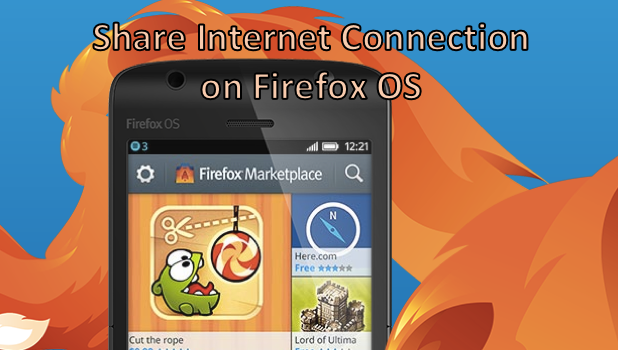
Firefox OS, though a fairly new mobile phone on the market, offers numerous features that are available to both Android and iOS. One of these features is the ability to share its internet connection. By enabling the hotspot on your Firefox OS device, you can share your phone’s internet connection over Wi-Fi. For those devices that do not have built-in Wi-Fi, you can still share your connection through the USB port. If you are interested in these features, keep reading. Both options will be covered in this tutorial.
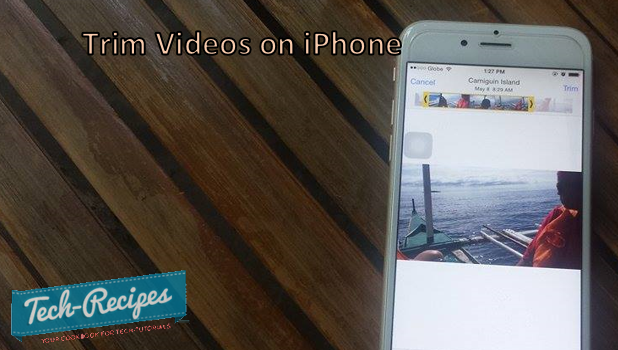
iPhone 6’s new 8-megapixel iSight camera with auto-focus makes the device suitable not only for taking still pictures but also for capturing video moments. Sometimes, you may get so carried away with taking a video that you manage to record a full hour. Now, how will you be able to upload a video that size to share on Facebook? Unfortunately, you can’t. You need to trim down and shorten the video. It is a good thing that Apple has a feature that lets you easily trim videos so that you can share only the best parts. This feature will also work to iOS 8 devices. If you are curious about how this is done, read on.
You can personalize the wallpaper on your Firefox OS phone by using the predefined wallpapers or by choosing an image from your gallery. There are two ways to change the wallpaper. One requires you to go through the Settings menu while the other lets you change the wallpaper from the Home screen. This article will cover both methods.
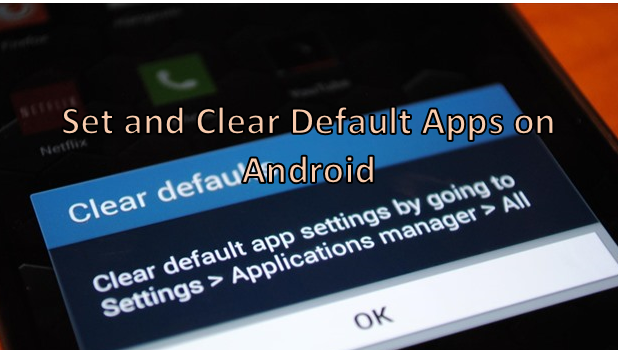
Depending on your Android device, you could possibly have different applications that perform the same function. In some situations, you may find that you want to execute a certain command automatically using a specific application (e.g., opening the message application). There will also be times when you want to choose a specific app for opening a program or file. You can set default applications on your Android phone that will automatically be used when you open or perform certain commands or gestures. You can clear these default apps by going to Settings. Here are the instructions for setting and clearing default applications on your Android device. Read on.
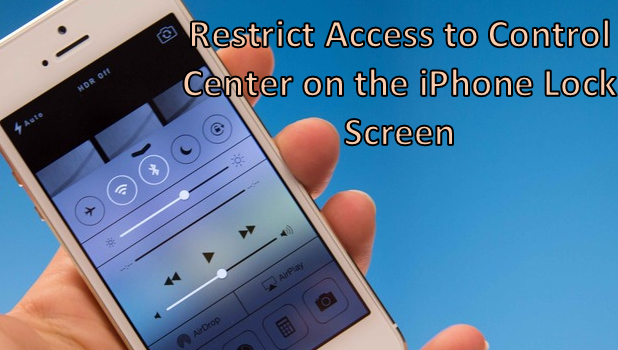
Control Center on iOS is a very handy feature that allows you to have easier access to some settings and applications on your iPhone. With Control Center, you can enable features such as Flight Mode, Wi-Fi radio, Bluetooth radio, Do Not Disturb mode and the screen orientation. You can also control music and volume levels on it. Some applications such as the Flashlight, Timer, Calculator and the Camera can be easily accessed through Control Center. Though Apple has restricted access to the iPhone outside the range of permitted applications, the fact that anybody can access Control Center even on the lock screen may raise concerns about security for some users. If you are one who wants to have Control Center removed from the iPhone lock screen, then this article is for you.
1...212213214...524Page 213 of 524 error: Content is protected !!