In the past, any files that were shared on Google Drive could be downloaded. However, a recent service update from Google has given users the ability to disable downloading for files that are available to everyone. Here is how to use it.
If you ever accidentally delete your notes inside the Notes app, follow the steps in this tutorial to recover them.
By default, photos that you have taken inside Facebook Messenger and photos from your friends will not be saved to the gallery. This is understandable because not all of the photos are worth saving. However, if you often communicate and exchange important photos with friends, saving those pictures automatically can save you a lot of time. Here is how to enable this feature inside the Messenger app on both iOS and Android.
By default, Spotlight indexes most of your files, and they can be accessed by entering search terms. While this is a convenient feature since you do not have to remember the exact location of your files, your secret files may be exposed. Luckily, it is possible to configure Spotlight to exclude specific files from the search result. Here is how to do it.
Even though Gmail’s default interface is satisfactory, you might prefer to spice it up to make working with email messages a bit less monotonous. The good news is that Gmail has a built-in feature to help you do just that. You can even upload your own picture and set it as your Gmail background. Here’s how.
Depending on your settings, Apple Music may only allow you to stream songs when your phone is connected to a Wi-Fi network. However, if you are using a fast 3G or 4G connection with an unlimited data plan, you can configure Apple Music to stream songs over this connection as well. Here is how to do it.
When you first set up the Apple Watch, the device will ask you to set up a passcode. Using a passcode on a watch may seem strange, but it helps to protect your private information (e.g., credit card numbers) and to block unauthorized access when you are not wearing it. However, if you are not using Apple Pay and do not have any sensitive information on the device, you may want disable the passcode. One benefit of disabling the code is that you do not have to enter the code repeatedly to use the device when it is not on your wrist.
Since iOS 8.4, the Music app has been enhanced with new features for Apple Music. Now, you have extra tabs for accessing content from the service, and your offline music collection is located under the last tab. However, if you are not using Apple Music, these tabs are all unnecessary. Here is how to remove them from the Music app.
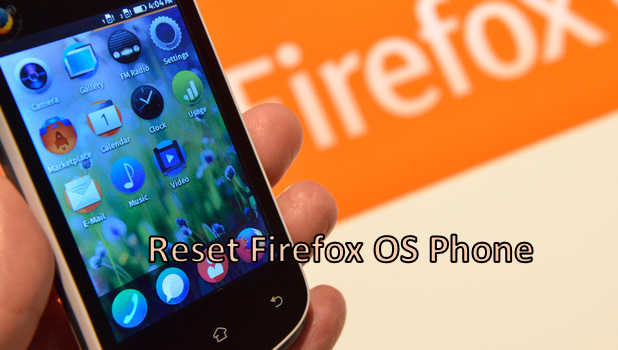
Your Firefox OS phone, just like other phones running on other operating systems, will probably reach a point where a reset is needed. If you have a laggy device, are having trouble with malicious applications and application errors, or simply want to delete all the content of your phone, then a reset may be needed. For some operating systems such as Android and iPhone, there are different ways to reset a device and each type differs in its cleanup. However, for Firefox OS devices, resetting a phone means deleting the all the files and data you have saved on your device (e.g., contacts, messages, media files, etc.). If you want to know the reset procedure for a Firefox OS phone, you have come to the right place.
Not only does Apple Music let you stream millions of songs online, but it also gives you the ability to save your favorite tracks to your device for offline listening. Here is how you can use this feature to download songs to your music collection.
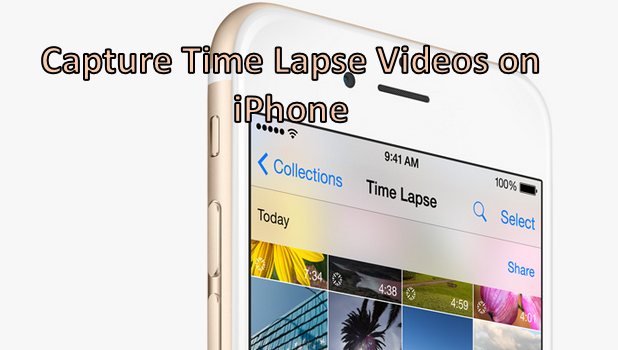
Time-lapse is a camera mode that was introduced with iOS 8. Using time-lapse, you can capture an event as it slowly unfolds and view it on fast forward. We have an article on how to shoot slow motion videos. Capturing time-lapse videos is the opposite of this. Now, in just a few minutes, you can capture the movement of a busy city’s rush hour, watch the sunset, or see the progress of a building under construction. The possibilities are endless. The best aspect of this feature is that your device does most of the work for you. If you are eager to start shooting your own time-lapse video, read on.
Your Firefox OS device, by default, has a notification sound to alert you of incoming system messages, app notifications, and SMS. Ringtones let you know that you have an incoming call. Vibration alerts help notify you of an alert when you are in a noisy environment or when your phone is set to silent mode. You can change and manage all of these by going to Settings. Read on to learn more about taking control over your Firefox OS phone’s vibrations and sounds.
1...211212213...524Page 212 of 524 error: Content is protected !!