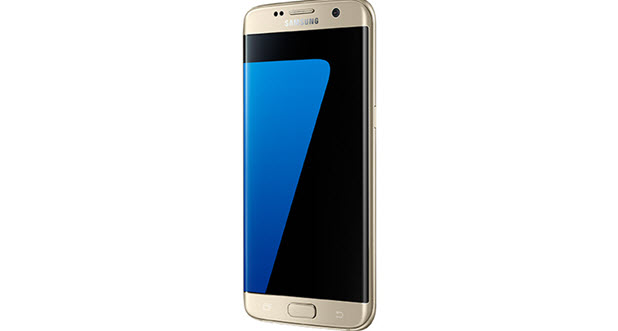
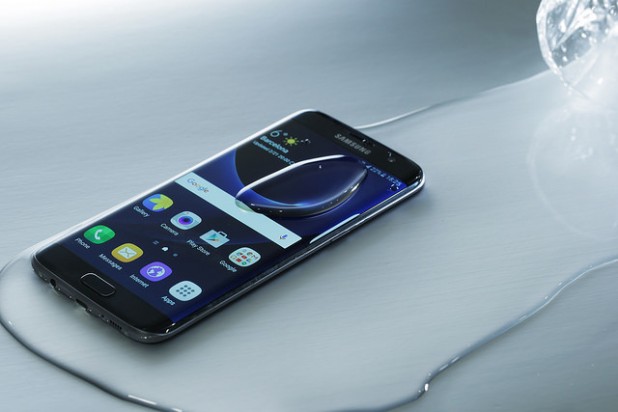
The Galaxy S7 and S7 Edge come with a nifty feature called Always-on Display which keeps your screen on to show important information such as the time, date, calendar and notifications, even if your screen is locked and you have not turned it on. However, it is disabled by default. Continue reading to find out how to turn on, use or change Always-on Display on Galaxy S7.
A wet cell phone is a hastle. An expensive cell phone dropped in water is a nightmare! Water and electronics just do not mix. A cell phone submerged in water can ruin the device unless you bring it to a service center for repairs – or you are quick enough to react to the situation. A wet cell phone does not necessarily mean you now have a defective device or need a costly repair. Sometimes all you need is patience and the proper instructions. Do your best to remain calm while this tutorial guides you through the steps you can take to save your phone.
To ensure that you get the most from the apps installed on your iOS device, you need to update them. Some apps compel you to update to the latest version by preventing you from using them until they are updated. There are two ways to update the iOS apps on your gadget: You can either update them from your device using the App Store or from iTunes. This tutorial covers both ways of updating the applications on your iPhone, iPad, and iPod Touch.
If you own a mobile device, chances are you have the Facebook Messenger app. With over a billion downloads on Android’s Play Store and as one of the Apple App Store’s top free apps, Facebook Messenger’s worldwide popularity is undeniable. If you have Messenger on your phone and you are a soccer fan, then you should check out the secret soccer game on Facebook Messenger.
Google Sheets has a built-in conditional formatting tool that allows you to set rules that will pick out cells that meet your criteria and format them according to your specifications. You can use conditional formatting to format Non-Blank Cells, values above or below thresholds you set, or even custom formulas. In this tutorial, I will walk you through how to highlight cells containing specific text. I will use an example list of locations and create a conditional formatting rule that will highlight all the cells that contain the word “Walmart.”
Your workplace assignments are not school projects where one person does all the work while the others get the credit. Work related assignments must be done collaboratively. Most importantly, these tasks need to be pre-planned and organized in order to ensure that they are managed well. When planning a project, you can make the task less stressful for the team in several ways. Here are some methods for project planning that can help make your next project a success.
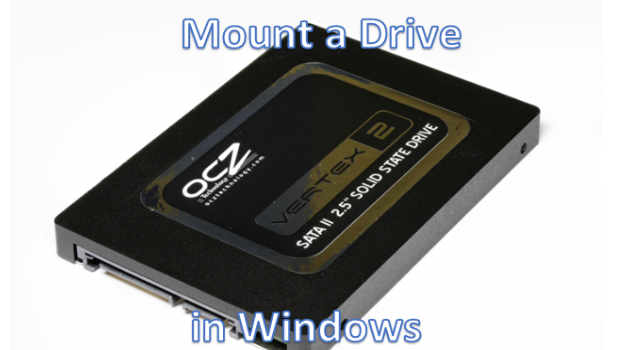
You can mount a drive in Windows so that you can map a certain drive’s available space to another drive. In simplest terms, this means that you can utilize a specific drive’s space so that it can be used by another drive. Imagine that you have no more available free space on your drive C, but you still have a large amount of unused space on your drive D. Now, let’s say you have a game on your drive C that needs an update, and the update requires a large amount of space that cannot fit into your drive. You can mount your drive C to drive D so that you will be able to add more files to your drive C without requiring additional space on the drive. This tutorial explains how to mount a drive in Windows.
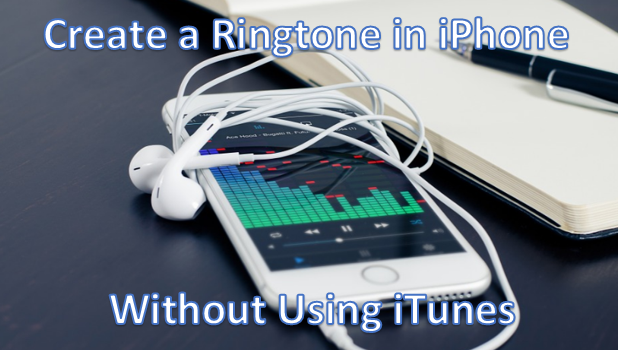
iPhone has a range of different ringtones that come with the device. If you want to add more ringtones, you can get them from the iTunes site for free or for a minimal fee. Tech-Recipes has a tutorial which describes how to use iTunes on your computer to create your own ringtones. There is also a lesser known way to create your own free ringtones in iPhone without using iTunes. GarageBand, one of the iPhone’s native apps, has the ability to convert any music file to a ringtone file. This tutorial explains how to use it to make and customize your own ringtone.
If you are on social media constantly, you may find yourself posting from one social site to another. You may be posting the same updates on both Facebook and Twitter. What if you could tweet your Facebook status updates automatically so that you would not need to tweet the same post on your Twitter account? By following the steps outlined in this tutorial, you will find out how to tweet Facebook status updates automatically.
For strategic reasons, Apple does not allow you to create and edit contact groups from your device. The company wants you to get to know and use its various products and features. To create a contact group on your iPhone, you need to use the internet login to Apple’s official iCloud website. Tech-Recipes has a tutorial on how to create a contact group in case you do not yet know how to create one. Adding a contact to an existing contact group is easy. You just need to go to your iPhone’s Phone app. What you may find perplexing is deleting a contact from an existing group in iPhone. After several attempts to delete a contact from a group, you may have given up, thinking there is just no way to do it. Fortunately, there is a way! To find out how to delete a contact from a group in iPhone, keep reading.
One of the most unique features of the Samsung Galaxy Edge line is the Edge screen that lets users quickly access the Edge panels – small apps which overlay others and can be accessed at any time. However, not all of the Edge panels are helpful to all users. Depending on your age and your preferences, you may never use the apps related to market data or streaming videos. Luckily, Edge panels are editable. This tutorial will show you how to add or remove Edge panels on a Galaxy S7 or S6 Edge.
The WordPress blog platform comes with a theme store full of quality themes that you can use anytime you want to transform the look of your site. If you think that your blog looks a bit outdated, you can follow this tutorial to change its theme. Because the theme store is integrated right into WordPress, previewing and switching themes for your site can be done in just a few clicks. Continue reading to find out how.
1...195196197...528Page 196 of 528
error: Content is protected !!