How to Allow Specific People to Call on Do Not Disturb Mode on iPhone
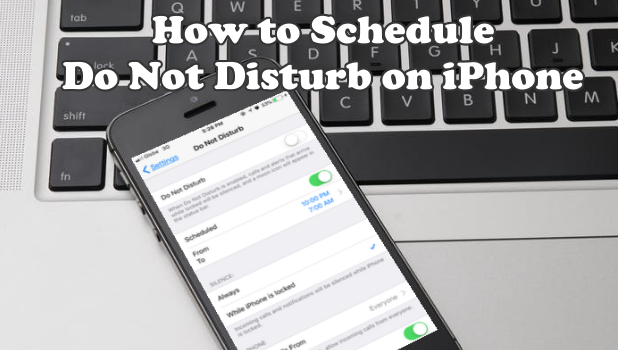
Sometimes, the iPhone can be a distraction. You can use the Do Not Disturb feature to block any notification while your iPhone’s screen is turned off. However, there are certain people whom you want to contact you regardless if you are sleeping or doing something important. This article will discuss how to allow specific people to call while the Do Not Disturb Mode on iPhone is enabled.
How To Block A Website On Google Chrome

Websites are great, aren’t they? Most times we find ourselves clicking on websites involuntarily when we are supposed to be working, engaged with something else, or when they rank too high for many of our search terms but then force us to sign up to them when we click through, and so many reasons more.
How to Enable / Disable Auto-Capitalization on iPhone
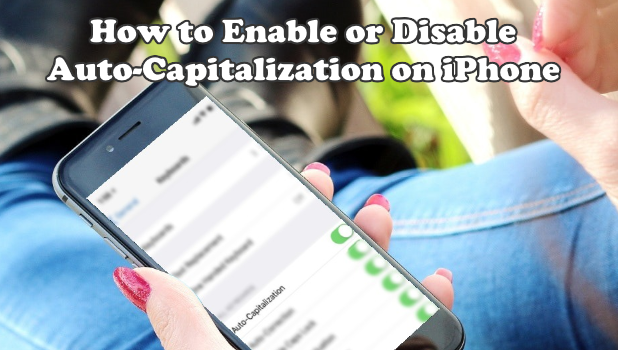
Whether you are for or against the auto-capitalization on iPhone, this article will help how to enable or disable the feature.
How to Turn On Narrator for iPhone
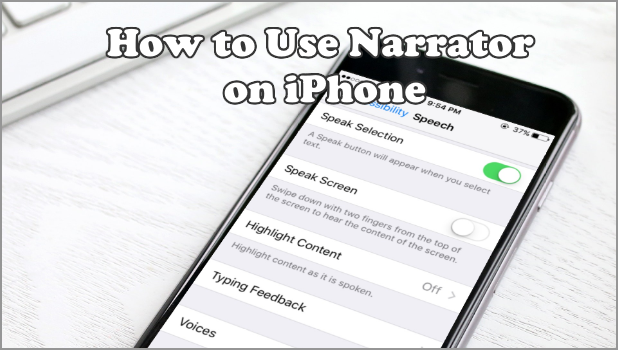
Are you having a hard time typing a single text on your iPhone? Not really sure if you typed the correct letters? Do you have a poor eyesight? If you answer all the questions with a “Yes”, we’ve got you a solution.
How to Take a Screenshot on iPhone X
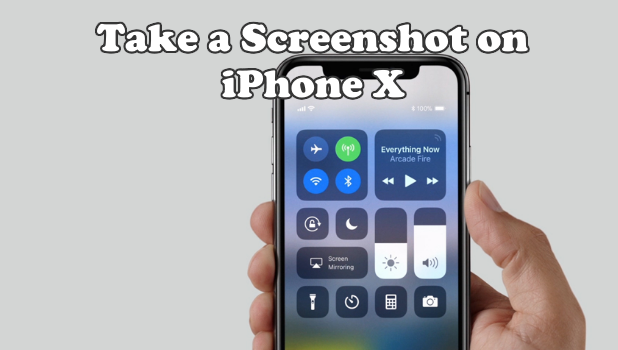
Since Apple has ditched the Home button on their latest iPhone device, taking a screenshot on iPhone X has changed by a bit. Here’s how to take one.
How to Use Text Replacement on iPhone
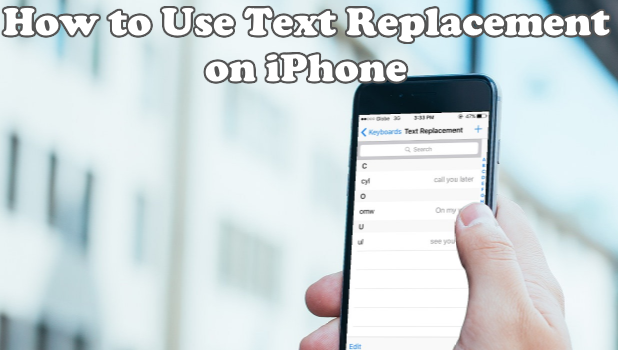
Use Text Replacement on iPhone and keep your typing time lesser and more productive. Learn how to use the feature here.
How to Change the Date and Time on iPhone
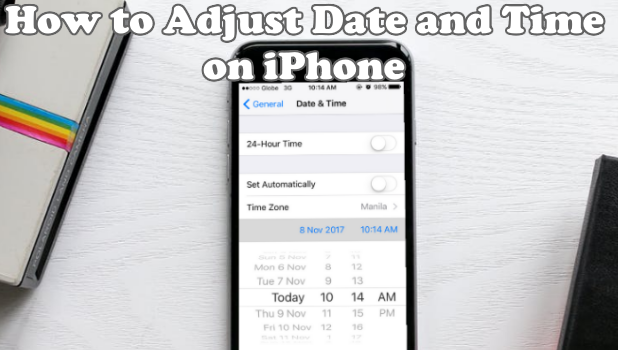
Learn how to change the date, time, and timezone on your iPhone. This article teaches you how to change the date and time on iPhone.
How to Force Restart Any iPhone Model
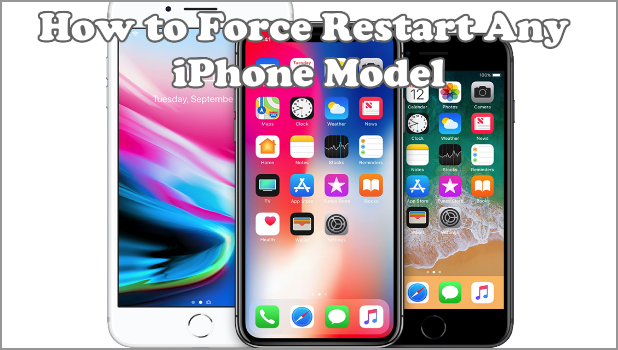
If you experience a frozen and unresponsive iPhone, doing a force restart might fix the issue. This article will teach you how to force restart any iPhone model. From the latest iPhone X to the older iPhone models, we got you covered.
How to Turn Off iPhone X
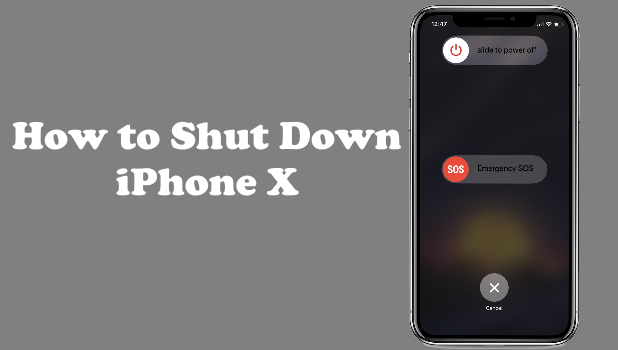
Restarting, rebooting, and power cycling are some of the common terms people use when they refer to a device being turned off and then turned on again. For most of the time, turning on and off a device is intuitive leaning to the side of basic. The process usually involves either pressing or holding the Power button. Though the iPhone uses the same method, there are a few changes and updates that users need to know – especially with iPhone X. This article will discuss how to turn off iPhone X.
How to Switch iPhone to Flight Mode
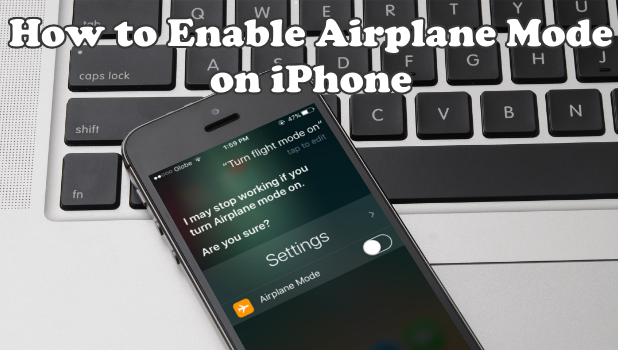
Airplane Mode or also known as Flight mode allows you to block your phone’s signal. Thus, incoming and outgoing services that need signal reception won’t be possible. It will affect your cellular data as well. Yet, there are some instances that airplane mode is necessary. As it was named for, the best scenario would be during the airplane’s take off as cellular signals where thought to interfere with the aircraft signals and airline communications operations. This article will discuss how to switch iPhone to Flight Mode.
How to Enable Guided Access on iPhone