
How to Use Reachability on iPhone X
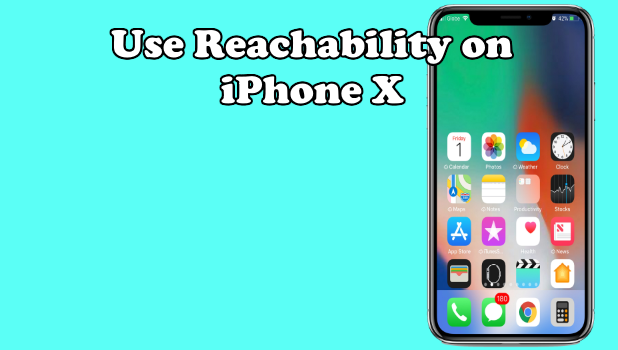
Use Reachability on iPhone X to pull down your device’s screen so you can comfortably use your phone with a single hand. Reachability allows the icons on the upper part of the screen to temporarily slide down so you can easily reach them. Older iPhone models require the Home button to activate Reachability. Since the Apple’s 10-year-anniversary phone do not have the Home button, there is a new yet instinctive gesture to launch Reachability on iPhone X.
How to Customize the Home Button on iPhone
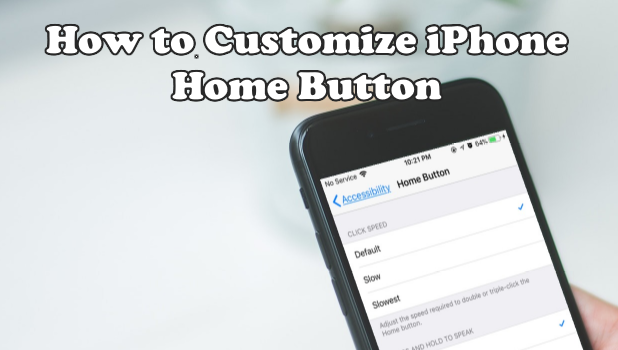
Unlike other smartphones, the iPhone has only one button – that’s the Home button. The Home button has several functions for different types of click. Click it once, and it brings you to your Home Screen. Press it twice to let you multitask. Click on the button for three times, and it will give you many accessibility options through the Assistive Shortcut. You can change your Home button click speed and choose how iPhone responds to interactions with the Home button. This article will discuss how to customize the Home button on iPhone
How to Change iPhone Touch Accommodations
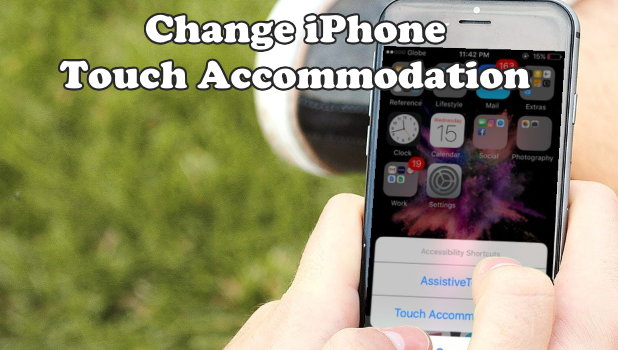
If you are having issues with using your iPhone’s touchscreen, you can adjust how your device respond to touches. You can use the Touch Accommodations feature on your iPhone to adjust and change how your iPhone respond to touches on the touchscreen. Learn how to change the iPhone Touch Accommodations in this article.
How To Backup Photos On Android | Easiest Methods
Hey there Android power user, it’s another moment of learning something really fresh. Guess what, it’s gonna be a tip of the season. In this article, you will learn how to backup photos on Android.
How to Get to the Home Screen on iPhone X
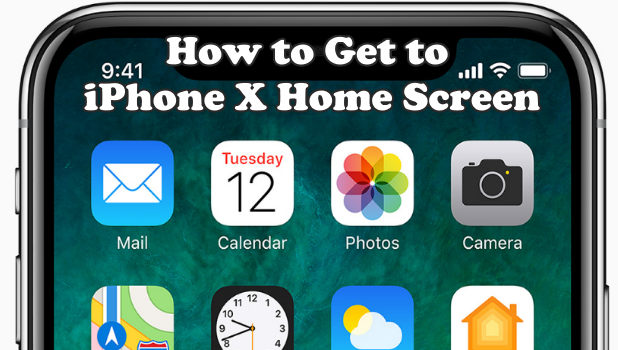
It is already a known fact that the iPhone X does not have a Home button. So how do you get to the Home screen? It is so easy, simple, and fast that you can forget and not think about the missing Home button. This article will teach you how to get to the Home screen on iPhone X quickly.
How To Shorten Links For Twitter
Twitter is one of the most popular social media platforms. I like twitter because it stands out uniquely with awesome features. Here’s an article that will show you how to shorten links for Twitter.
How to Access Recently Used Apps on iPhone X
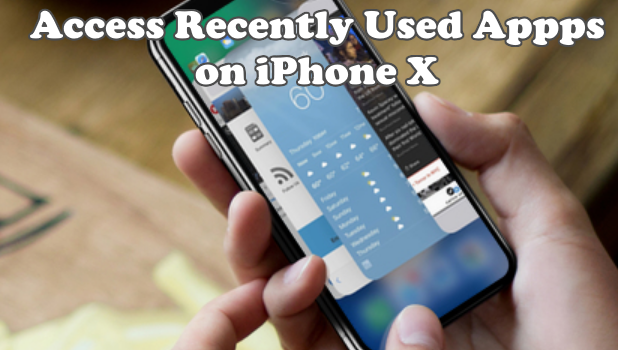
The iPhone’s Home button was the main key to view, open, and close recently used apps on your iPhone. With the Home button removed on Apple’s 10th-year-anniversary phone, there is a new way to access recently used apps on iPhone X. This article will discuss how to view, open, and close recently used app on iPhone X.
How to Display Battery Percentage on iPhone X
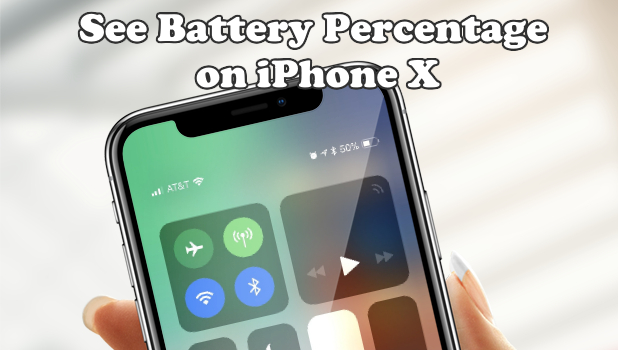
Let’s get straight to the point. There is no way to see the battery percentage on iPhone X from the Home screen. However, there is still a way how to see the battery percentage with one quick gesture. This article will guide you how.
How to Access the Control Center on iPhone X
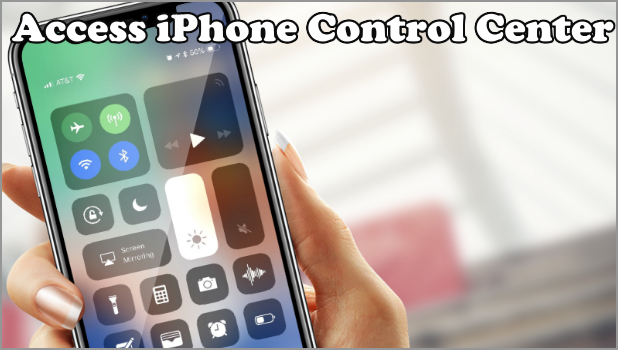
You can no longer access the control center on iPhone X using the usual method. The previous method of swiping up from the bottom edge of your screen will take you back to the Home screen instead – not to the Control Center on iPhone X. This article will discuss the new way to access iPhone’s Control Center.
How To Empty Gmail Trash | Easiest Method Ever
Hey there, Gmail user. Today you are gonna learn something very interesting and worth sharing. Today’s tech-recipe is centered on Gmail. After reading this article you will learn how to empty Gmail trash. Gmail is one of the best email platforms with lots of powerful features.
How To Translate A Page In Google Chrome
Here is one of those short but yet exciting articles aimed at giving you top-notch information. On this article, you will learn how to translate a page in Google Chrome. The process is not a difficult one. It is as simple as your ABC’s way back in the day. Let’s go.



