
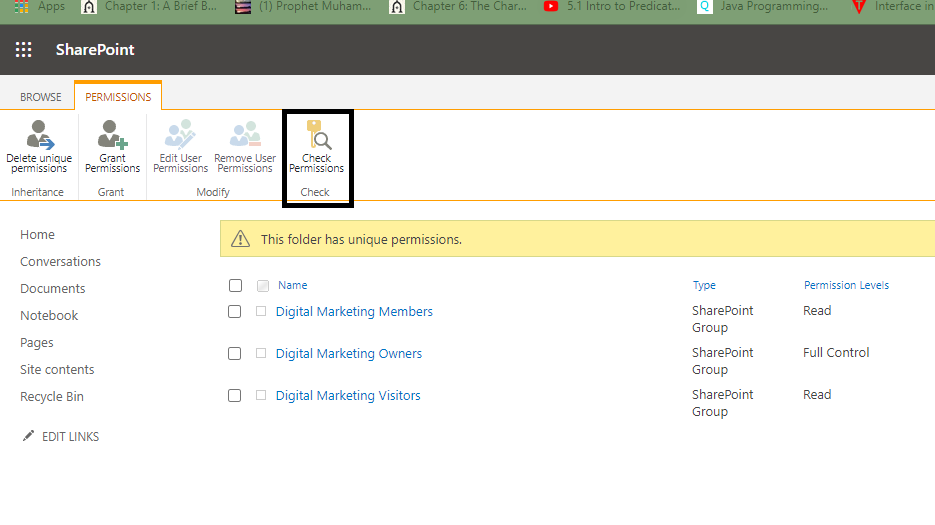
SharePoint is a Microsoft service that provides similar features as the dropbox, Google drive. The plus is that SharePoint integrates with other Microsoft services such as the Microsoft teams. Teams need to collaborate on shared resources and that’s exactly what SharePoint allows. Check out “How to Manage File Access in SharePoint”.
How to Turn on Dark Mode in MS Teams
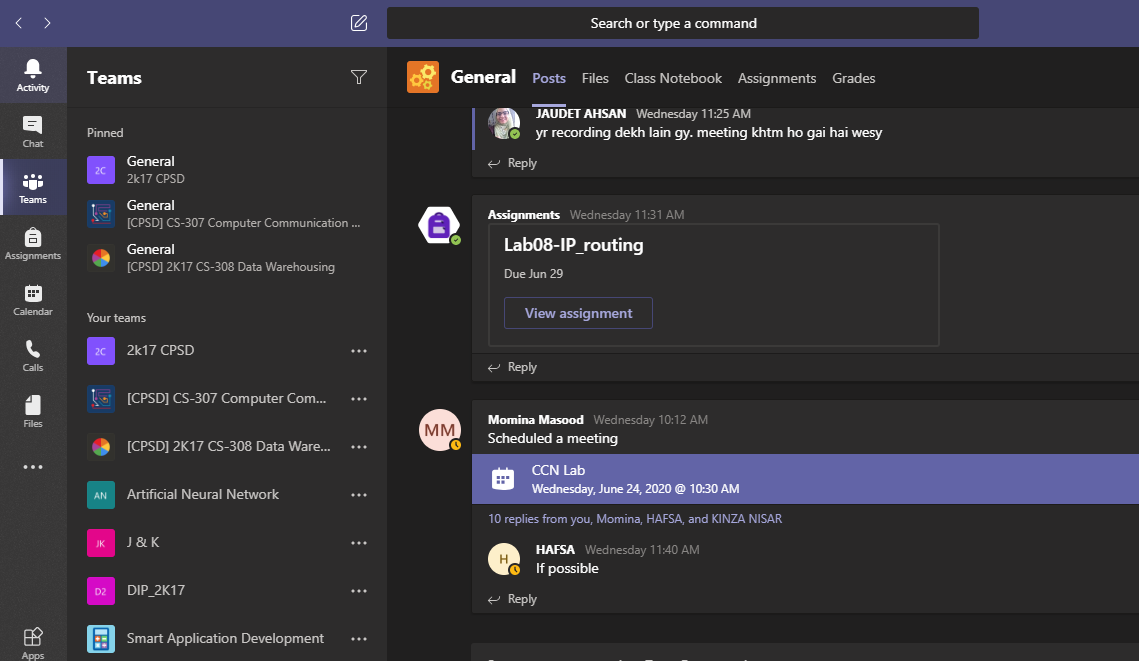
Microsoft Teams is one widely used app right now. People are working in the form of a remote team in this pandemic. Microsoft services have saved us from trouble. MS Teams platform lets you manage teams and collaborate with people in your organization. Here’s what’s cool about Teams. You can change the theme and change your entire mood of working online. Checkout How to Turn on Dark Mode in MS Teams.
Working With Hashtags on LinkedIn
LinkedIn introduced hashtags back in 2018. They aren’t the same as Instagram or Twitter hashtags, though. Rather, they’ve got more to do with your job function and/or industry on LinkedIn. Using hashtags on this platform makes your content more discoverable by companies and/or potential member clients interested in hiring you. But as LinkedIn is a professional platform mainly, it’s important to keep hashtags work-related. You can discover more jobs and companies by following related hashtags. Below are a few things you need to know about working with hashtags on LinkedIn. This activity is carried out in the same way, regardless of whether you’re using LinkedIn’s browser version or the app.
Clearing Your Search History in LinkedIn
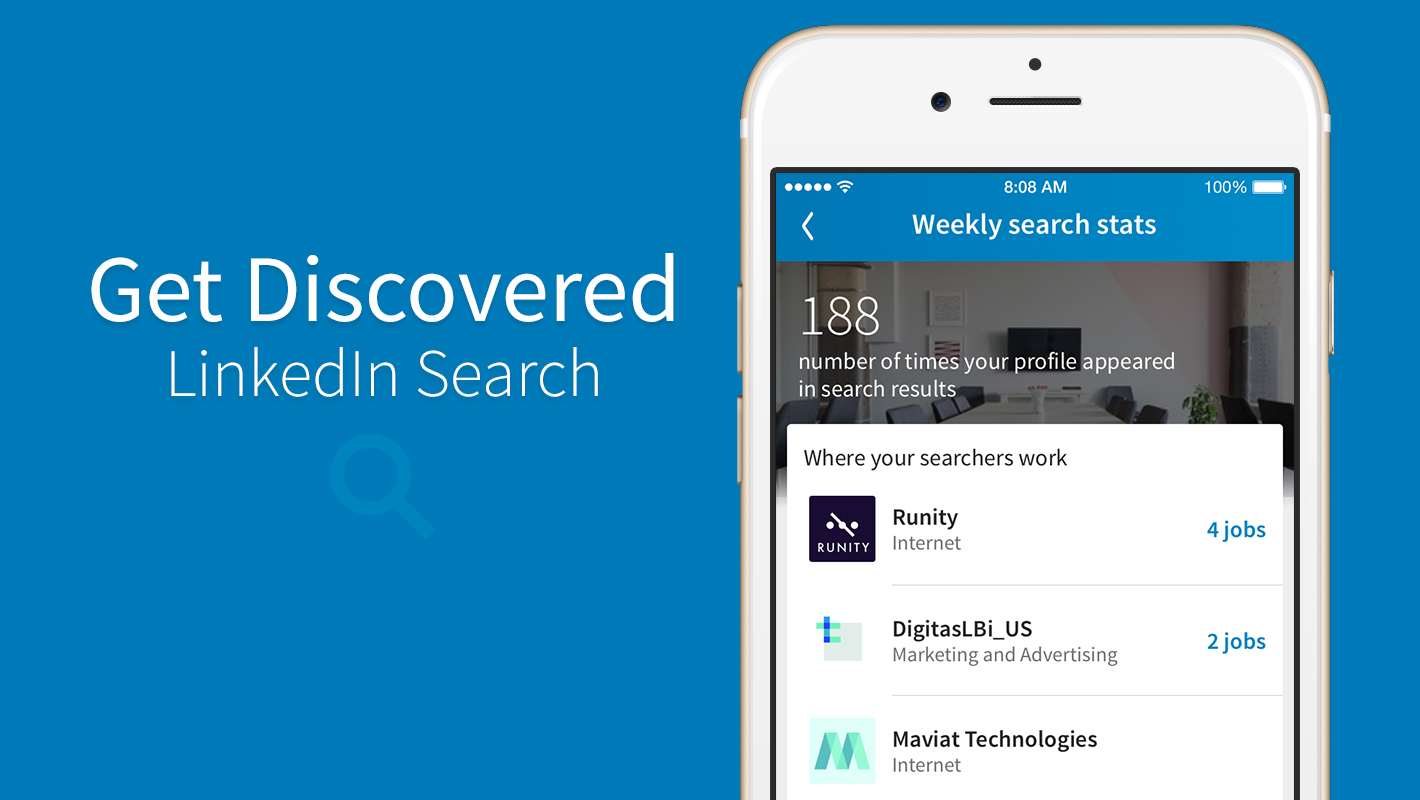
Clearing a search history can be useful sometimes, especially if you have privacy concerns or are simply too paranoid to leave your search terms hanging in your account. With LinkedIn, you can clear your search history in two ways. One is with the tap of a single button. And the other is a longer route: via your account’s privacy settings. In either case, clearing your search history on LinkedIn is simple. Clearing your LinkedIn search history follows the same method in the app as well as the desktop version. However, the methods below have been carried out via the LinkedIn Android app.
How to Use Google Lens in Google Go.
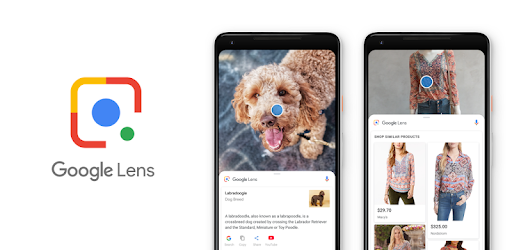
What is Google Go? Never Heard of it? Well, its an app. A Google App. You can use the Google search engine. But that’s not it. Google Go is much cooler than that. What makes it so amazing is the presence of Google Lens.
SSIS- How To Export & Import ISPAC File SSISDB – Visual Studio

A walkthrough and learning how to export & import ISPAC files from SSISDB and Visual Studio. ISPAC file referred to as a deployable output file generated from SQL server integration projects. When we build SSIS project it creates an ISPAC file under the bin folder. Besides, while deploying SSIS projects from Visual studio is equivalent to deploying ISPAC files in the back hood.
SQL Server – Error Solution – String or Binary Data would be Truncated

The most popular and annoying error message every SQL Server developer runs into during development. String or Binary data would be truncated. For instance, annoying when an Insert statement with 100 columns starts raising truncation error. However, we do not have an easy way out to find the string value and column name generating truncation error.
Most importantly, I was trying to find the column and row generating a truncation error message. We had to use length function to find the longest string in input data. Furthermore, Dividing the load to see which batch of rows raising truncation error.
Solution to “Someone Keeps Removing Me From MS Teams Meeting”
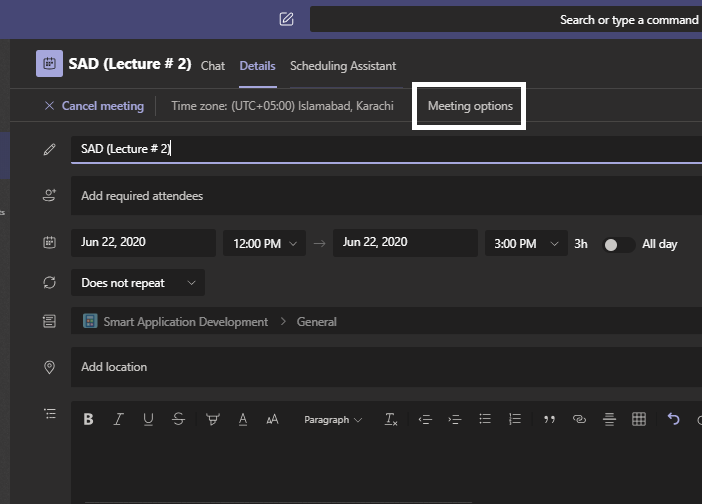
Online classes are in full swing. A few days back when online school started, there was an issue that blew my mind every time. Some people from the class lost their cool and started removing people from the meeting. This was too disturbing. Well, we found out the solution soon enough. This is what you can do if “Someone Keeps Removing Me From MS Teams Meeting”
How to Set Someone as Owner of Team | MS Teams
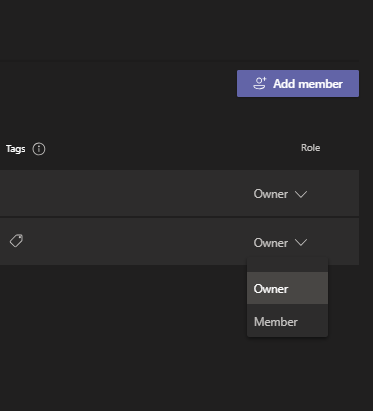
MS Teams is the most used app right now in the app world. Because of the pandemic since all the offices have shifted to homes, this app along with the skype and zoom app is a huge help. Microsoft Teams is a great platform, especially for universities. Universities can purchase the license and bring all the students on one platform. This Tech-Recipe is a quick tutorial on setting Someone as Owner of the Team
How to React to Pins on Pinterest (Updated)

Just like Facebook’s reactions to posts, Pinterest now lets you do the same thing on pins. You can react to pins in the form of giving a pin a cheer, smiley, or some other emoji. The react feature is available for videos, too. However, it is only present for pins that are in group board(s). You can learn all about group boards in this guide. You will also understand how to react to pins on Pinterest (updated) for Android, here.
How to Save Mobile Data When Using Whatsapp
Using Whatsapp on mobile data is very different from using it on wifi. There’s a lot more restriction on mobile data. You have a few MBs. Depending on the type of data you are receiving, the free-range use of Whatsapp can cost 50-100 MBs of data an hour. Depending on the type of data you are receiving. In this tech-recipe, you will learn to Save Mobile Data When Using Whatsapp.
How to Set Themes on an Android Keyboard
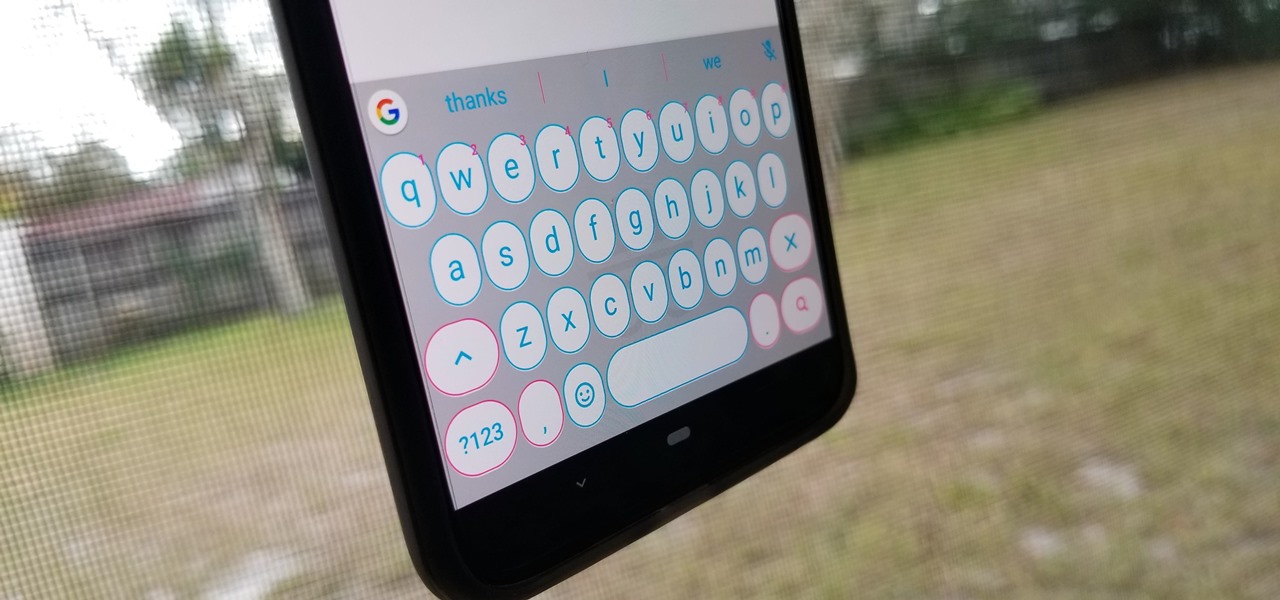
There are many features you can customize on your Android phone. But thanks to Google’s introduction of the Gboard as the default keyboard, you can even customize your keyboard theme! Give your phone’s screen a unique look by setting your own theme keyboard theme. That is sure to turn some eyes your phone’s way each time its keyboard pops up on screen. You can set your own theme as well as select in-built Gboard themes. They come in the form of colors, landscapes and gradients. Here is where you’ll find out how to set the theme on Android keyboard in 3 incredibly easy ways.



