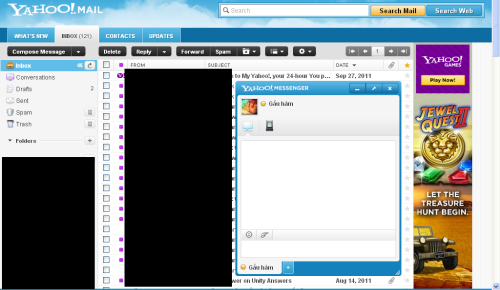
By default, when you chat with friends via Yahoo Mail, the conversation windows will appear at the bottom of the page. This area can get clutter very fast if you chat with many friends. Fortunately, you can always change the setting to display those windows as tabs to make the interface cleaner.
1. Log in to your Yahoo Mail account.
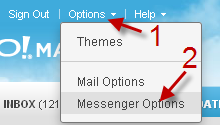
2. Go to Options -> Messenger Options.
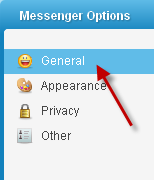
3. Go to the General tab.
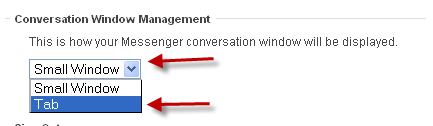
4. Find the Conversation Window Management section, choose Tab from the drop-down menu.
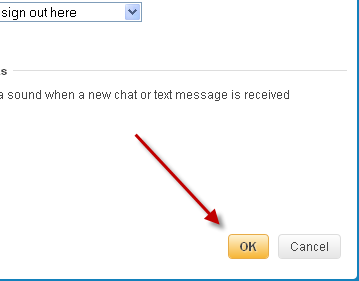
5. Hit OK to save the change.
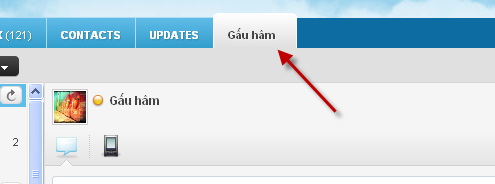
The conversation windows will now be displayed like this:
instead of this: