

Pushing a file, directory listing, or other text into the clipboard from the command line is very clever and useful.
In all modern versions of Windows, you can pipe information to clip to push text into the clipboard. Here are some examples:
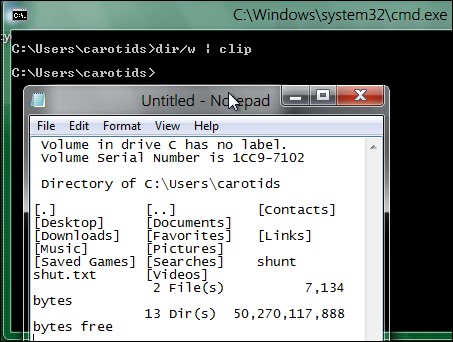
To push a directory listing into the clipboard:
dir/w | clip
To copy a text file into the clipboard:
type textfile.txt | clip




