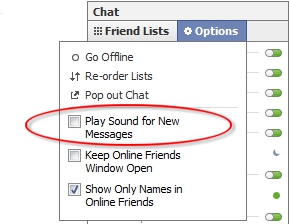
If you find yourself getting annoyed by the notification sound that goes off each and every time that you have a new chat message on Facebook, you can disable it and maintain your sanity.
1. Go to Facebook and login to your account.
2. Go down to the bottom of the page and click Chat.
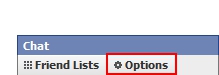
3. Click Options.
4. Uncheck the Play Sound for New Messages checkbox.