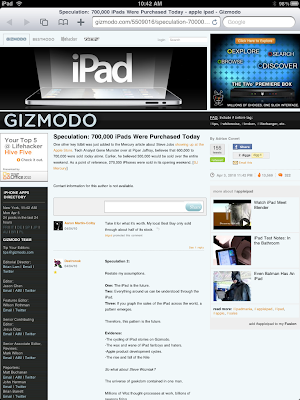
This recipe is a quickie for those new iPad owners who use Google Reader to view their RSS Feeds. Since the iPad’s Agent String is similar to an iPhone/iPod Touch, when you go to your Google Reader page you will be redirected to Google’s Mobile Version.
This is not a bad thing since it is formatted nicely for the iPad. However there is one annoying downfall of this is that by default on the mobile Google reader page, links to a post/site are reformatted for a mobile phone browser which does not look very good on an iPad (see screenshot below as an example of gizmodo.com via a Google reader link).
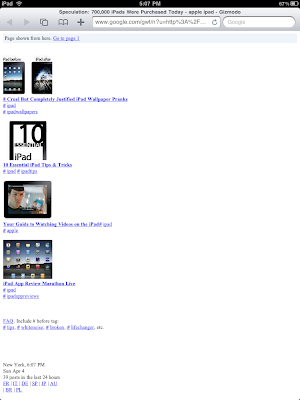
Lets change that.
1. Go to Google Reader on your iPad in Safari.
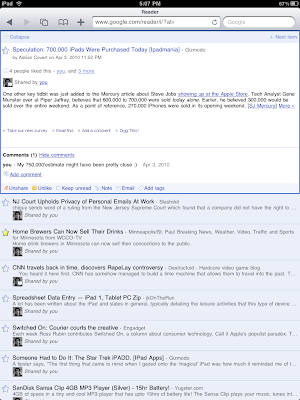
2. Go down at the bottom of the page and choose Settings.
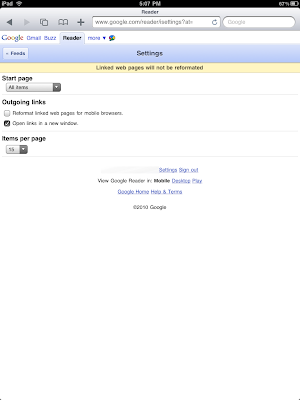
3. Un-check the “Reformat linked web pages for mobile browsers” and then click back on the Feeds button.
4. Now when you click a link or post in your Google Reader page, you will get the full web page vs a google reformatted version.